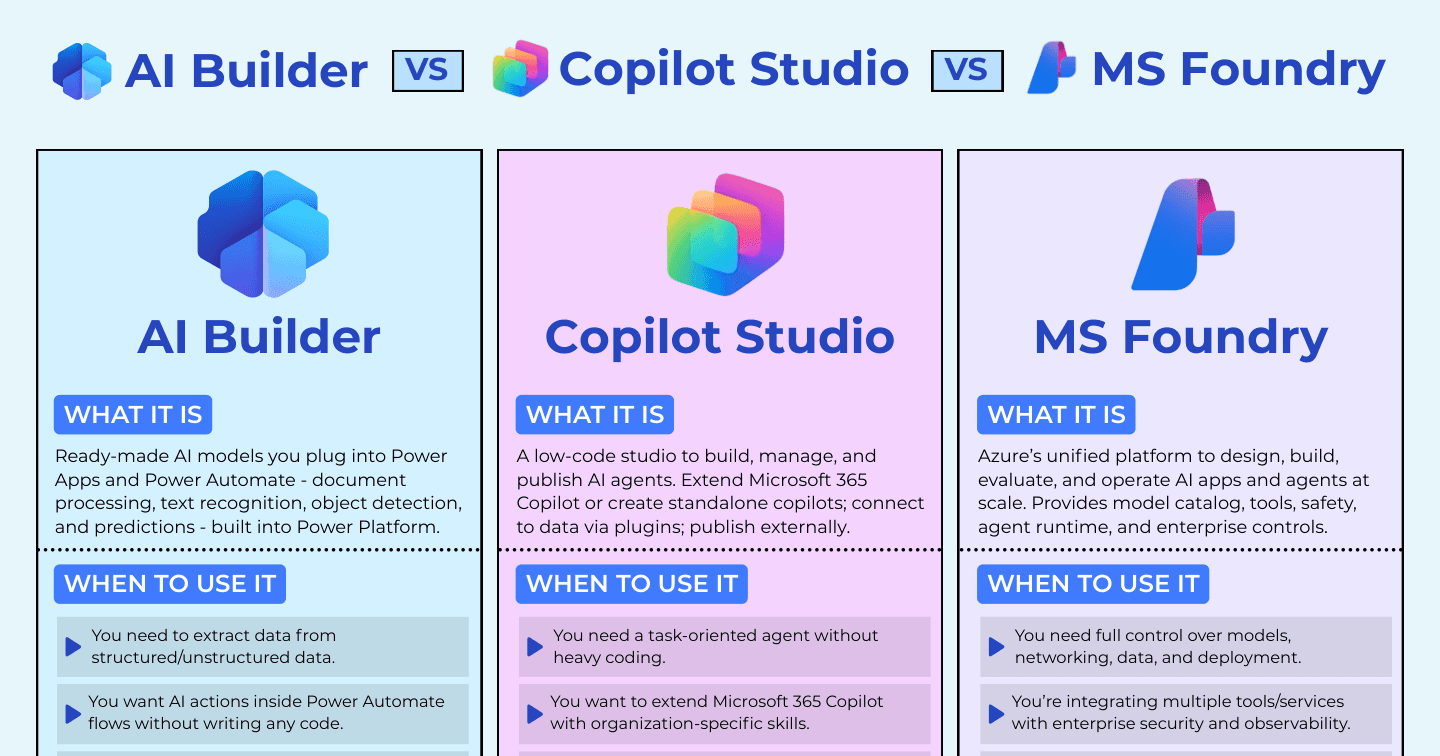
AI Builder vs Copilot Studio vs Microsoft Foundry: Which Microsoft AI Tool Fits Your Project?

Howdang Rashid
Saturday, 22 August 2026 · 4 min read
Three Microsoft AI tools, three very different jobs. The short version: AI Builder drops ready-made AI models into your Power Apps and flows, Copilot Studio is where you build and publish AI agents with low code, and Microsoft Foundry is Azure's platform for building and operating AI at enterprise scale. Picking the wrong one costs you months - either fighting a tool that is too simple for the job, or paying the setup tax of a platform you never needed.
Here's the comparison on one page:
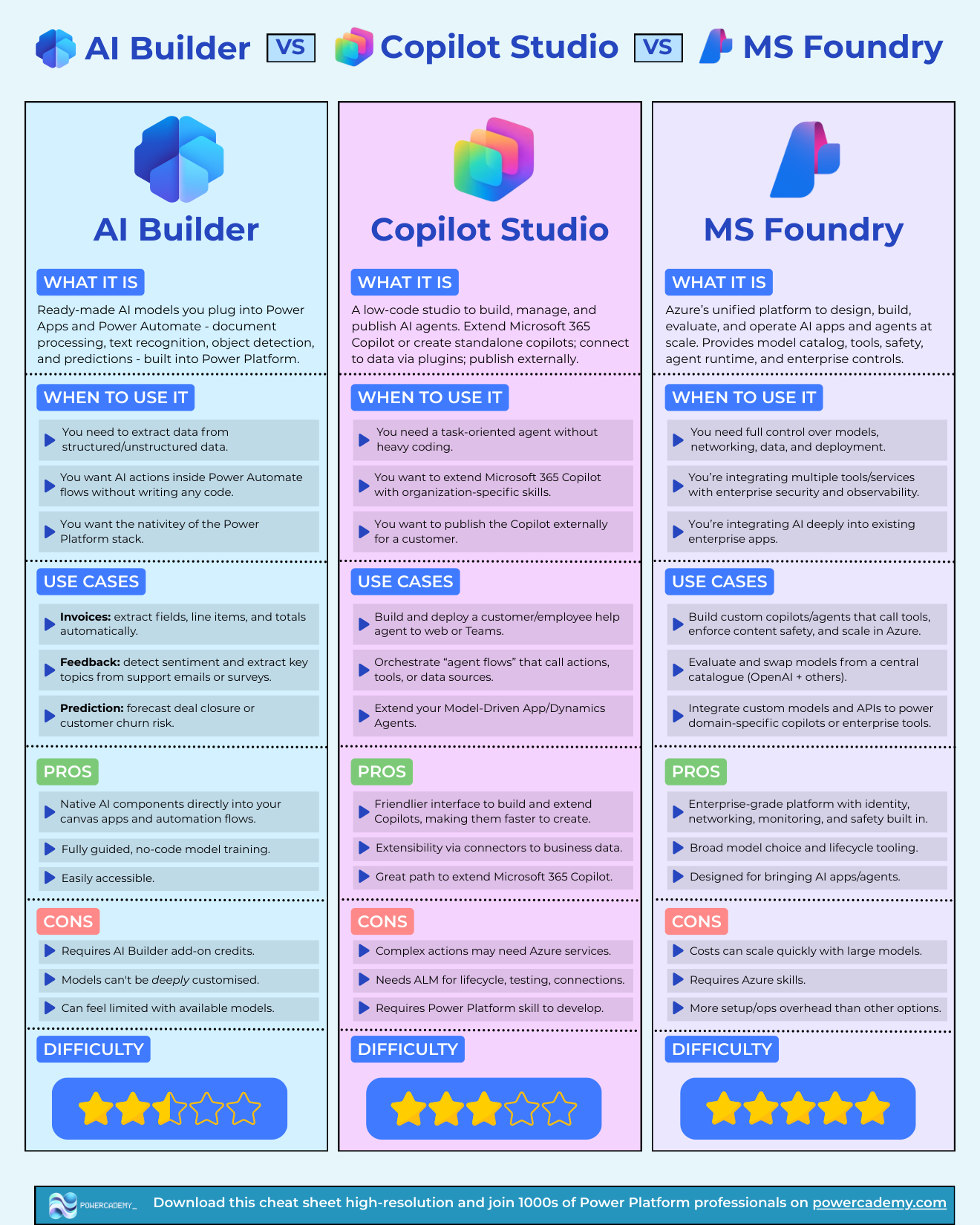
Want the hi-res version? It's free in the Powercademy Success Kit, along with hundreds of other Microsoft AI and Power Platform resources.
What's the difference at a glance?
AI Builder | Copilot Studio | Microsoft Foundry | |
|---|---|---|---|
What it is | Ready-made AI models inside Power Platform | Low-code studio for building and publishing agents | Azure platform for AI apps and agents at scale |
Best for | AI actions in apps and flows, no code | Task-oriented agents, extending M365 Copilot | Full control over models, data, and deployment |
Watch out for | Credits, limited model customisation | ALM overhead, complex actions need Azure | Azure skills required, costs scale with models |
Difficulty | 2.5 / 5 | 3 / 5 | 5 / 5 |
When should you use AI Builder?
AI Builder is the right call when you want AI inside something you are already building - a canvas app or a Power Automate flow - without writing code. It ships ready-made models for document processing, text recognition, object detection, and predictions, all native to the Power Platform stack.
Typical wins: extracting fields, line items, and totals from invoices automatically; detecting sentiment and key topics in support emails or surveys; forecasting deal closure or customer churn risk. Training is fully guided and no-code.
The trade-offs: it consumes AI Builder add-on credits, the models can't be deeply customised, and the catalogue can feel limiting once your requirements get specific. When you outgrow it, that's usually the signal you need one of the other two tools.
When should you use Copilot Studio?
Copilot Studio is for building agents - conversational, task-oriented AI you can publish to the web, Teams, or inside Microsoft 365 Copilot - without heavy coding. Connect it to business data via connectors and plugins, orchestrate agent flows that call actions and tools, and extend your model-driven apps and Dynamics agents.
Use it when you need a customer or employee help agent, when you want to extend Microsoft 365 Copilot with organisation-specific skills, or when you need to publish an agent externally for a customer. It has the friendliest build experience of the three and is the natural path for Power Platform professionals.
The trade-offs: complex actions may still need Azure services behind the scenes, production use needs proper ALM for lifecycle, testing, and connections, and you'll want existing Power Platform skills to be productive. I've written about the platform's direction in Copilot Studio classic vs the new harness.
When should you use Microsoft Foundry?
Microsoft Foundry (formerly Azure AI Foundry) is Azure's unified platform for designing, building, evaluating, and operating AI apps and agents at scale. You get a model catalogue spanning OpenAI and other providers, safety tooling, an agent runtime, and enterprise controls for identity, networking, and monitoring.
Reach for it when you need full control over models, networking, data, and deployment; when you are integrating multiple tools and services with enterprise security and observability; or when AI needs to sit deep inside existing enterprise applications. It is what serious AI engineering on Microsoft looks like.
The trade-offs: it demands Azure skills, costs can scale quickly with large models, and there is more setup and operations overhead than either of the other options. Five-star capability, five-star difficulty.
How do you choose between them?
Ask one question: where does the AI live?
Inside an app or flow you're already building → AI Builder
As an agent people talk to and delegate to → Copilot Studio
As a product or platform capability your engineering team owns → Microsoft Foundry
And remember they stack: a Copilot Studio agent can call AI Builder models, and Foundry can power the custom models behind both.
FAQ
Can I use AI Builder and Copilot Studio together?
Yes, and it's a common pattern: a Copilot Studio agent handles the conversation and orchestration, calling AI Builder models (say, invoice extraction) through Power Automate flows as actions.
Is Microsoft Foundry the same as Azure AI Foundry?
Yes - Microsoft has consolidated the branding to Microsoft Foundry. Same platform: model catalogue, agent runtime, evaluation, safety, and enterprise controls in Azure.
What licensing do these tools need?
AI Builder uses add-on credits on top of Power Platform licensing. Copilot Studio has its own message-based capacity licensing. Foundry is pay-as-you-go Azure consumption. Model the expected volume before you commit - the cost curves are very different.
Which one should a Power Platform developer learn first?
Copilot Studio. It builds directly on skills you already have, it's where Microsoft is investing hardest for makers, and agents are the fastest-growing demand in the ecosystem. Add AI Builder for quick wins, and touch Foundry when your projects need custom models or enterprise-scale operations.
The hi-res, printable version of this comparison is in the Powercademy Success Kit - free, along with hundreds of other cheat sheets, roadmaps, and guides for Microsoft professionals.