
Everything Announced At PPCC 2026

Howdang Rashid
Friday, 30 October 2026 · 10 min read
PPCC 2026 wrapped up in Las Vegas on 29 October, and in this blog post, we're going to cover everything that you need to know. The news is spread across about 20 blog posts from the fortnight around the event, a handful of keynote demos with no documentation yet, and a few licensing changes tucked away in Partner Center.
So I've pulled it all into one place. Below is every update I could find, grouped by product, with what each one means and a link to the source.
The short version
If you only read one section, read this one. These are the announcements that I believe have the most impact:
- Copilot Studio's engine has a new name: The harness behind agents was renamed from the GitHub Copilot Harness (confusing) to the Microsoft Copilot harness, now running across GitHub Copilot, Copilot Studio and Foundry, and was shown on stage lifting code-analysis accuracy from 40.6% to 88.1%.
- Agents can have their own Microsoft 365 account: An agent can now have its own mailbox, Teams presence and place in the org chart.
- No-code is now code: A Copilot Studio workflow built by a business team was fixed by a developer in VS Code with GitHub Copilot. It seems like Microsoft are moving away from the "low-code" label since it seems AI has well and truly democratised "pro-code".
- Work IQ is generally available in Copilot Studio, and Dataverse picked up a batch of Work IQ previews, including Business Skills and the Ask API.
- Canvas apps get an AI coauthor inside studio, in preview.
- Copilot Credits are now the only AI currency. AI Builder capacity add-ons stop selling on 1 November 2026.
- PPCC is becoming the Maker Conference, in Chicago on 2-4 November 2027. Sooo as predicted, this was the last one.
Copilot Studio
Copilot Studio got more stage time than anything else. It's quickly turning from a chatbot builder into a full process-automation platform, and I believe will be Microsoft's new front for maker experiences.
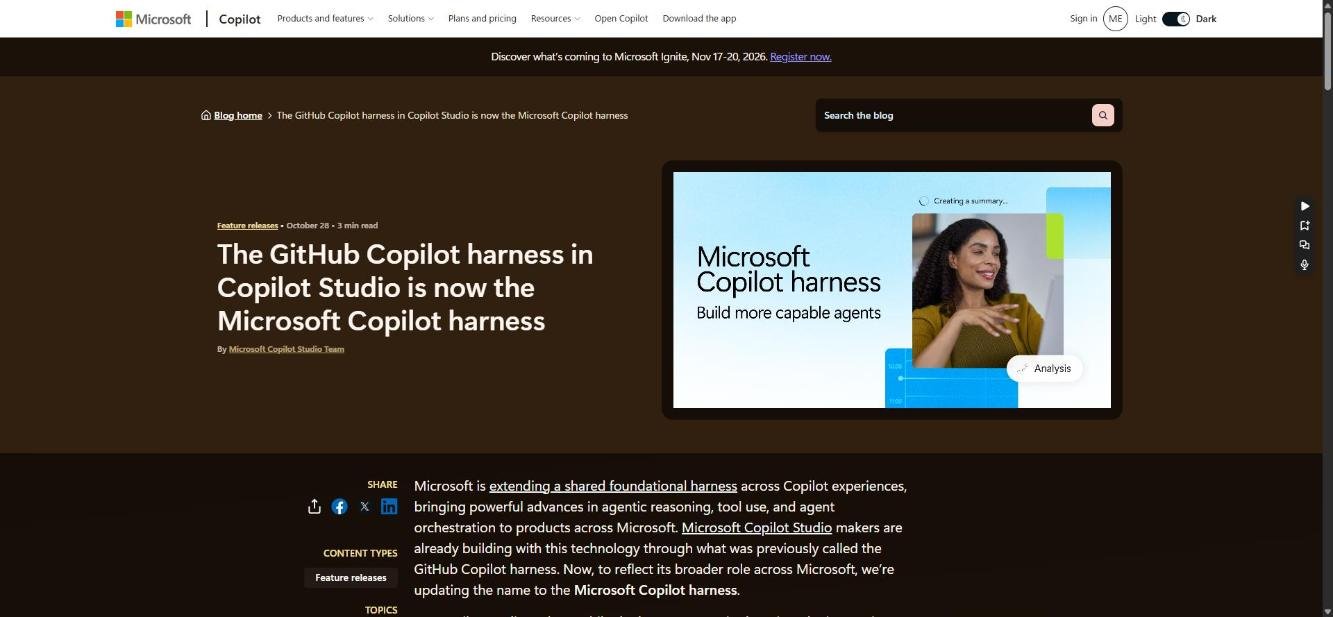
The Microsoft Copilot harness
Source: Microsoft Copilot blog
Ryan Cunningham presented the harness as the engine of "the new Copilot Studio". On stage, code-analysis accuracy went from 40.6% to 88.1% against the Standard harness, with about 45% fewer input tokens.
A day later, Microsoft renamed the GitHub Copilot harness to the Microsoft Copilot harness, because the same engine now runs across GitHub Copilot, VS Code, Copilot Studio and Foundry.
My rule of thumb now: Standard for topic-driven chatbots, Copilot Chat for agents that live in Microsoft 365 Copilot, and the Microsoft Copilot harness for anything that reasons, uses tools or runs a process.
Status: Rename, effective 28 October. Read the announcement
Agent accounts, business process memory and triggers
Source: Microsoft Copilot blog
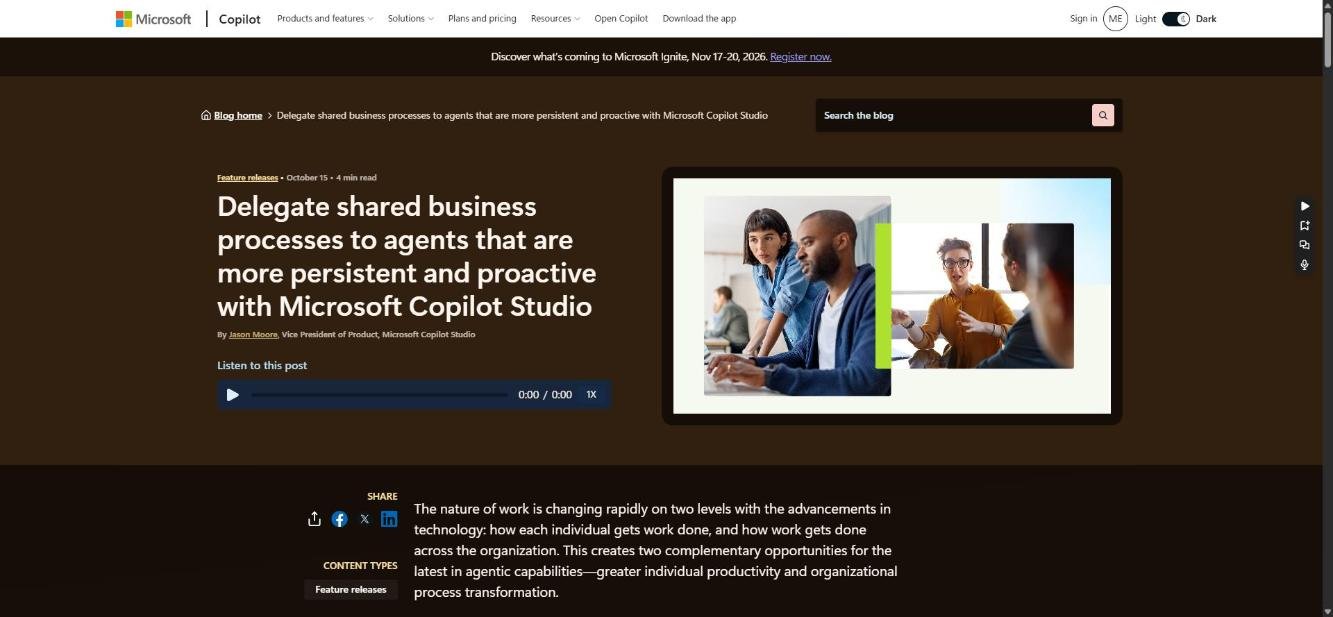
A Copilot Studio agent can now get its own Microsoft 365 identity: an Entra account, a mailbox, Teams presence and a directory entry that reports to its maker. Charles Lamanna showed his own agent, "Apollo", sitting in Microsoft's org chart. Business process memory carries team context between runs, and triggers start work from an email or a schedule with no prompt.
There are real limits in preview. There are no external users, no access to Confidential or Internal-only labelled files, and shared memory has no per-user boundary. The maker needs Microsoft 365 E5 plus Agent 365, or E7, and the tenant must be in Frontier.
Status: Private preview. Read the announcement / Docs
Workflows as code, fixed from VS Code
Source: Microsoft Learn
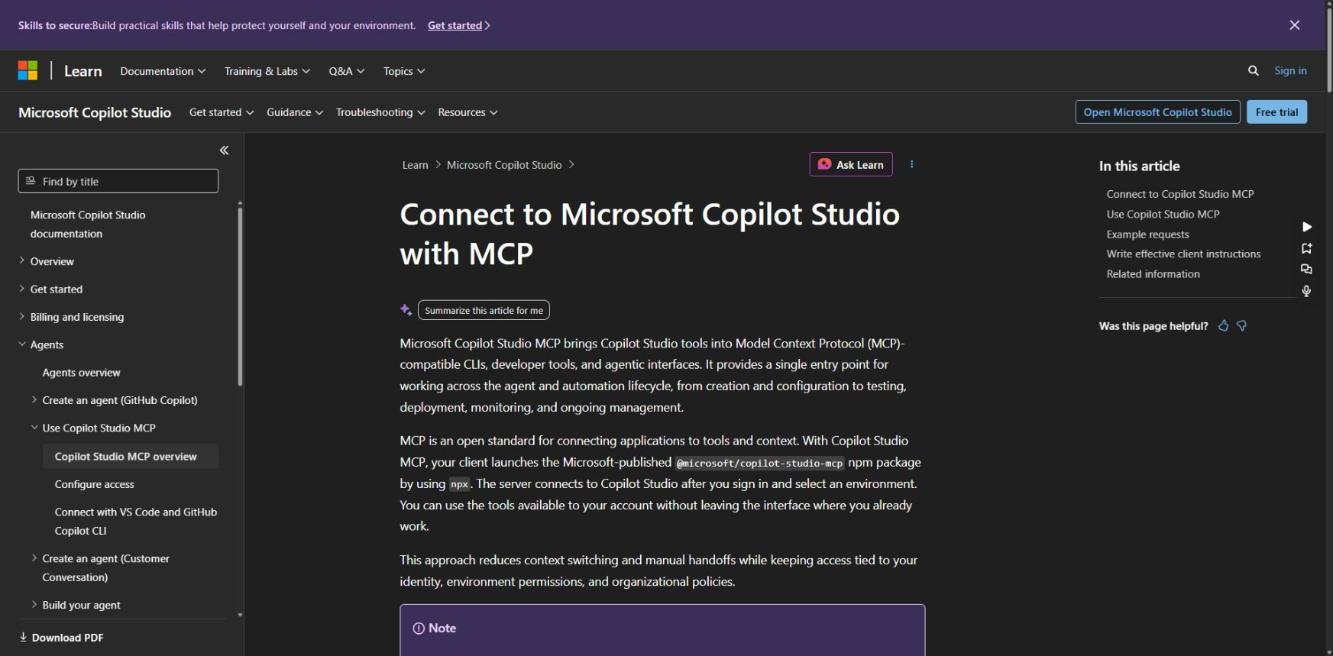
This was the keynote's boldest demo. A workflow a business team built in Copilot Studio was handed to a developer, who opened it in VS Code and fixed a bug using GitHub Copilot and an MCP server. They never touched the visual designer.
The public tool behind it is the Copilot Studio MCP server (@microsoft/copilot-studio-mcp). It lets you manage agents and workflows, check consumption, and test, publish and troubleshoot from any MCP client. For regulated clients, this finally opens the door to code review and proper ALM for agents.
Status: Shown on stage; MCP server documented. Docs / Use it from VS Code
Work IQ is generally available
Announced in the "Level Up Your Agents for Real-World Work" session. Work IQ brings a user's Microsoft 365 context (mail, meetings, chats, files) into agents. It's added automatically to new agents on the Microsoft Copilot harness, runs with the user's own permissions, and lets you choose which workloads to include. Because it respects existing permissions, any oversharing in SharePoint will show up through your agents, so check your permissions before you switch it on.
Status: Generally available. Stage photo via Sarah Guest / Work IQ retrieve tool
What's coming next
Sessions previewed MCP Apps (interactive UI inside agent conversations), computer use, hooks on harness agents, and Python steps inside workflows, plus a redesigned workflow canvas that mixes fixed steps, agent reasoning and human approvals. Computer use is already GA and hooks are in preview. Python steps had no public documentation yet.
Status: Mixed. Session recap via Cristina Fogoros / MCP Apps / Workflows
Customer conversation harness
Source: Copilot Studio blog
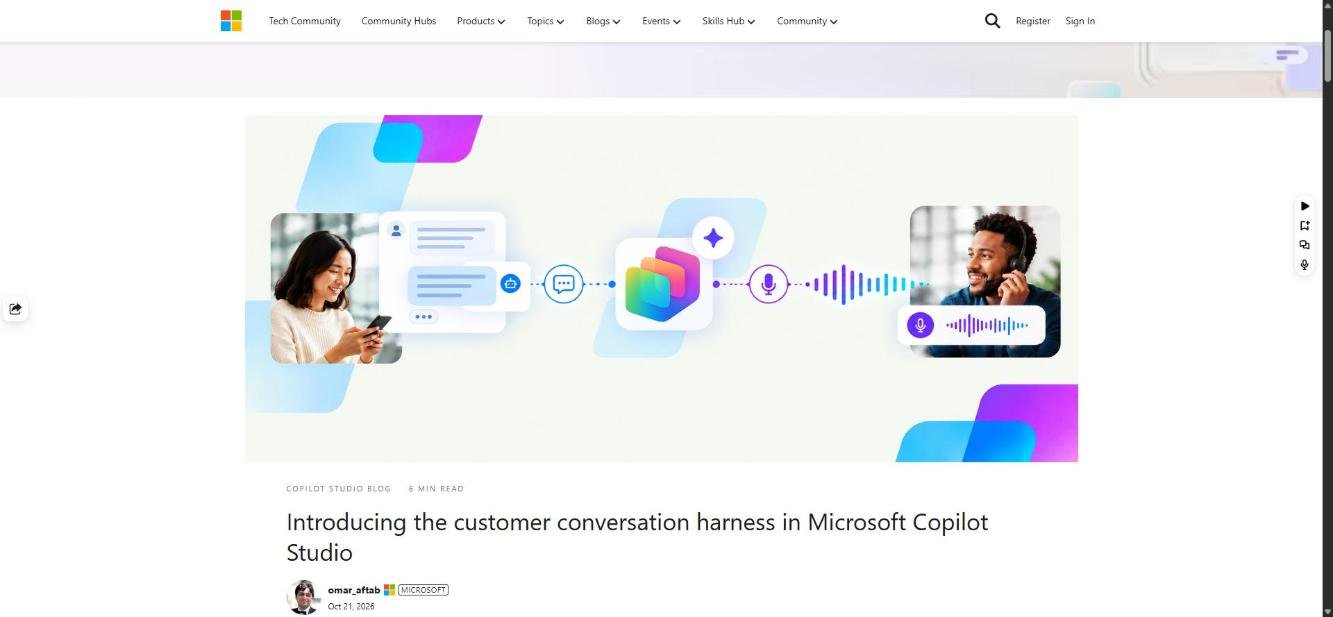
This is a third harness, built for customer-facing voice and chat. A primary agent works with specialist sub-agents, each with its own path to a human. It deploys to a website, a phone number, Teams Phone, Dynamics 365 Contact Center or Genesys. Building and testing both consume Copilot Credits.
Status: Public preview. Read the announcement
Copilot Chat agents get the grown-up toolkit
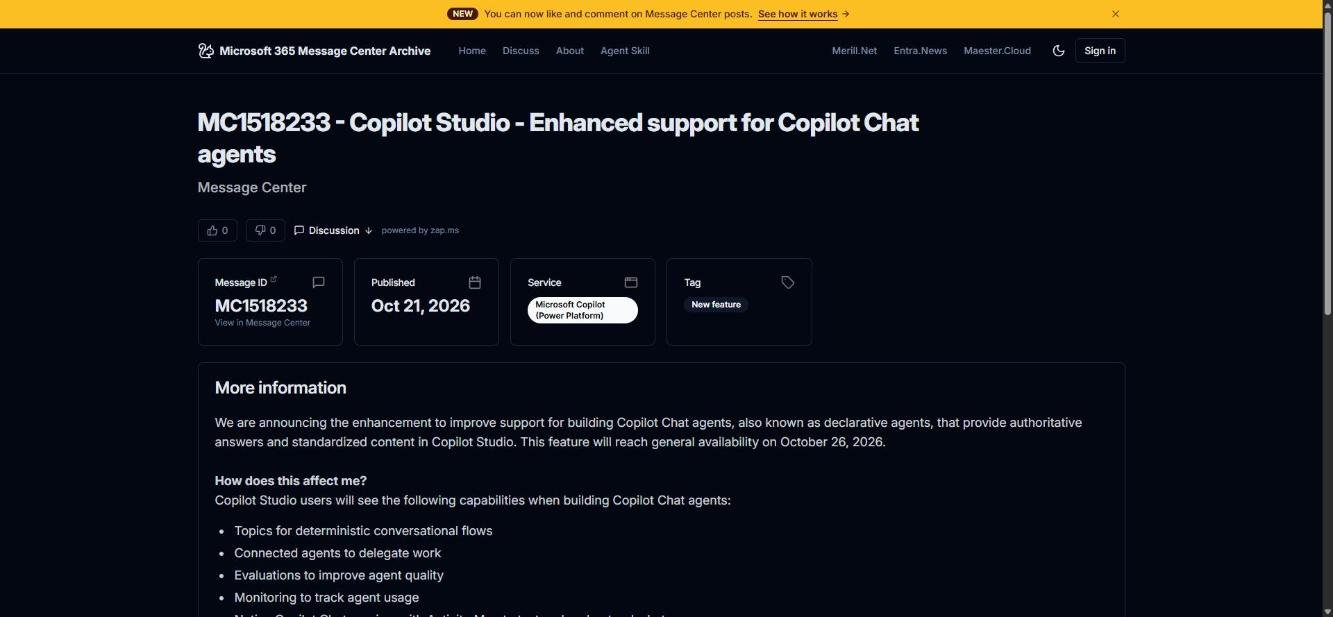
Source: Message Center archive (mc.merill.net)
Copilot Chat (declarative) agents built in Copilot Studio now get topics, connected agents, evaluations, usage monitoring, a native preview with an Activity Map, and lifecycle management across dev, test and production.
Status: Generally available from 26 October. Message Center MC1518233
Power Apps
One of the first keynote demos was a canvas app, and plenty of people noticed. Classic Power Apps is still getting real investment alongside the AI work it seems.
An AI coauthor inside canvas studio
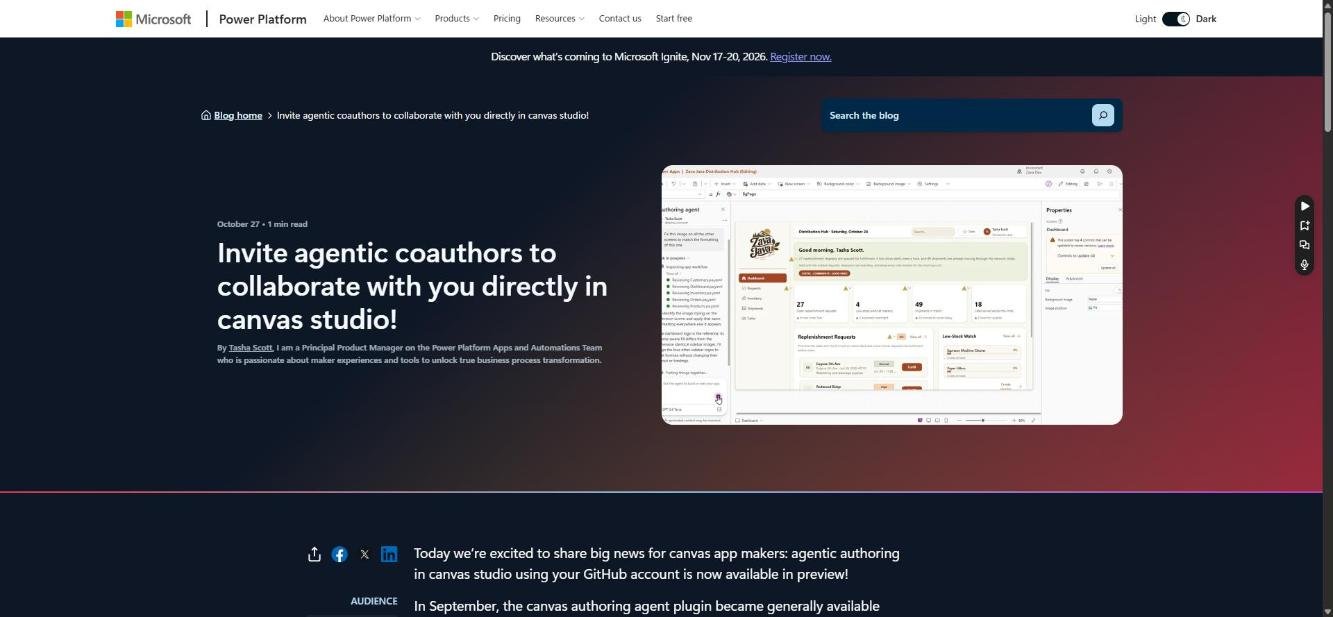
Source: Microsoft Power Platform blog
An authoring agent now sits inside canvas studio, next to your app. You describe a change, it drafts a plan for you to approve, then it builds the screens, controls and Power Fx in the open app. It's great for repetitive edits across many screens, and the output is a normal canvas app you can keep editing by hand. It complements the canvas authoring agent plugin for GitHub Copilot CLI and Claude Code, which went GA in September.
Status: Public preview. Read the announcement / Docs
Faster apps and long-requested features
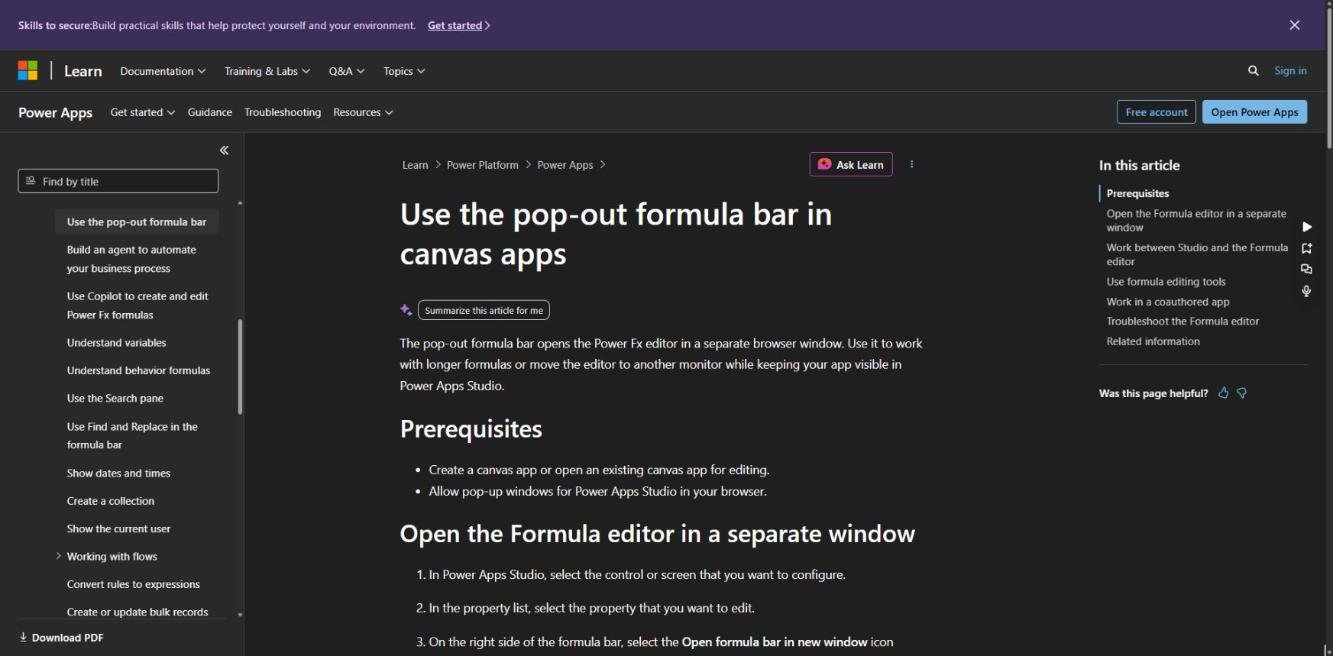
Source: Microsoft Learn
Leon Welicki, joined by Kraft Heinz, showed a run of improvements with no AI involved:
- a pop-out formula editor for canvas apps, already documented
- a calendar view for model-driven apps
- model-driven apps up to 50% faster
- new responsive controls, reported as over 30% faster
Attendees noted these core improvements don't consume AI credits. The calendar view and the 50% figure had no public documentation when I wrote this.
Status: Shown on stage. Pop-out formula bar docs / Keynote summary via Victor Dantas
A rebuilt Power Platform home
In a side-by-side test on the same large environment, the new Power Platform home loaded in 2:09 against 6:27 for the current one. It also rendered 150,000 workflows and 8,000 apps almost instantly. If you work in big tenants, you'll feel this every day. There's no blog post, documentation or release date yet.
Status: Shown on stage. Demo clip via Victor Dantas
Dataverse and Work IQ
The message from the Dataverse team was clear: the data model you design today is what your agents will reason over tomorrow. That makes Dataverse modelling an AI skill.
Business applications in Work IQ
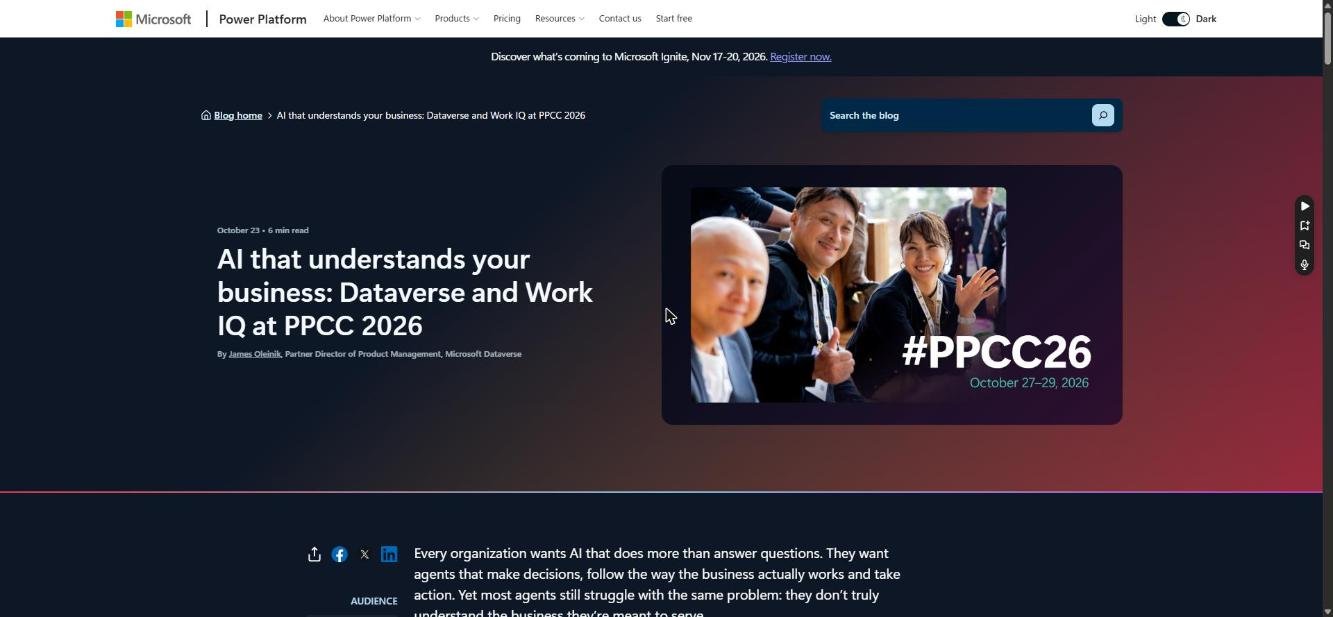
Source: Microsoft Power Platform blog
This was Microsoft's only explicitly PPCC-branded data announcement. Work IQ now gives Copilot and agents a shared semantic model of your Dynamics 365 and Power Apps data, plus business skills that capture how your processes work. Actions are governed through Agent 365 and run within each user's own permissions. New previews:
- Business Skills in the Power Apps maker portal: build and edit skills with an agent, with version history, and skills are solution-aware for ALM.
- Dataverse Ask API: ask natural-language questions against a semantic model, through the Web API or the Dataverse connector.
- Work IQ MCP Server in Copilot Studio now understands business context.
- Business Apps plugin in Cowork: business context and governed actions across your existing Dynamics 365 and Power Apps apps.
- A Microsoft Dataverse node for n8n.
Status: Public preview. Read the announcement
The Dataverse plugin in Copilot Cowork
Source: Microsoft Power Platform blog
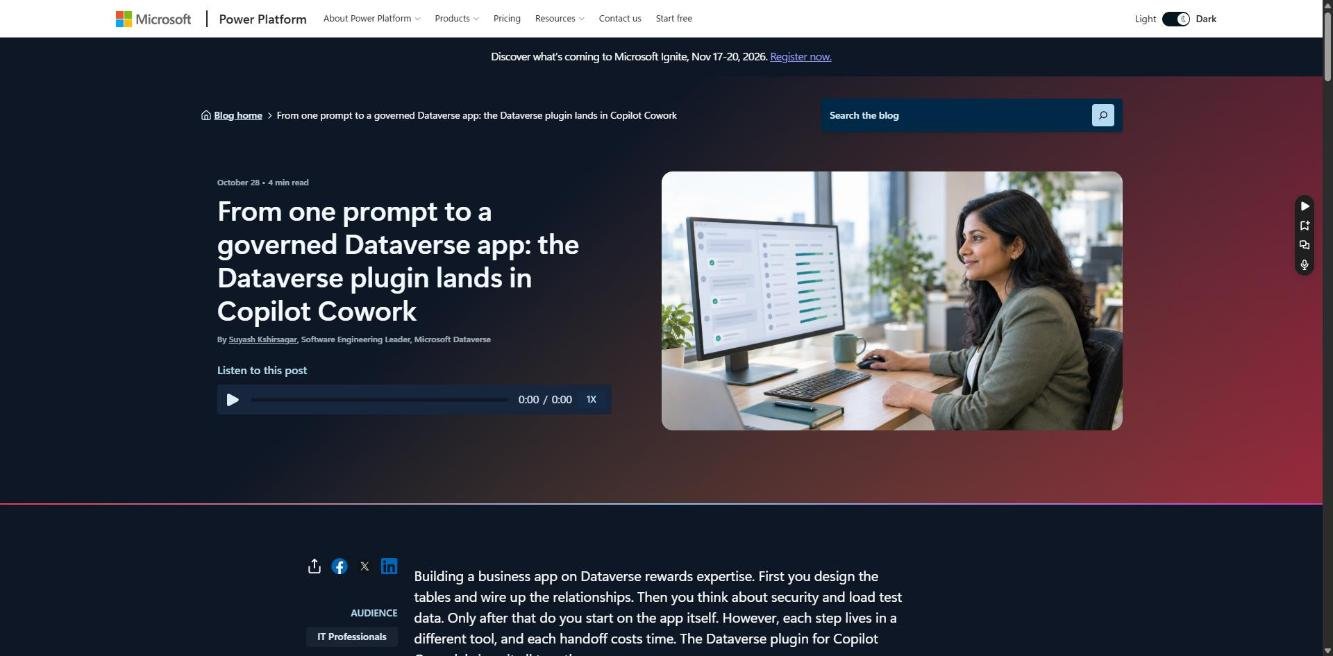
This one was "shared at PPCC 2026". Connect the plugin to a Dataverse environment and Cowork can model tables, add records and logic, apply security and build solutions, all as you. In the demo, a single prompt created related tables, seeded sample data, then built, checked and published an app. Every change appears as an approval card, and security roles are enforced on the server.
It needs Frontier, and the hosting layer (Copilot Managed Runtime) is in public preview. The same Dataverse skills are open source for GitHub Copilot, Claude Code, Codex, Cursor and others.
Status: Frontier preview. Read the announcement / Dataverse skills on GitHub
Custom APIs in the Dataverse MCP Server
Source: Microsoft Power Platform blog
The Dataverse MCP Server can now expose your Custom APIs. Agents can call your existing transactional business logic, such as creating a case, a note and a task in a single transaction with rollback. Classic Custom Actions aren't supported, so this is a good reason to move important ones to Custom APIs. It's also worth auditing which APIs should be callable by agents at all.
Status: Available now. Read the announcement
Copilot, Cowork and the Managed Runtime
Charles Lamanna opened by calling Copilot "the new operating system for work", with Power Platform as the app layer underneath. He summed up the line-up as "Copilot. Autopilot. Code."
Microsoft Autopilot
Source: Official Microsoft Blog
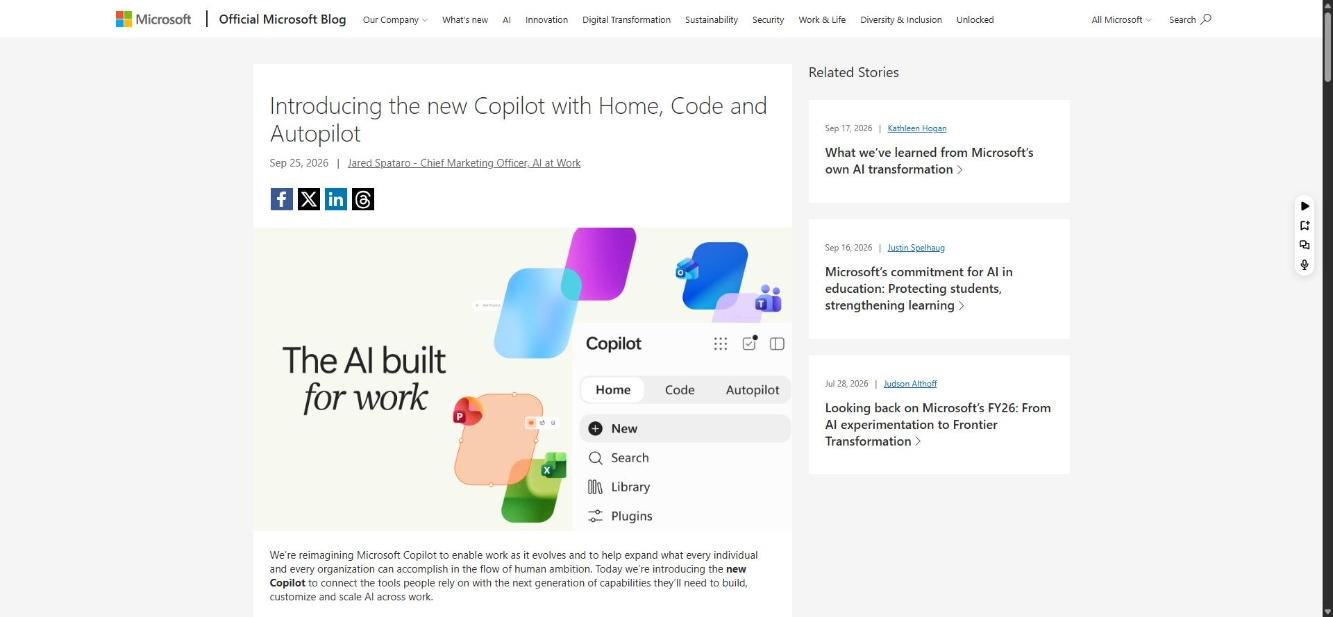
Autopilot (previously codenamed Scout) is a persistent, proactive personal agent. It has its own identity, memory, computer and workspace in your tenant. It watches channels, follows up on threads and runs recurring work while you're offline, and you can @mention it like a colleague.
Status: Private preview, usage-based billing. Read the announcement
Copilot Managed Runtime
Source: Microsoft Learn
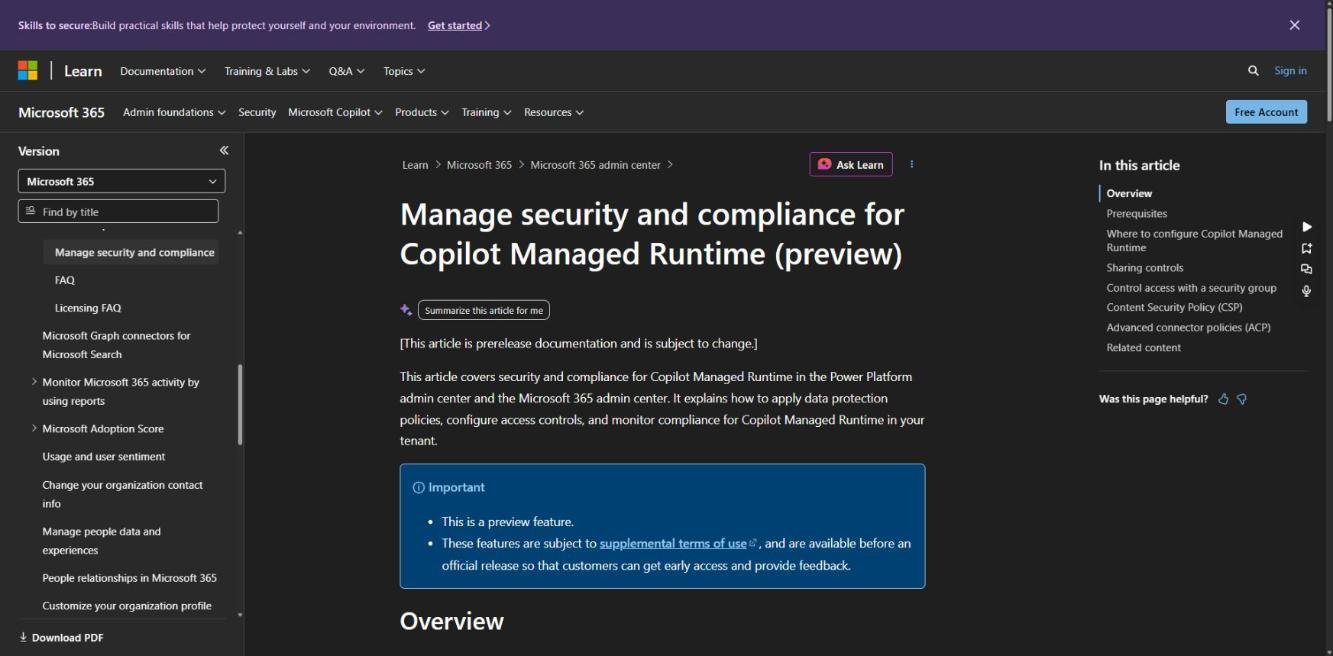
The keynote positioned the Managed Runtime as the shared, governed home for apps built in Cowork, Code and Copilot Studio. Admins manage inventory, sharing limits and run-time credits in the Microsoft 365 admin center. Connector policies and DLP stay in the Power Platform admin center. Users with Power Apps Premium don't consume credits to run apps.
Status: Public preview. Docs / Ryan Cunningham's walkthrough
Governance, licensing and retirements
The governance announcements were the least flashy and probably the most useful for anyone running Power Platform at scale.
Every agent in one place, with costs you can control
Source: Microsoft Learn
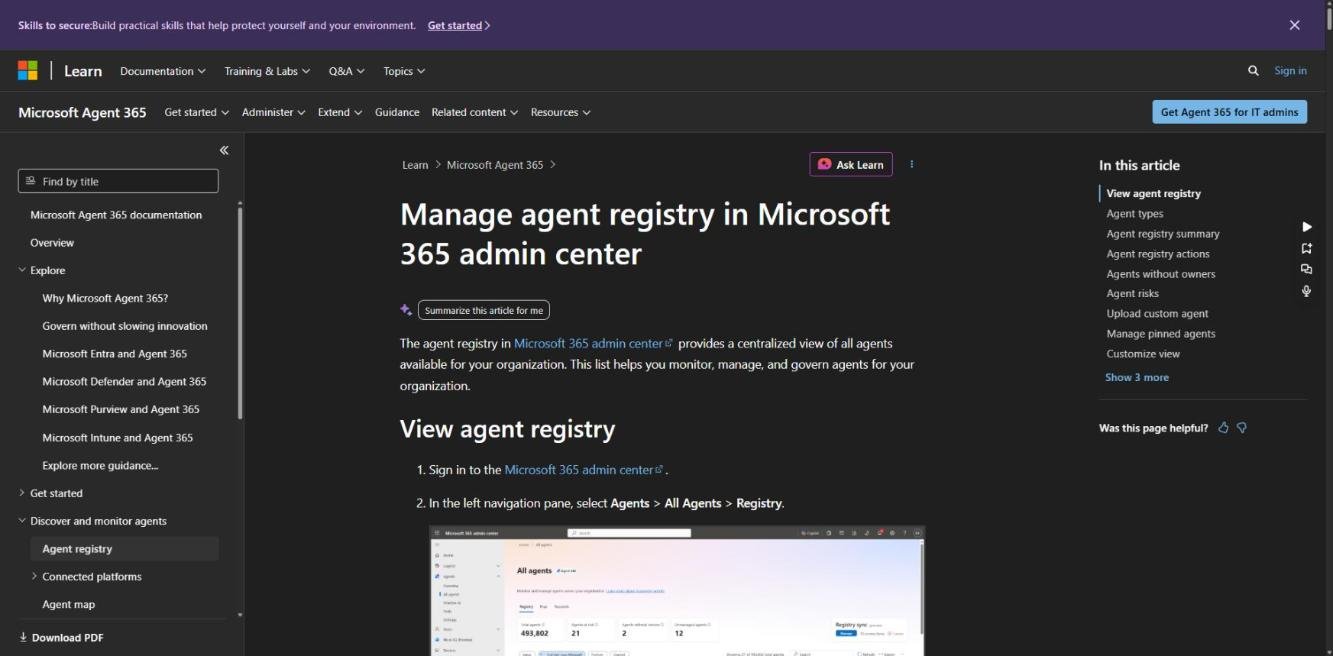
Ryan Martin, joined by Chevron, showed agents across every platform in one registry, cost management for Copilot Credits, and governance reports delivered every Monday. Chevron reportedly has more than 500,000 agents registered through Microsoft's admin tooling, logging 1.4 million hours of work. The registry lives in the Microsoft 365 admin center under Agents > All Agents > Registry. Cost management, with spending policies, per-user limits and alerts, sits under Copilot > Cost management.
Status: Mostly generally available. Agent registry docs · Copilot Credits billing · Agentic governance reports
The Power Platform Admin plugin in Cowork
Source: Copilot Studio blog
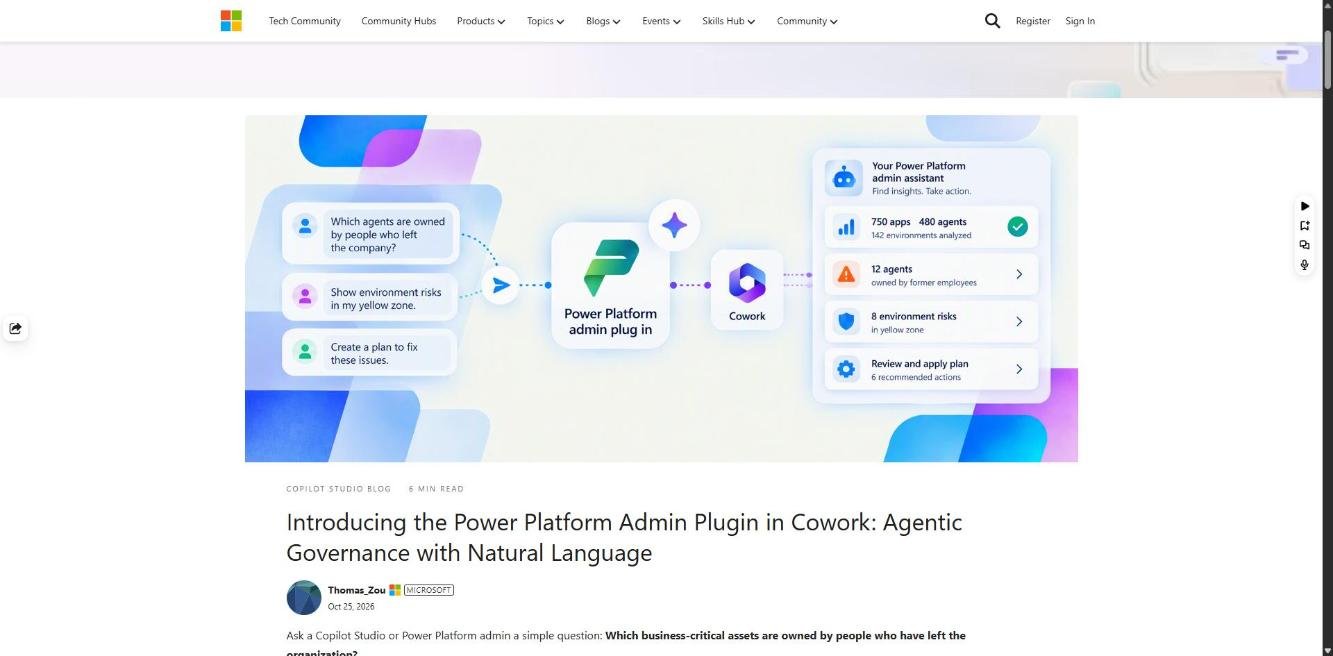
Admins can now ask Cowork questions about their tenant, such as "which agents are owned by people who have left?". It covers inventory, usage, ownership, capacity and licensing across apps, flows, agents and environments. It's read-only, and it can turn answers into scheduled briefings or draft messages to owners for you to approve. You don't need Managed Environments. Questions consume Copilot Credits.
Status: Preview. Read the announcement / Docs
AI Builder capacity add-ons stop selling on 1 November
Source: Microsoft Partner Center
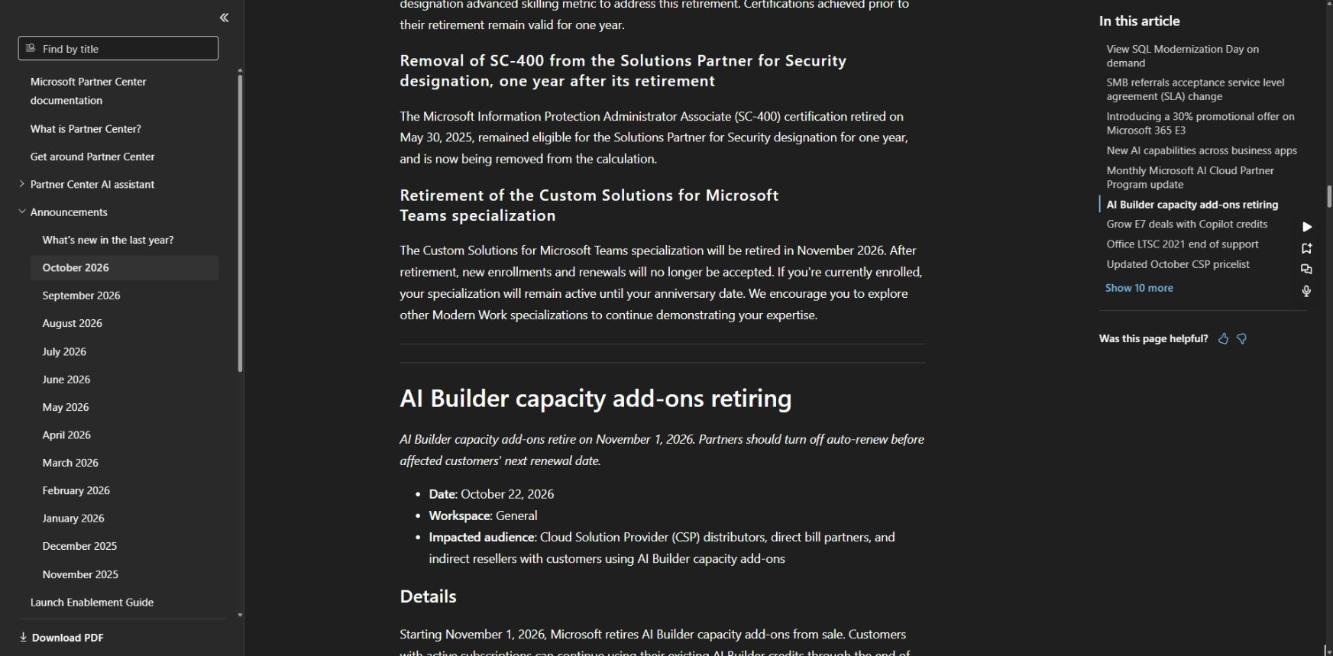
Microsoft retires AI Builder capacity add-ons from sale on 1 November 2026. Existing credits stay usable for the current term, and the path forward is Copilot Credits. Separately, new Copilot Business purchases through CSP will have usage-based billing switched on by default from 1 December 2026. Check renewal dates and turn off auto-renew where needed.
Status: Retirement. Partner Center, October 2026
My take
Well, there was certainly a lot to take in here. I thought it was quite eventful, and more-so what stood out to me is this blend between "makers" and "Power Platform Professionals" now.
It seems like if we're going to make the Microsoft Power Platform our profession (which most of us are) our skills cannot simply just lie in the classic tools (Power Apps, Power Automate, etc..). Don't get me wrong, those skills will still be needed, but I'll certainly be putting my focus into Copilot Code, Copilot Managed Runtime, and Copilot Studio (really anything with "Copilot" in front of it, and it's a pretty safe bet).
The Power Platform world is absolutely changing as we know it. And I would encourage you to start broadening your skillset with Copilot, and become enablers, alongside developers, consultants, and architects.
I think it's also remarkable where we've come with coding. Now I'm not going to lie to you, I truly believe we're at a point where coding has genuinely become democratised. You can see it through notable people at the conference saying that "No-code, is now code". Why be limited to "no-code" or even "low-code" when you have the full capability of code right in your hands with tools like Claude, GitHub Copilot, and now even Copilot. I think as professionals we seriously need to be thinking about where we can leverage our other skills, away from traditional software development.