All ways to work with us
Custom Workshops
Build the capability to sustain it
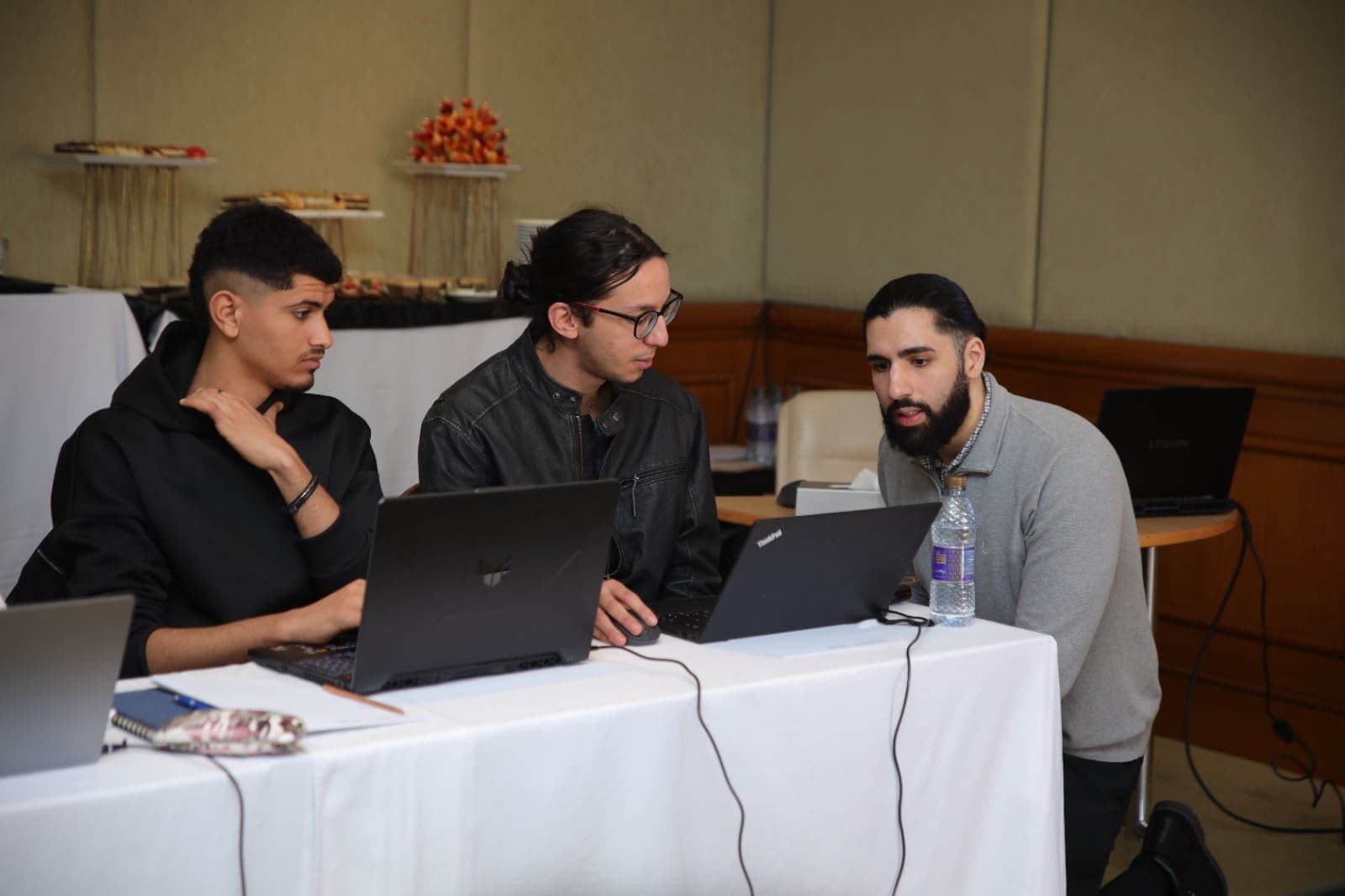
Every workshop is custom-built. We design it with you, validate the skeleton until it is right, then deliver it hands-on - remote or at your office. Roughly 40% teaching, 60% labs. Your team builds real solutions, not slideware.
Book a Discovery Call
Tell us what your team needs to learn. We'll design the workshop around it. No commitment.
- Discovery
- Workshop design and validation
- Labs and material build
- Delivery
Popular workshop themes
Most custom workshops are built around one of these themes - or a blend. Yours is designed from scratch either way.
Beginner
Power Platform Essentials for New Teams
Give your team the right foundations from day one. A structured introduction to Power Platform for teams who are new to the stack or expanding from Dynamics 365.
Typically 2 daysRemote or on-siteUp to 15 people
Who it's for
Teams new to Power Platform, or expanding from Dynamics 365 into Power Apps, Power Automate, and the broader platform.
What your team will learn
- How Power Platform fits together - Power Apps, Power Automate, Power Pages, Dataverse, and where each one shines
- Power Apps fundamentals - building canvas apps, code apps, vibe apps, and model-driven apps the right way from the start
- Dataverse basics - tables, relationships, security, and why it matters for everything else
- Power Automate fundamentals - cloud flows, triggers, actions, and building reliable automations
- Integration basics - connecting Power Platform to the rest of the Microsoft stack
- Environment and solution basics - just enough governance to not make a mess
What your team walks away with
- A complete mini-solution built as a team during the course
- Foundational knowledge to build on with confidence
- Understanding of which Power Platform tool to use for which scenario
- The right habits and best practices established from day one
Prerequisites
- No Power Platform experience required
- Basic familiarity with the Microsoft 365 ecosystem is helpful
- Ideal for teams coming from Dynamics 365, SharePoint development, or other Microsoft technologies
Beginner to Intermediate
Modern Power Platform Delivery
Power Platform has changed - code apps, vibe apps, modern architecture. If your team is still building the old way, they’re falling behind.
Typically 2 daysRemote or on-siteUp to 15 people
Who it's for
Teams already building in Power Platform who want to sharpen their skills with the latest patterns and best practices - Dataverse, model-driven design, code-first approaches, and modern ALM.
What your team will learn
- Dataverse deep dive - data modelling, security model, when to use it vs SharePoint
- Model-driven apps vs canvas apps vs code apps - when to use which and how to design them well
- Modern Power Apps patterns - code apps, vibe apps, code components, responsive design
- Power Automate architecture - child flows, error handling, avoiding “monster flows”
- Integration patterns - external systems, APIs, custom connectors
- Introduction to ALM - solutions, environments, and deployment fundamentals
What your team walks away with
- A complete solution (data model, app, automation) built to proper standards during the course
- ALM fundamentals they can put to work on their next project
Prerequisites
- Basic experience building canvas apps or Power Automate flows
- No Dataverse or model-driven app experience required
- Ideal for teams transitioning from SharePoint-based solutions
Intermediate to AdvancedMost Popular
Copilot Studio & AI Agents
Take your team from “we’ve seen the Copilot demos” to “we can confidently scope, build, and deliver AI agent solutions.”
Typically 2 daysRemote or on-siteUp to 15 people
Who it's for
Mid-level to senior teams who need to build and ship Copilot Studio and AI agent work for real - not just experiment with it internally.
What your team will learn
- Where Copilot Studio fits in the Microsoft AI stack - and when to use AI Foundry or M365 Copilot instead
- How to build functional AI agents from scratch - connected to real business data
- Advanced agent patterns - multi-agent architectures, orchestration, autonomous agent flows
- Security, governance, and responsible AI for enterprise agent deployment
- How to present AI solutions to non-technical stakeholders with confidence
What your team walks away with
- A functional multi-agent solution they built during the course
- Starter prompt library and agent architecture patterns
Prerequisites
- Working knowledge of Power Platform (Power Apps, Power Automate)
- Basic understanding of Dataverse
- No prior Copilot Studio experience required
Frequently Asked Questions
Live and instructor-led - not pre-recorded or self-paced. Remotely via Teams/Zoom, or on-site at your office. We keep groups to around 15 people so everyone gets genuine hands-on support.
Very. Roughly 40% teaching and demos, 60% hands-on labs - your team builds real solutions throughout, not a slide presentation.
Yes - that is the whole point. Every workshop is designed from scratch around your team, your systems, and your real use cases. The popular themes are starting points, not fixed syllabuses: we design the workshop with you and validate the outline together before anything is built.
Each attendee needs a laptop and a modern browser, and you provide the Microsoft 365 tenant and Power Platform licences. We send a setup checklist a week ahead so there are no blockers on day one.
We keep each group to around 15 people so everyone gets genuine hands-on support during the labs. Larger teams are usually best served by running more than one cohort - we can shape that with you on the discovery call.
The Powercademy Results Guarantee
If the agreed value is not delivered, we keep working until it is, or we release you from the final payment. The risk is ours.
Book a Discovery Call
Tell us what your team needs to learn. We'll design the workshop around it. No commitment.
The other ways to work with us
Advisory
An expert in your corner while your team builds.
Implementation
We build it, hand it over, and you own it.
Want to see how we think first? Watch the free tutorials