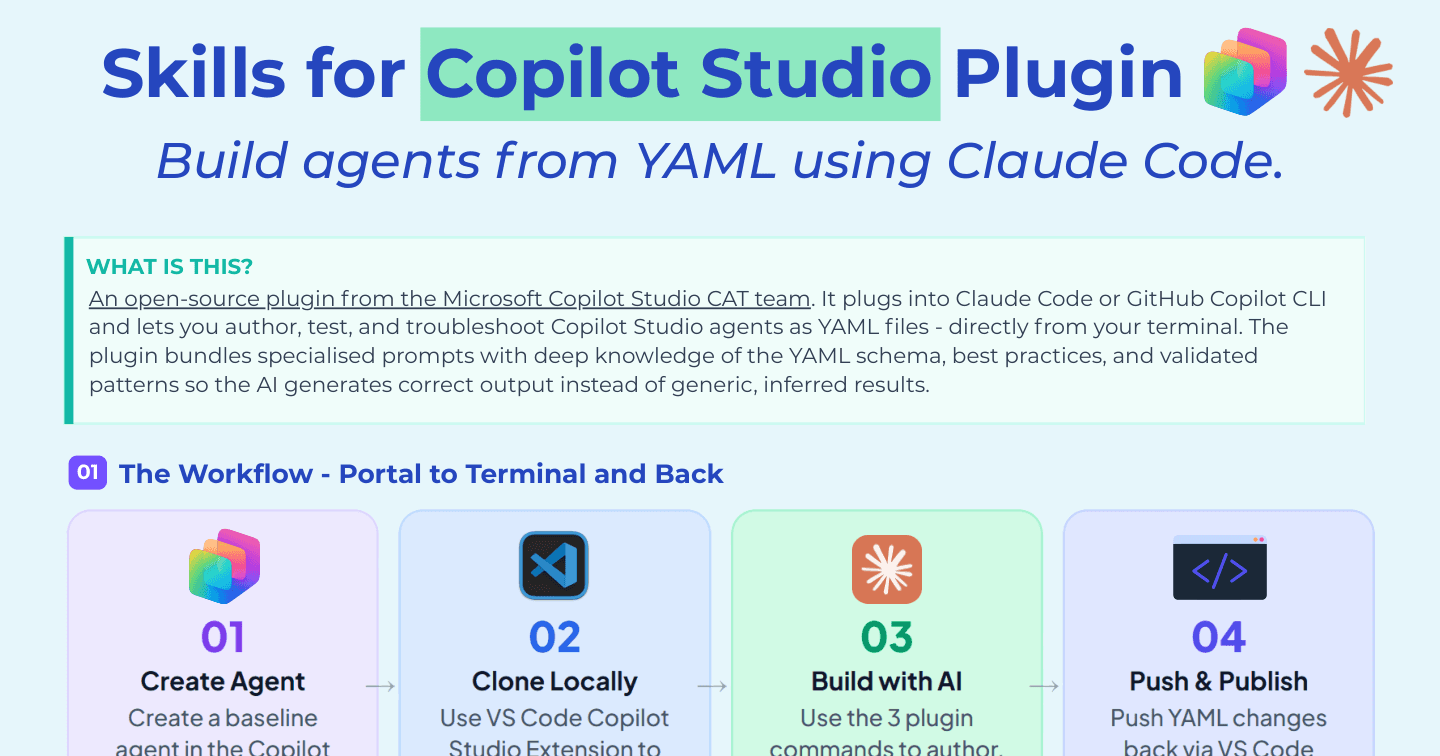
Skills for Copilot Studio: Build Agents from YAML with Claude Code

Howdang Rashid
Saturday, 22 August 2026 · 2 min read
If you want the one-page version of terminal-based Copilot Studio development, this is it. The Skills for Copilot Studio plugin - open source, from Microsoft's CAT team - plugs into Claude Code or GitHub Copilot CLI and lets you author, test, and troubleshoot agents as YAML files directly from your terminal, with the YAML schema, best practices, and validated patterns bundled in so the AI generates correct output instead of generic guesses.
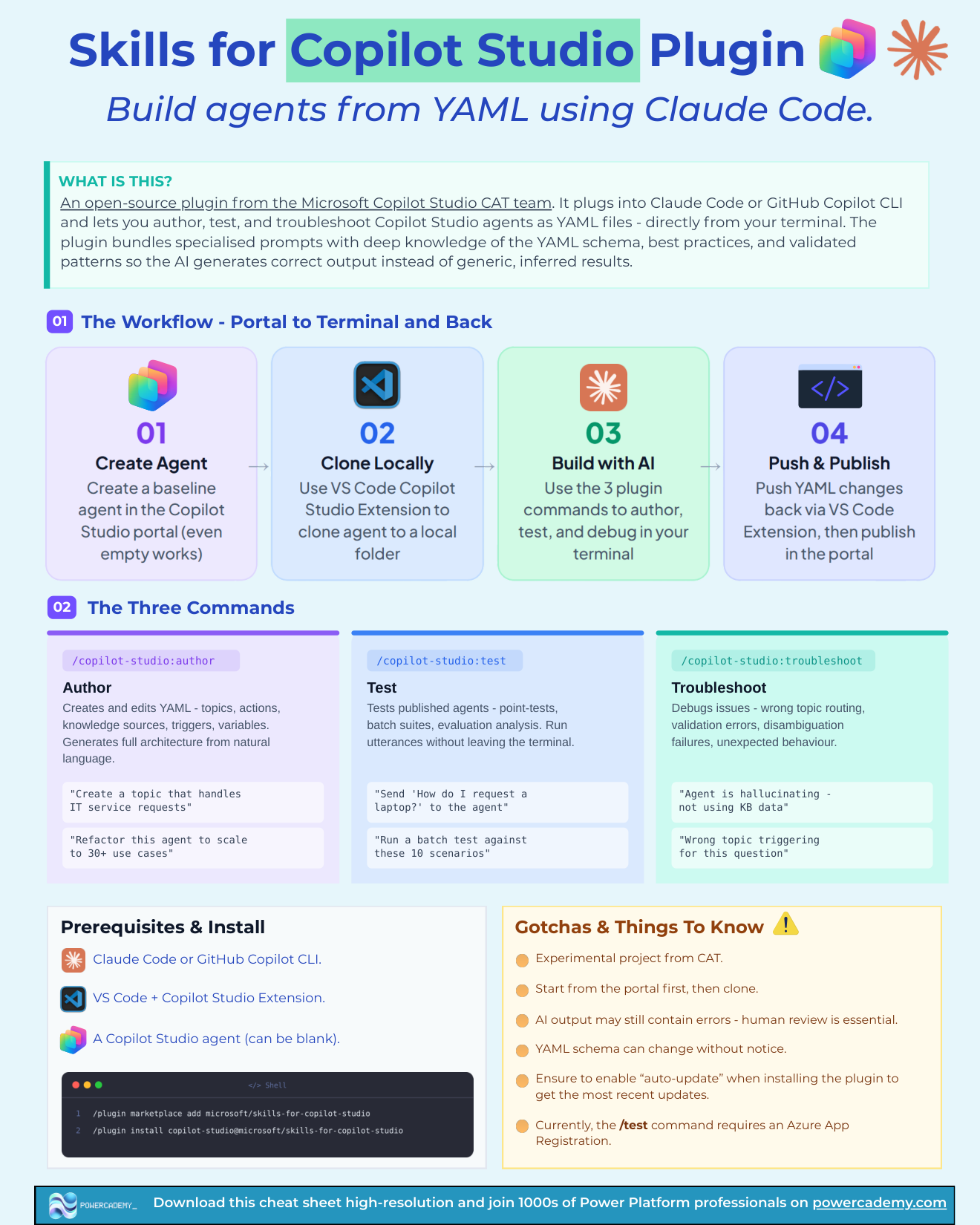
Want the hi-res version? It's free in the Powercademy Success Kit.
What do the three commands do?
Command | What it does | Example |
|---|---|---|
| Creates and edits YAML - topics, actions, knowledge, triggers, variables - from natural language | "Create a topic that handles IT service requests" |
| Point-tests, batch suites, and evaluation analysis against your published agent | "Run a batch test against these 10 scenarios" |
| Diagnoses routing, validation, and behaviour issues; suggests and can apply fixes | "Agent is hallucinating - not using KB data" |
What's the workflow and what do you need?
Portal to terminal and back: create the agent in the portal, clone it locally with the VS Code Copilot Studio extension, work with the three commands in your terminal, then push and publish. You need Claude Code or GitHub Copilot CLI, VS Code with the Copilot Studio extension, and any Copilot Studio agent - blank is fine.
What are the gotchas?
It's an experimental project from the CAT team - expect movement.
Start from the portal first, then clone - don't try to conjure an agent from nothing.
AI output may still contain errors - human review is essential before publish.
The YAML schema can change without notice.
Enable auto-update when installing, so schema knowledge stays current.
FAQ
How is this different from the pro-code VS Code extension alone?
The extension gives you the YAML and IntelliSense; the plugin gives your AI assistant deep schema knowledge and CAT-team patterns so it can write, test, and debug that YAML for you. Extension = editing surface; plugin = the intelligence.
Can it test agents that aren't published yet?
The test command targets published agents - so publish to a dev environment first, then batch-test from the terminal. Author and troubleshoot work on the local YAML.
Is this the same as the deeper Claude Code playbook?
This is the one-page reference; the full playbook covers the why, the workflow in practice, and an honest production-readiness take. Grab this for your desk, read the playbook once.
Does using the plugin cost anything?
The plugin is free and open source. You pay for what you already have: your AI assistant subscription and Copilot Studio capacity for the agents themselves.
The hi-res version of this cheat sheet is in the Powercademy Success Kit - free, along with hundreds of other cheat sheets, roadmaps, and guides for Microsoft professionals.