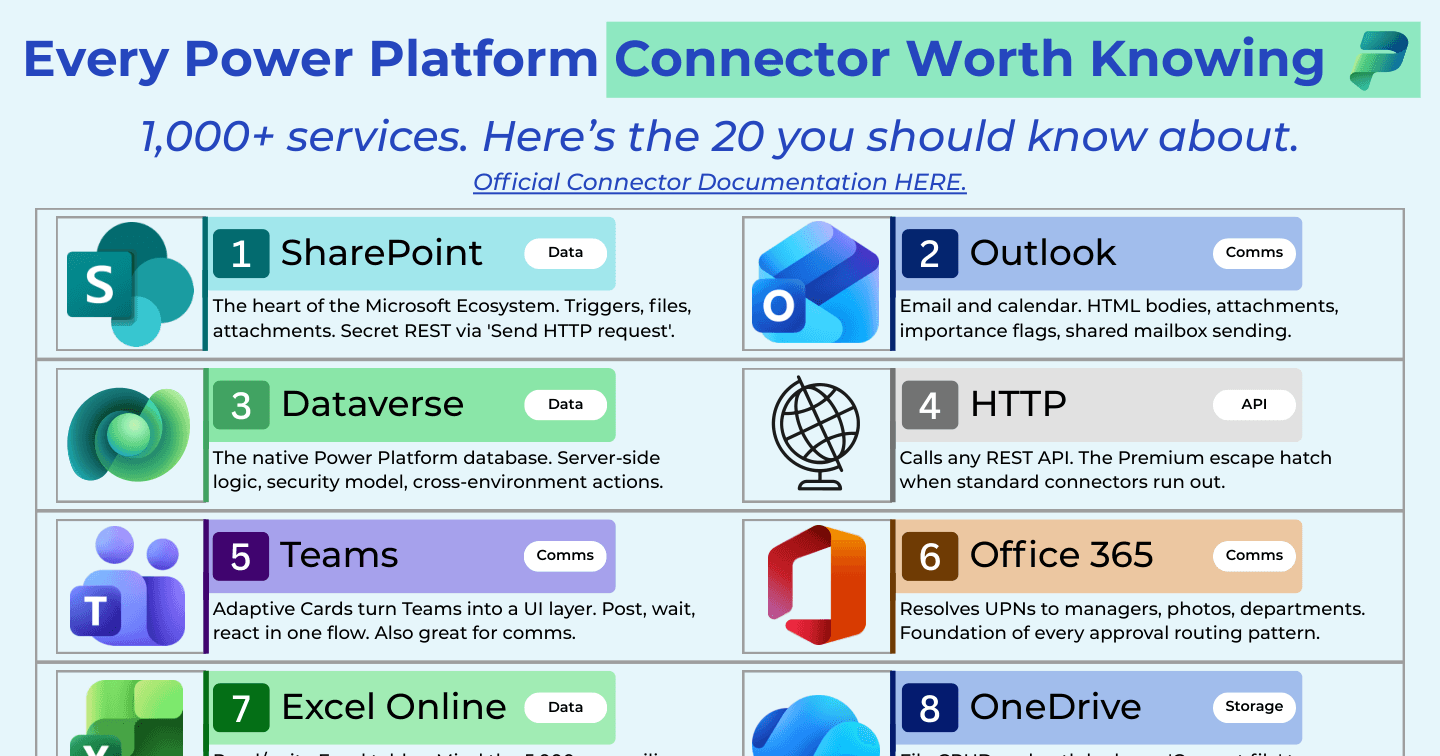
Every Power Platform Connector Worth Knowing in 2026

Howdang Rashid
Saturday, 22 August 2026 · 4 min read
The Power Platform ships with over 1,000 connectors, which sounds impressive until you need to pick one. In practice, around 20 connectors do the heavy lifting in almost every real solution: SharePoint, Outlook, Dataverse, HTTP, Teams, Approvals, and the rest of the list below. This cheat sheet covers every Power Platform connector worth knowing, what each is genuinely for, and the gotchas that only show up in production.
Want the hi-res version? It's free in the Powercademy Success Kit.
How many connectors matter out of the 1,000+?
About 20. The long tail exists for specific SaaS products, but the connectors below cover data, communications, approvals, AI, storage, and external APIs - the building blocks of nearly every flow and app you will ever ship. Learn these well and the rest follow the same patterns.
What are the 20 connectors worth knowing?
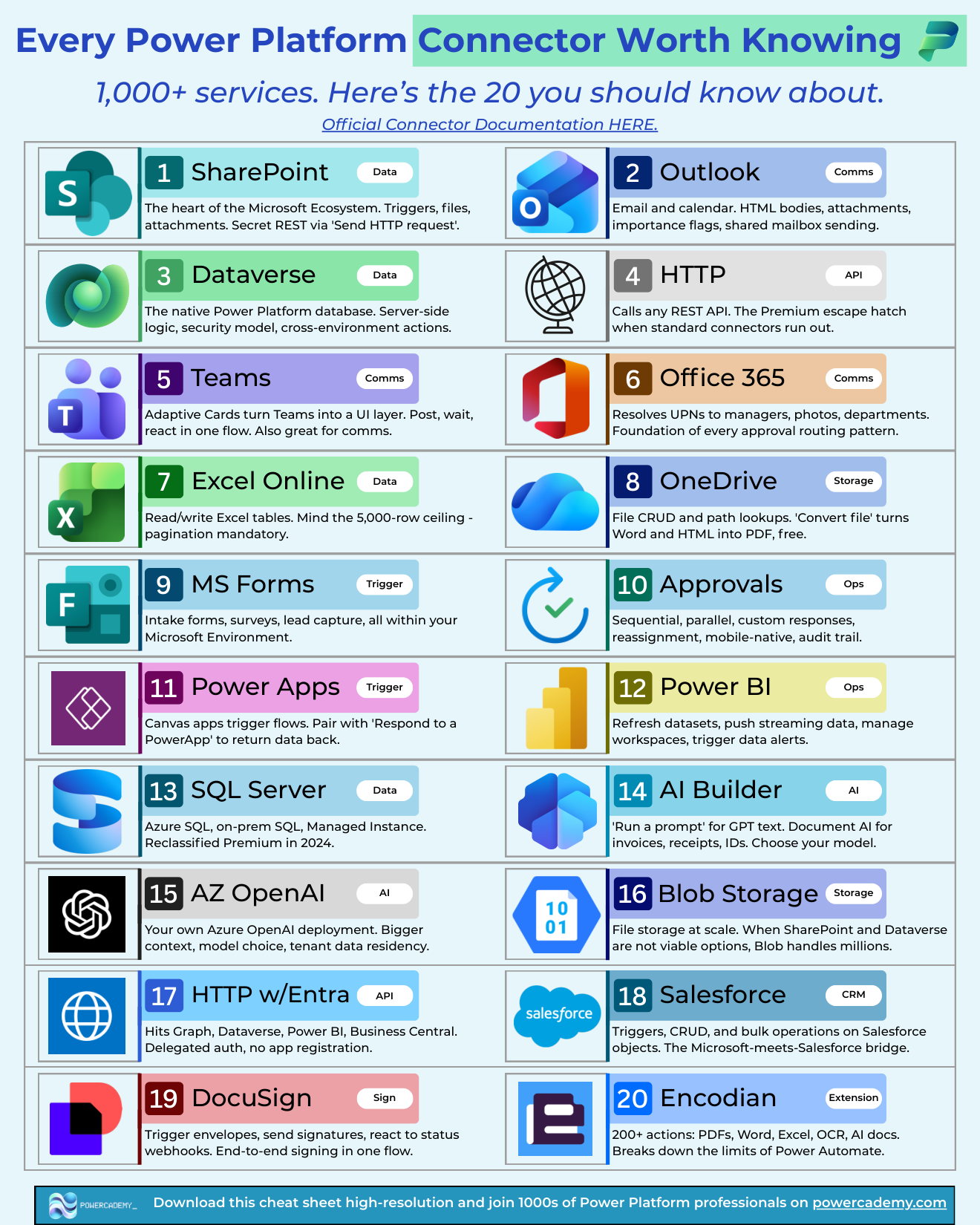
SharePoint - The heart of the Microsoft ecosystem. Triggers, files, attachments, and a secret REST API via the Send HTTP request action.
Outlook (Office 365) - Email and calendar. HTML bodies, attachments, importance flags, and shared mailbox sending.
Dataverse - The native Power Platform database. Server-side logic, a proper security model, and cross-environment actions.
HTTP - Calls any REST API. The Premium escape hatch when standard connectors run out.
Teams - Adaptive Cards turn Teams into a UI layer. Post, wait, and react in one flow. Also great for comms.
Office 365 Users - Resolves UPNs to managers, photos, and departments. The foundation of every approval routing pattern.
Excel Online - Read and write Excel tables. Mind the row ceiling - pagination is mandatory on real datasets.
OneDrive - File CRUD and path lookups. The Convert file action turns Word and HTML into PDF for free.
Microsoft Forms - Intake forms, surveys, and lead capture, all inside your Microsoft environment.
Approvals - Sequential, parallel, custom responses, reassignment, mobile-native, and a full audit trail.
Power Apps - Canvas apps trigger flows. Pair with Respond to a Power App to return data back to the app.
Power BI - Refresh datasets, push streaming data, manage workspaces, and trigger data alerts.
SQL Server - Azure SQL, on-premises SQL, and Managed Instance. Reclassified as Premium in 2024.
AI Builder - Run a prompt for generative text, and document AI for invoices, receipts, and IDs. Choose your model.
Azure OpenAI - Your own Azure OpenAI deployment: bigger context windows, model choice, and tenant data residency.
Azure Blob Storage - File storage at scale. When SharePoint and Dataverse are not viable, Blob handles millions of files.
HTTP with Microsoft Entra ID - Hits Graph, Dataverse, Power BI, and Business Central with delegated auth and no app registration.
Salesforce - Triggers, CRUD, and bulk operations on Salesforce objects. The Microsoft-meets-Salesforce bridge.
DocuSign - Trigger envelopes, send signatures, and react to status webhooks. End-to-end signing in one flow.
Encodian - 200+ actions for PDFs, Word, Excel, OCR, and document AI. Breaks through the limits of native Power Automate actions.
Which of these connectors are Premium?
Dataverse, HTTP, HTTP with Entra ID, SQL Server, Azure OpenAI, Blob Storage, Salesforce, DocuSign, and Encodian all require Premium licensing (or run inside a licensed context such as Dynamics 365). The standard tier still covers a huge amount: SharePoint, Outlook, Teams, Forms, Approvals, Excel, OneDrive, and Office 365 Users are all included with most M365 plans. Plan your architecture around this early - swapping a data source after go-live because of licensing is one of the most expensive mistakes on the platform.
FAQ
What is the difference between standard and Premium connectors?
Standard connectors are included with Microsoft 365 licences and cover the M365 ecosystem. Premium connectors - Dataverse, HTTP, SQL, and most third-party services - require a Power Apps or Power Automate Premium licence per user, or per-flow licensing.
Can I build my own connector?
Yes. Custom connectors wrap any REST API with authentication, actions, and triggers, and they are reusable across Power Apps, Power Automate, and Copilot Studio. They are Premium, so licence accordingly.
What is the most underrated connector on this list?
Office 365 Users. It quietly powers manager lookups, approval routing, org charts, and profile data in thousands of solutions, and almost nobody talks about it. HTTP with Entra ID is a close second.
Do connectors behave the same in Power Apps and Power Automate?
The connection is shared but the surface differs: Power Apps exposes tabular data functions with delegation rules, while Power Automate exposes the full action list including triggers. Some actions only exist in flows, which is why the Power Apps trigger pattern - app calls flow, flow does the heavy lifting - is so common.
The hi-res version is in the Powercademy Success Kit - free, along with hundreds of other cheat sheets, roadmaps, and guides for Microsoft professionals.