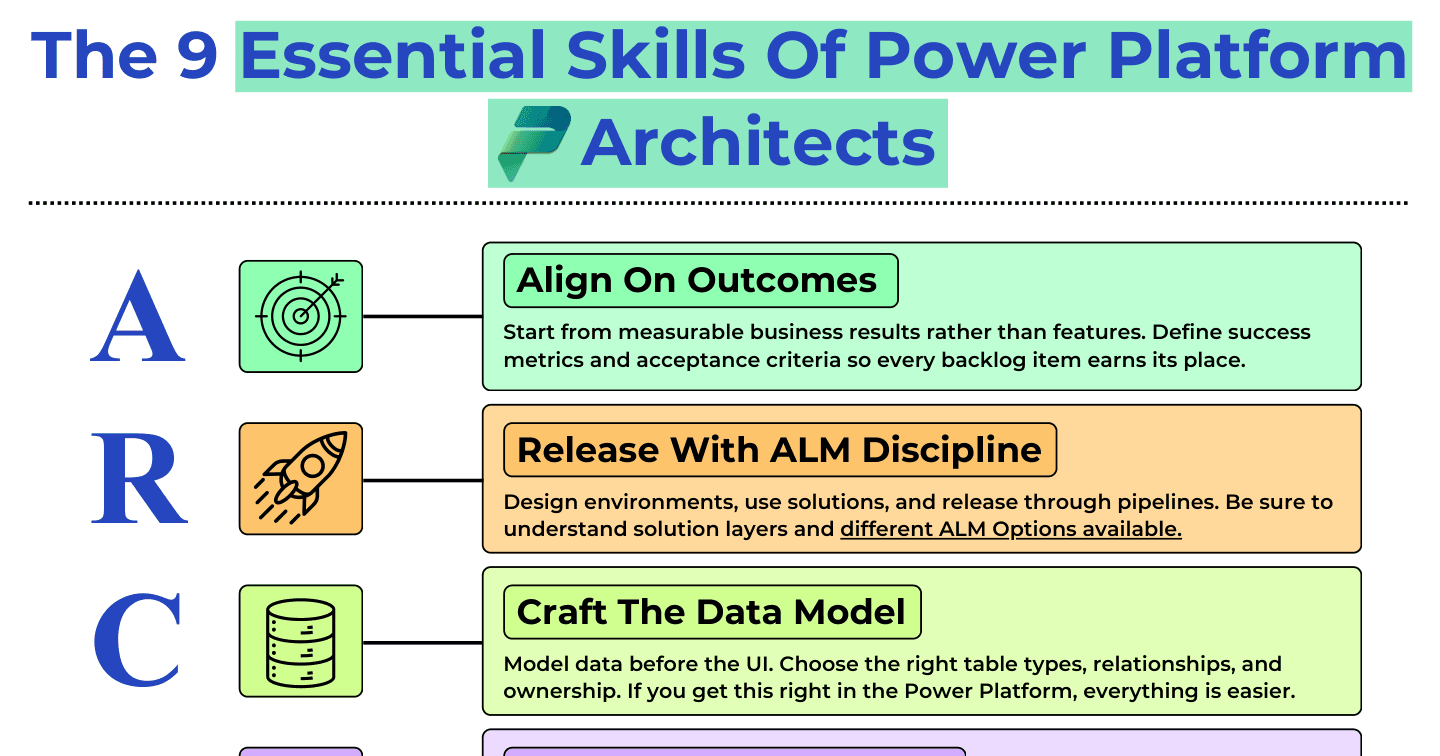
The 9 Essential Skills of Power Platform Architects

Howdang Rashid
Saturday, 22 August 2026 · 3 min read
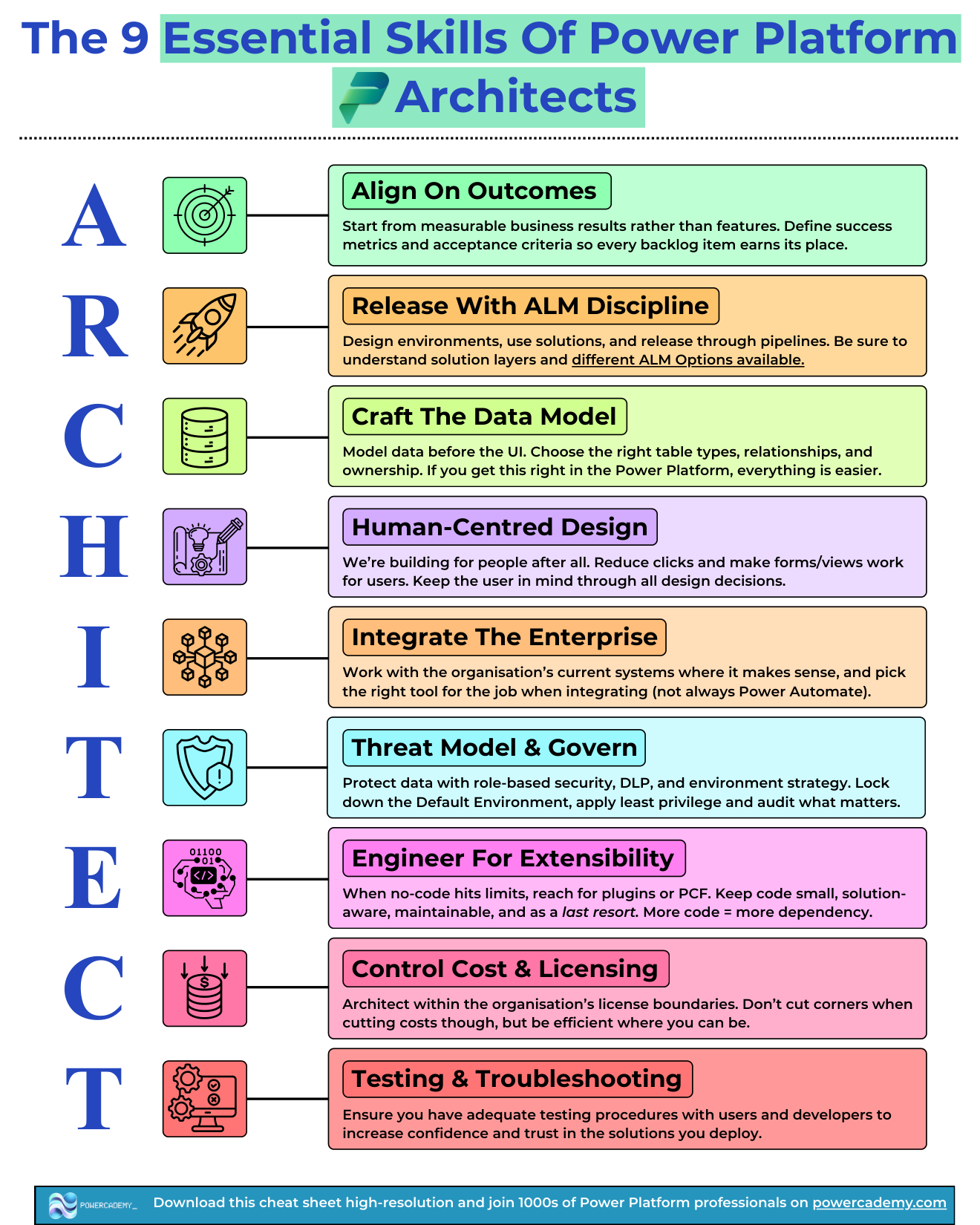
What separates a Power Platform architect from a very good maker? Nine skills, conveniently spelling A-R-C-H-I-T-E-C-T: aligning on outcomes, releasing with ALM discipline, crafting the data model, human-centred design, integrating the enterprise, threat modelling and governance, engineering for extensibility, controlling cost and licensing, and testing. This cheat sheet covers all nine and why each earns its letter.
Want the hi-res version? It's free in the Powercademy Success Kit.
What are the nine skills?
Align on outcomes - Start from measurable business results rather than features. Define success metrics and acceptance criteria so every backlog item earns its place.
Release with ALM discipline - Design environments, use solutions, and release through pipelines. Understand solution layers and the ALM options available.
Craft the data model - Model data before the UI. Choose the right table types, relationships, and ownership. Get this right and everything else on the platform gets easier.
Human-centred design - We are building for people. Reduce clicks, make forms and views work for users, and keep the user in mind through every design decision.
Integrate the enterprise - Work with the organisation's existing systems where it makes sense, and pick the right tool for each integration - not always Power Automate.
Threat model and govern - Protect data with role-based security, DLP, and environment strategy. Lock down the default environment, apply least privilege, and audit what matters.
Engineer for extensibility - When no-code hits its limits, reach for plugins or PCF - but keep code small, solution-aware, maintainable, and a last resort. More code means more dependency.
Control cost and licensing - Architect within the organisation's licence boundaries. Be efficient where you can, but never cut corners just to cut costs.
Testing and troubleshooting - Build testing procedures with users and developers that raise confidence and trust in everything you deploy.
Which skills do makers underestimate the most?
The bookends. Aligning on outcomes feels like project management rather than architecture, so builders skip past it - and then deliver technically excellent solutions to problems nobody measured. Testing and troubleshooting feels like something that happens after the interesting work - but architect-level trust is built precisely on solutions that were tested with real users before go-live. The middle skills are learned by building; the bookends are learned by owning results.
FAQ
Do I need all nine skills before calling myself an architect?
You need working competence in all nine and depth in a few - the role is defined by having no blind spots rather than mastering everything. A missing skill becomes the failure mode of your next project, which is why the checklist framing works.
Why is extensibility framed as a last resort?
Because every line of custom code is a dependency someone must maintain for the solution's whole life. Architects reach for plugins and PCF when a real limit is hit, keep the code small and solution-aware, and document why it exists - code by necessity, not preference.
How is threat modelling different from just setting security roles?
Security roles are one control; threat modelling is the habit of asking what could go wrong across the whole surface - DLP policies, environment strategy, the default environment, least privilege, and what gets audited. It designs the controls rather than just configuring them.
How do these nine skills relate to the architect roadmaps?
The roadmaps sequence the journey; this sheet defines the destination. Use a roadmap to plan what to learn next, and the nine skills as the scorecard for whether you have actually arrived.
The hi-res version is in the Powercademy Success Kit - free, along with hundreds of other cheat sheets, roadmaps, and guides for Microsoft professionals.