The Power Platform AI Decision Matrix: Which Tool Should You Use?

Howdang Rashid
Saturday, 22 August 2026 · 3 min read
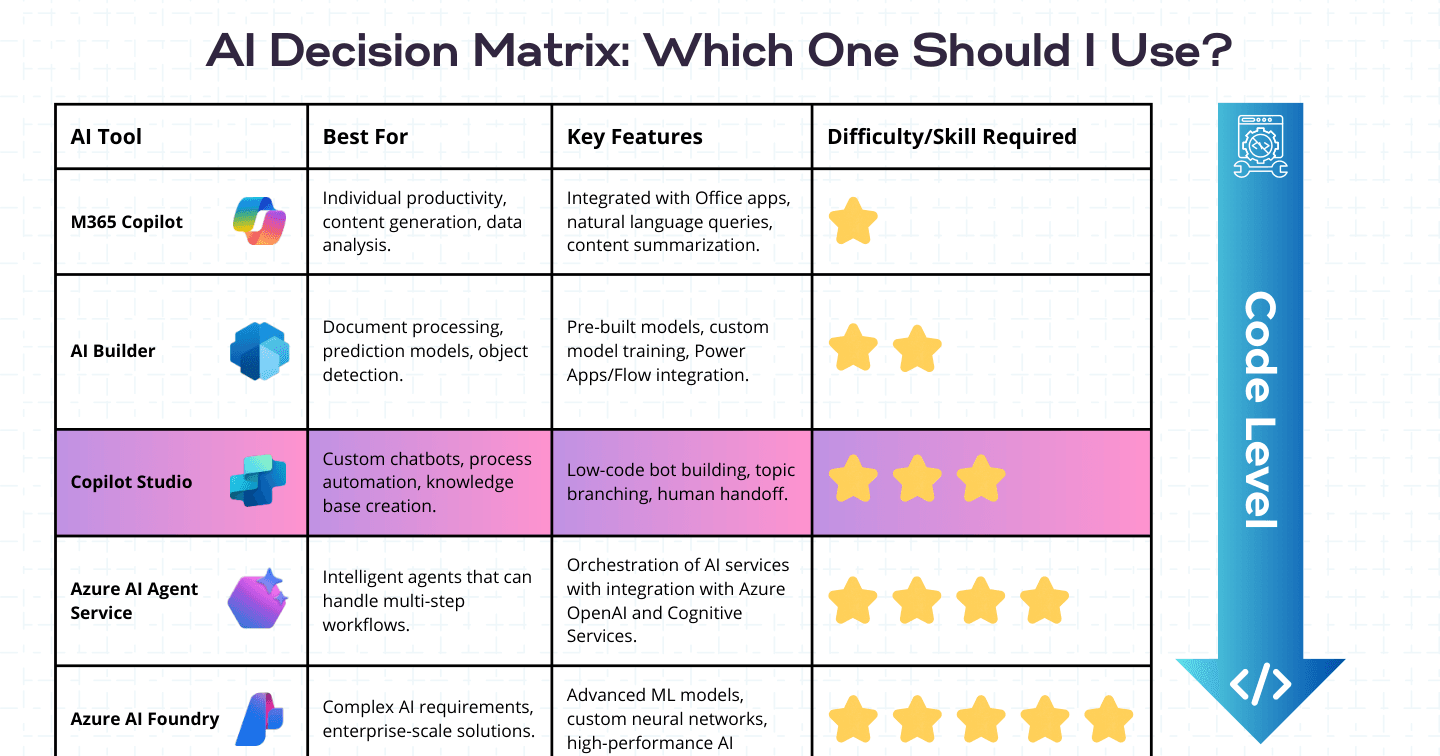
"Which AI tool should I use?" is the most common question in every Power Platform community, and the answer is a matrix, not a favourite. Five tools cover the Microsoft AI spectrum from individual productivity to enterprise ML - here's what each is best for, its key features, and the skill level it demands.
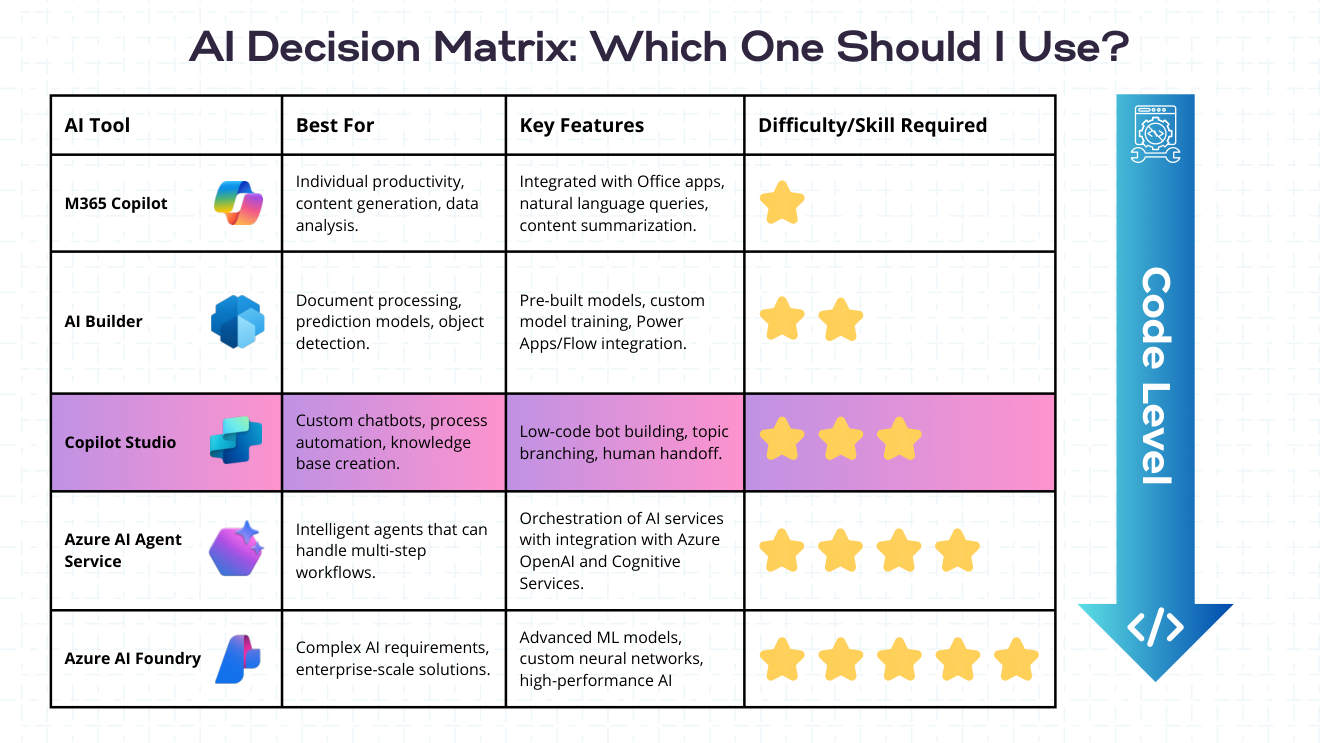
Want the hi-res version? It's free in the Powercademy Success Kit.
What does the matrix look like?
AI Tool | Best for | Key features |
|---|---|---|
M365 Copilot | Individual productivity, content generation, data analysis | Office integration, natural-language queries, summarisation |
AI Builder | Document processing, prediction models, object detection | Prebuilt models, custom training, Power Apps/Flow integration |
Copilot Studio | Custom agents, process automation, knowledge bases | Low-code agent building, topic branching, human handoff |
Azure AI Agent Service | Intelligent agents handling multi-step workflows | Orchestration of AI services with Azure OpenAI and Cognitive Services |
Microsoft Foundry | Complex AI requirements, enterprise-scale solutions | Advanced ML models, custom neural networks, high-performance AI |
How does difficulty scale across the matrix?
The tools ladder up in skill required: M365 Copilot needs none (it's a product you use), AI Builder needs maker skills, Copilot Studio needs low-code agent design, Azure AI Agent Service needs Azure and orchestration knowledge, and Microsoft Foundry is code-level engineering. Match the tool to the team that will own it - not to the most impressive demo.
How do you actually decide?
Work top-down with three questions. Who uses it? End users in Office → M365 Copilot. What shape is the AI? A capability inside an app or flow → AI Builder; a conversation that takes actions → Copilot Studio. Who maintains it? Business/maker teams → stay low-code; engineering teams with custom-model needs → Azure AI Agent Service or Foundry. Most organisations end up using three or four of the five - the matrix is about placing workloads, not picking a winner.
FAQ
What's the difference between Azure AI Agent Service and Microsoft Foundry?
Agent Service is Foundry's managed runtime for building and orchestrating agents; Foundry is the wider platform - model catalogue, evaluation, safety, and custom ML. Use Agent Service when you want managed agent infrastructure; go deeper into Foundry when you need custom models and full lifecycle control.
Can these tools work together in one solution?
That's the normal end state: a Copilot Studio agent calling AI Builder models through flows, backed by custom models in Foundry, surfaced to users inside M365 Copilot. The matrix places each layer; the solution stacks them.
Where should a maker start?
AI Builder for a quick win inside something you've already built, then Copilot Studio for your first real agent. Those two cover the majority of business AI use cases without leaving low-code.
How does licensing differ across the five?
M365 Copilot is per-user; AI Builder uses credits; Copilot Studio uses message capacity; Agent Service and Foundry are Azure consumption. Cost shape matters as much as capability - model the expected volume for your top two candidates before committing.
The hi-res version of this matrix is in the Powercademy Success Kit - free, along with hundreds of other cheat sheets, roadmaps, and guides for Microsoft professionals.