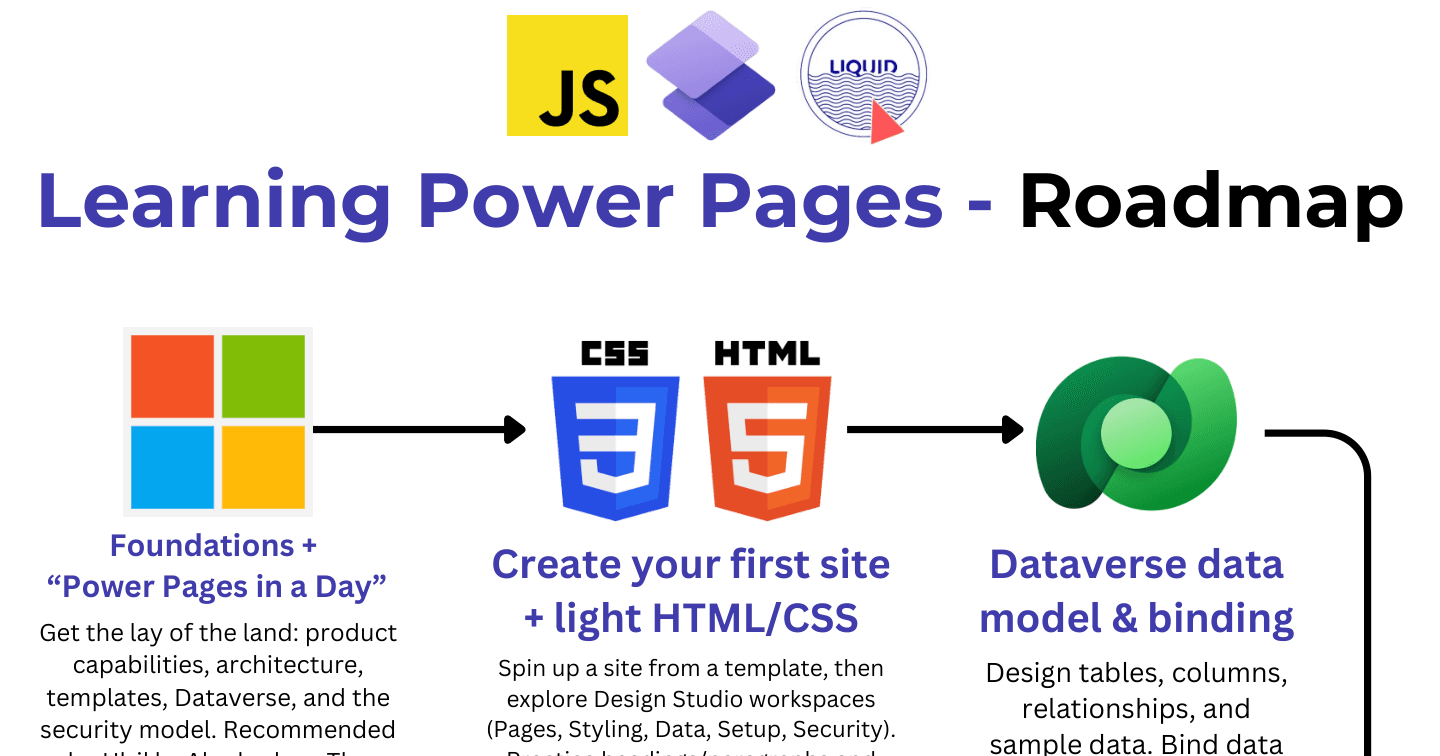
The Power Pages Learning Roadmap: 9 Steps to Go-Live

Howdang Rashid
Saturday, 22 August 2026 · 2 min read
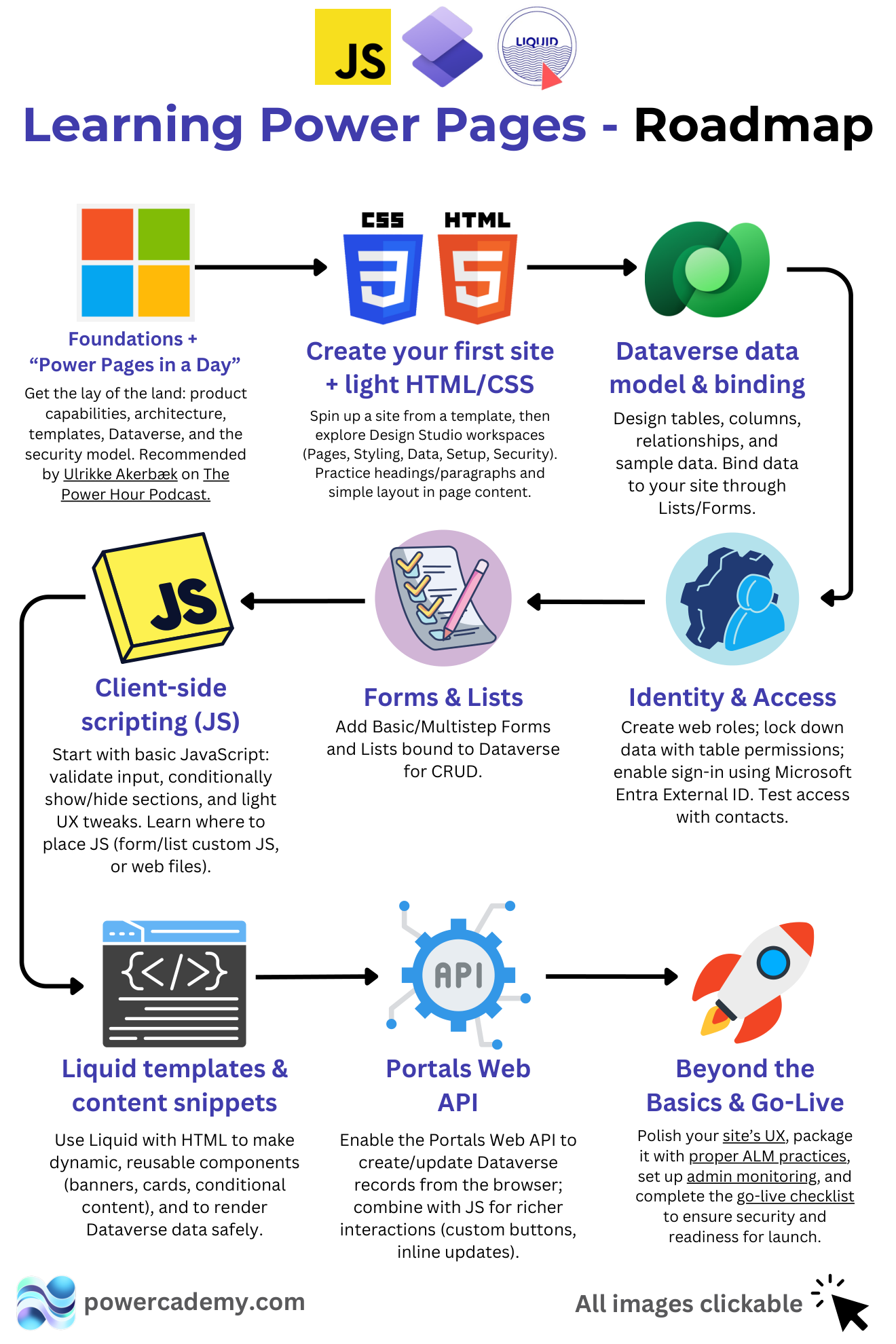
Power Pages sits at the crossroads of low-code and web development, which makes the learning path less obvious than the other Power Platform products. This roadmap sequences it in nine steps - from foundations to a secured, go-live-ready site - with the resources linked in the hi-res version.
Want the hi-res version with every resource clickable? It's free in the Powercademy Success Kit.
How do you build the foundations?
Foundations + Power Pages in a Day - product capabilities, architecture, templates, Dataverse, and the security model (Ulrikke Akerbæk's recommendation from The Power Hour podcast).
Create your first site with light HTML/CSS - spin up from a template and explore the Design Studio workspaces: Pages, Styling, Data, Setup, Security.
Design the Dataverse data model - tables, columns, relationships, sample data, and binding it to your site.
How does the site become functional and secure?
Forms and lists - basic and multistep forms plus lists bound to Dataverse for CRUD.
Identity and access - web roles, table permissions locking down data, sign-in via Microsoft Entra External ID, and access testing with contacts. Security is a build step here, not an afterthought - your database is on the internet.
Where does it get properly custom?
Liquid templates and content snippets - dynamic, reusable components (banners, cards, conditional content) rendering Dataverse data safely.
Client-side JavaScript - input validation, conditional show/hide, and UX tweaks, placed correctly in form/list custom JS or web files.
The Portals Web API - create and update Dataverse records from the browser, combined with JS for richer interactions like custom buttons and inline updates.
What makes it launch-ready?
Beyond the basics and go-live - polish the UX, package with proper ALM, set up admin monitoring, and complete the go-live checklist for security and readiness. The difference between a demo site and one you'd put a client's brand on.
FAQ
How much web development do I need?
Light HTML/CSS for the early steps, growing to Liquid and JavaScript for real customisation. And the new Claude Code plugin for Power Pages is shrinking that requirement fast - pair this roadmap with it.
What's Liquid and why does Power Pages use it?
A templating language that renders dynamic content server-side, safely - conditional sections, loops over Dataverse rows, reusable snippets - without shipping your logic to the browser.
How long to a first production site?
A capable Power Platform maker can reach a simple, secured go-live in four to eight weeks part-time; the Liquid/JS/Web API depth grows over subsequent projects. Security and ALM are the steps not to rush.
Does this path still matter with AI building sites?
More than ever - AI accelerates every step here, but you validate what it proposes: data model, permissions, go-live readiness. This roadmap is exactly the knowledge that review requires.
The hi-res version is in the Powercademy Success Kit - free, along with hundreds of other cheat sheets, roadmaps, and guides for Microsoft professionals.