Learn Power Automate in 14 Days: A Free Day-by-Day Roadmap

Howdang Rashid
Saturday, 22 August 2026 · 2 min read
Fourteen days, roughly an hour each, entirely free resources - and at the end you're building solution-aware, error-handled flows that survive production. The plan runs foundations → core skills → Dataverse and reuse → the professional layer, one focus per day.
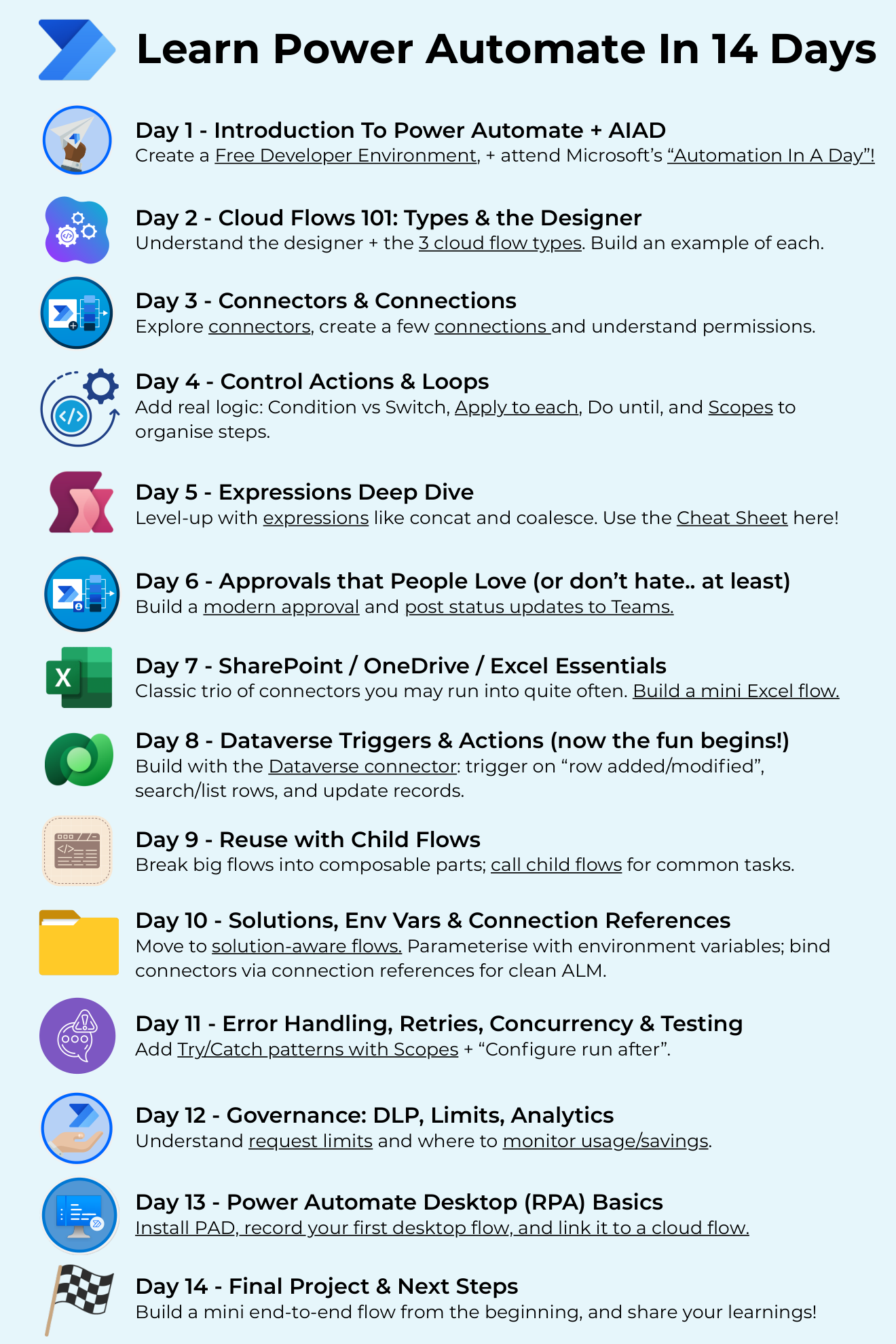
Want the hi-res version with every resource clickable? It's free in the Powercademy Success Kit.
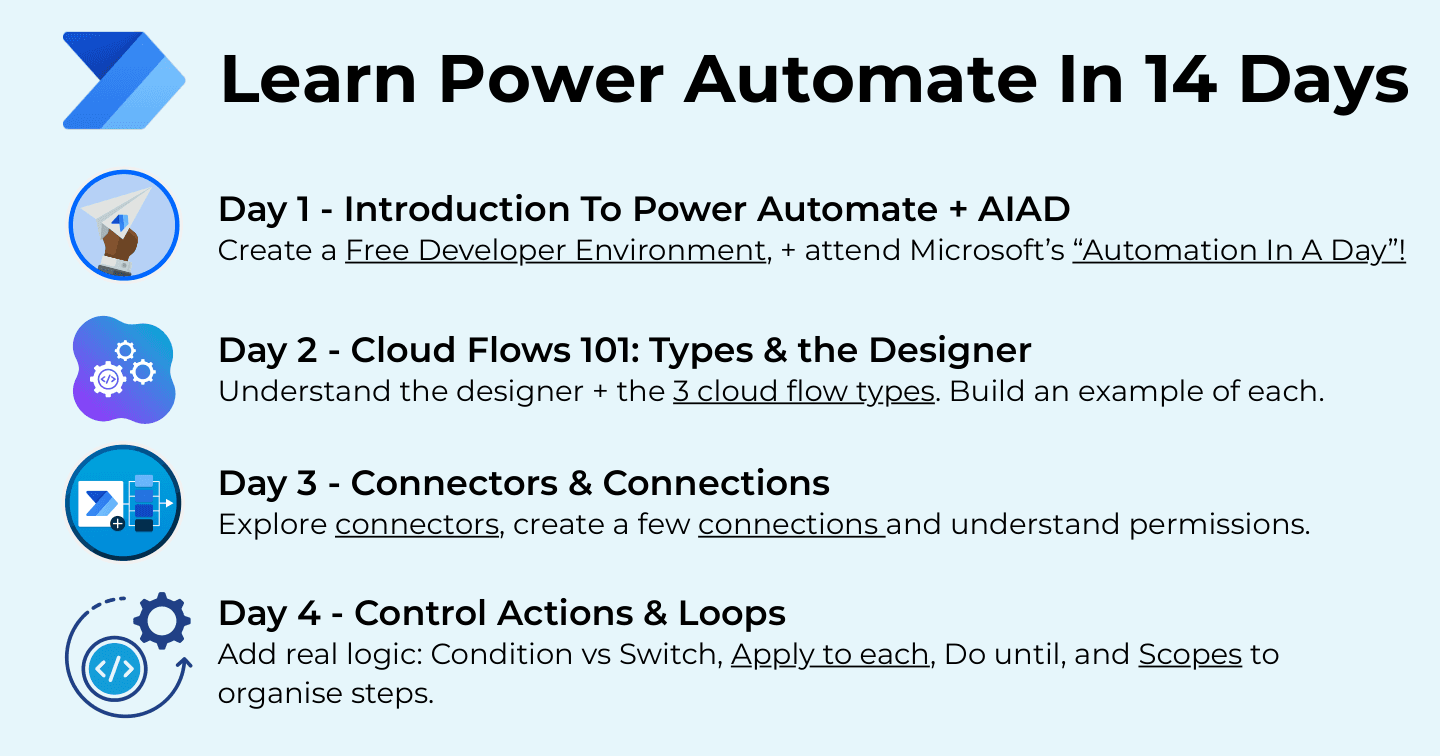
Days 1-4: Foundations
Day 1 - free developer environment plus Microsoft's Automation In A Day workshop.
Day 2 - the designer and the three cloud flow types (build one of each).
Day 3 - connectors, connections, and permissions.
Day 4 - real logic: Condition vs Switch, Apply to each, Do until, and Scopes to organise steps.
Days 5-9: Core skills
Day 5 - expressions deep dive (concat, coalesce, and friends - the expressions cheat sheet pairs with this day).
Day 6 - approvals people love, or at least don't hate, with Teams status updates.
Day 7 - the SharePoint / OneDrive / Excel trio, with a mini Excel flow.
Day 8 - Dataverse triggers and actions: row added/modified triggers, list rows, updates - where the fun begins.
Day 9 - reuse with child flows: break big flows into composable parts.
Days 10-14: The professional layer
Day 10 - solution-aware flows with environment variables and connection references for clean ALM.
Day 11 - error handling: Try/Catch patterns with Scopes and Configure Run After, retries, and concurrency.
Day 12 - governance: DLP, request limits, and analytics.
Day 13 - consolidate and test end-to-end.
Day 14 - final project, then share what you learned on LinkedIn with your next steps.
FAQ
Does this need any licences?
No - the developer plan covers everything including the Dataverse days. Licensing only enters when you deploy for real users with premium connectors.
Power Apps or Power Automate first?
Either works, but automation gives faster real-world wins - most people's first valuable build is a flow, not an app. Doing both 14-day plans back to back covers the maker core completely.
Why are solutions on day 10 rather than the end?
Because unlearning non-solution habits is harder than learning solution ones. Four days of building inside solutions with environment variables makes ALM your default before bad habits calcify.
What should the final project be?
An approval-with-Dataverse flow from your own work: trigger on a row change, run a modern approval, update the record, handle errors, all inside a solution. It exercises every day of the plan in one build.
The hi-res version of this roadmap is in the Powercademy Success Kit - free, along with hundreds of other cheat sheets, roadmaps, and guides for Microsoft professionals.