The Power Automate Expressions That Do 80% of the Work

Howdang Rashid
Monday, 17 August 2026 · 3 min read
Stop guessing Power Automate syntax. A small set of expressions does 80% of the work in real flows - and once they're in your muscle memory, the expression editor stops being the scary part of Power Automate.
When I started in Power Automate, I thought expressions sucked. My perception changed when I was building real solutions and realised the same handful come up again and again. Here are the ten I reach for constantly, each with syntax and a worked example you can paste straight into a flow.
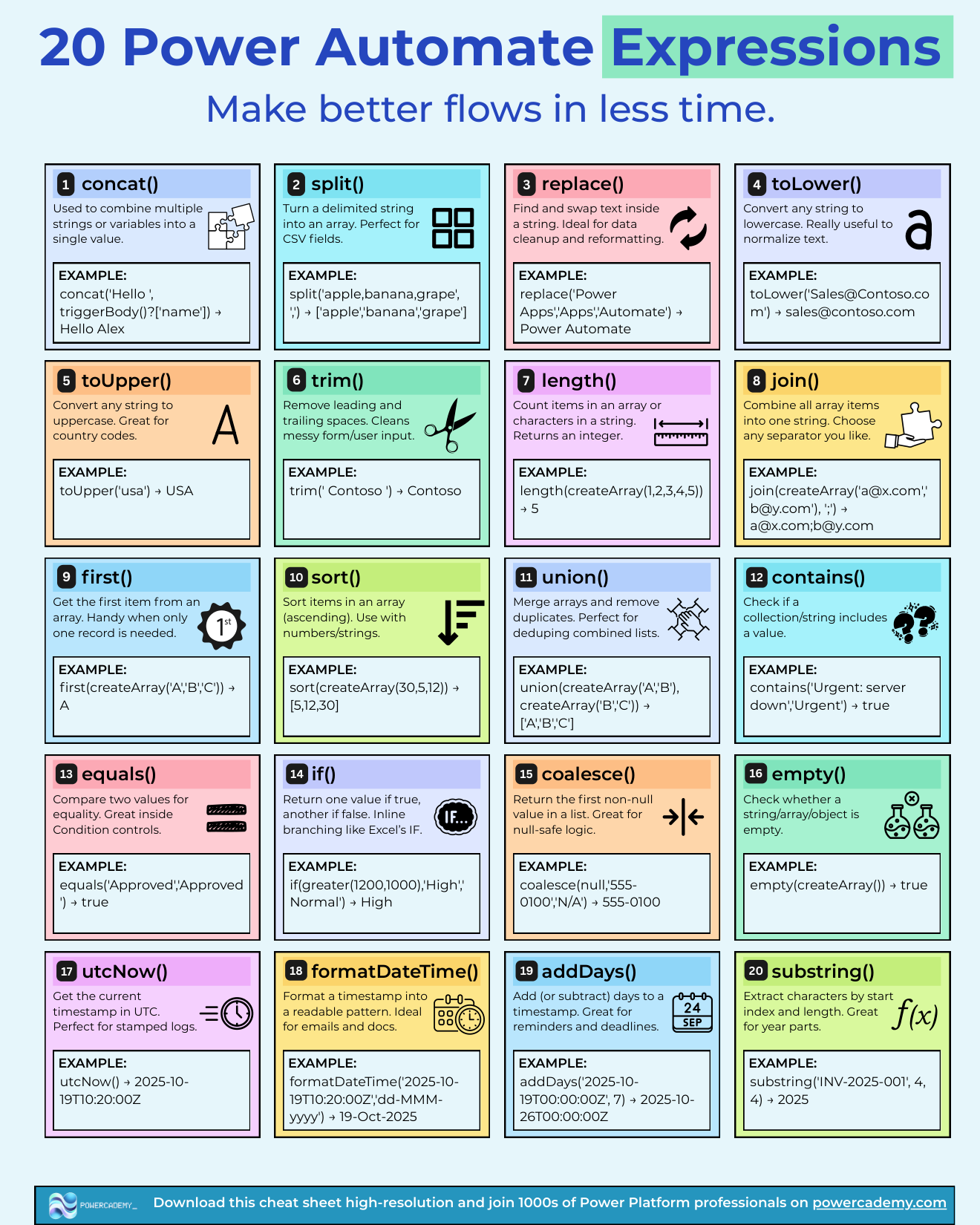
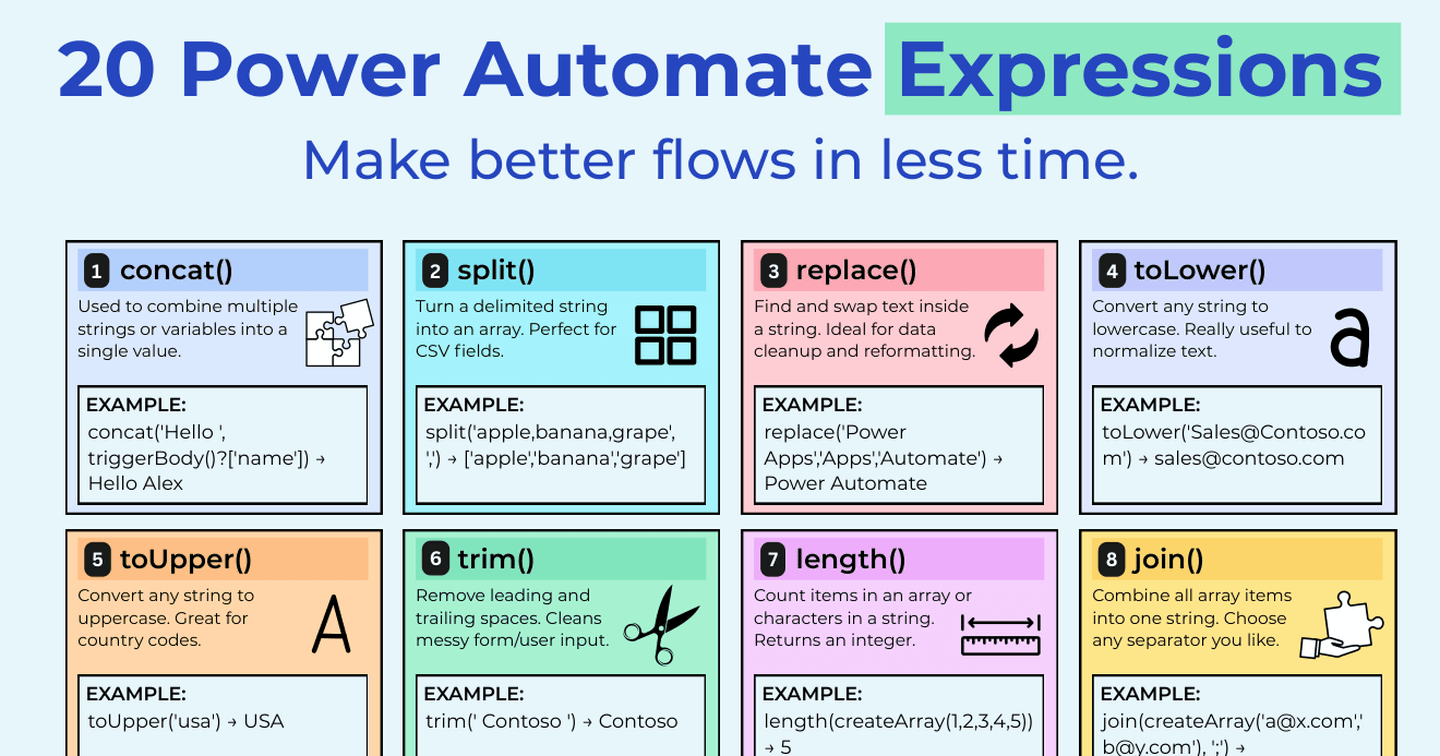
All twenty expressions on one hi-res sheet - free in the Powercademy Success Kit.
String expressions
1. concat() - combine multiple strings into one.
concat('Hello ', triggerOutputs()?['body/FirstName'], '!')
Returns Hello Sam! - the go-to for building messages, filenames, and references.
2. split() - turn a delimited string into an array.
split('red;green;blue', ';')
Returns ["red","green","blue"] - pair it with an Apply to each to process the parts.
3. replace() - find and replace text.
replace(variables('FileName'), ' ', '_')
Swaps spaces for underscores - a classic for cleaning filenames and IDs.
4. toLower() / 5. toUpper() - normalise casing.
toLower(triggerOutputs()?['body/Email'])
Lowercasing emails before comparing them prevents an entire family of "why didn't these match" bugs.
6. trim() - remove leading and trailing spaces.
trim(outputs('Get_response')?['body/Answer'])
User input and Excel data arrive with stray spaces more often than you'd think.
Array and collection expressions
7. length() - count items or characters.
length(outputs('List_rows')?['body/value'])
The standard guard: check a list actually has rows before processing it.
8. join() - merge array items into one string.
join(variables('EmailAddresses'), '; ')
Turns an array of addresses into a single To line.
9. first() - get the first item in a collection.
first(outputs('List_rows')?['body/value'])?['name']
When your filter should only match one row, first() saves you a pointless loop.
10. sort() - sort an array in ascending order.
sort(variables('Scores'))
Combine with last() to grab the highest value, or reverse() for descending order.
The other ten
The full cheat sheet covers twenty expressions - the second ten handle dates and times (utcNow(), formatDateTime(), addDays()), type conversion, null-handling with coalesce(), and the conditional expressions that keep flows readable. The hi-res sheet with all twenty, syntax and examples is in the Success Kit - link at the bottom.
FAQ
Where do I write expressions in Power Automate?
Select any input field, then choose the Expression tab in the dynamic content panel. Expressions can wrap dynamic content - that's where their power comes from.
Why does my expression show as plain text instead of running?
It was pasted into the field as text rather than entered through the Expression tab. Re-add it via the expression editor so the field shows the purple fx token.
What's the difference between concat() and the & I use in Excel?
Same idea, different syntax - Power Automate expressions use Workflow Definition Language functions, so string joining is concat() (or string interpolation in some actions), not &.
Do these work in Logic Apps too?
Yes - Power Automate and Azure Logic Apps share the same expression language, so everything here transfers directly.
Want all twenty expressions on one hi-res cheat sheet, with syntax and examples? It's in the Powercademy Success Kit alongside hundreds of other free Power Platform resources.