How to Use Copilot Studio: Agents, Workflows, Knowledge, and Skills

Howdang Rashid
Saturday, 22 August 2026 · 3 min read
The new Copilot Studio gives you four moving parts - agents, workflows, knowledge and tools, and Skills - and one rule that makes them all click: choose the least intelligence per step that still does the job. Here's what each part is for, when to use it, and the thing most people miss about each.
Want the hi-res version? It's free in the Powercademy Success Kit.
When should the work be an agent?
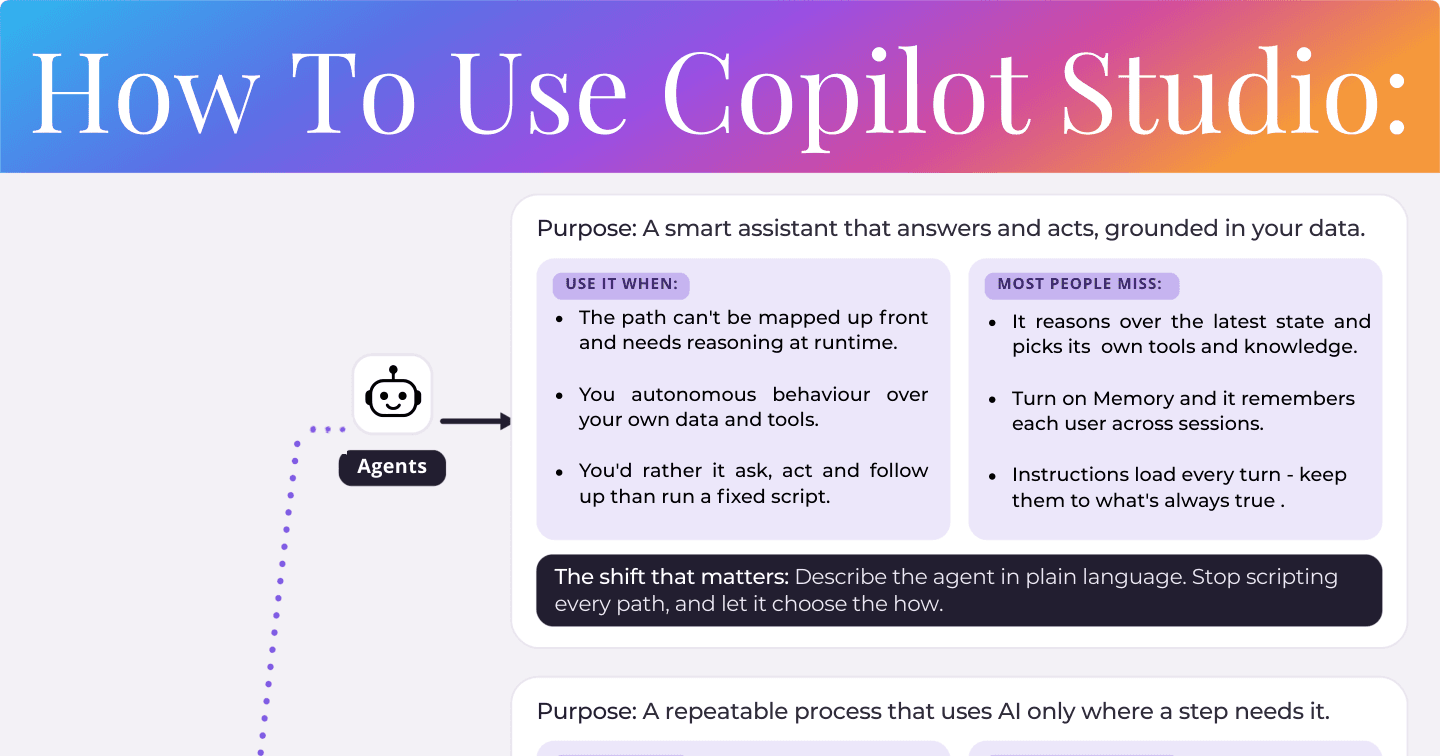
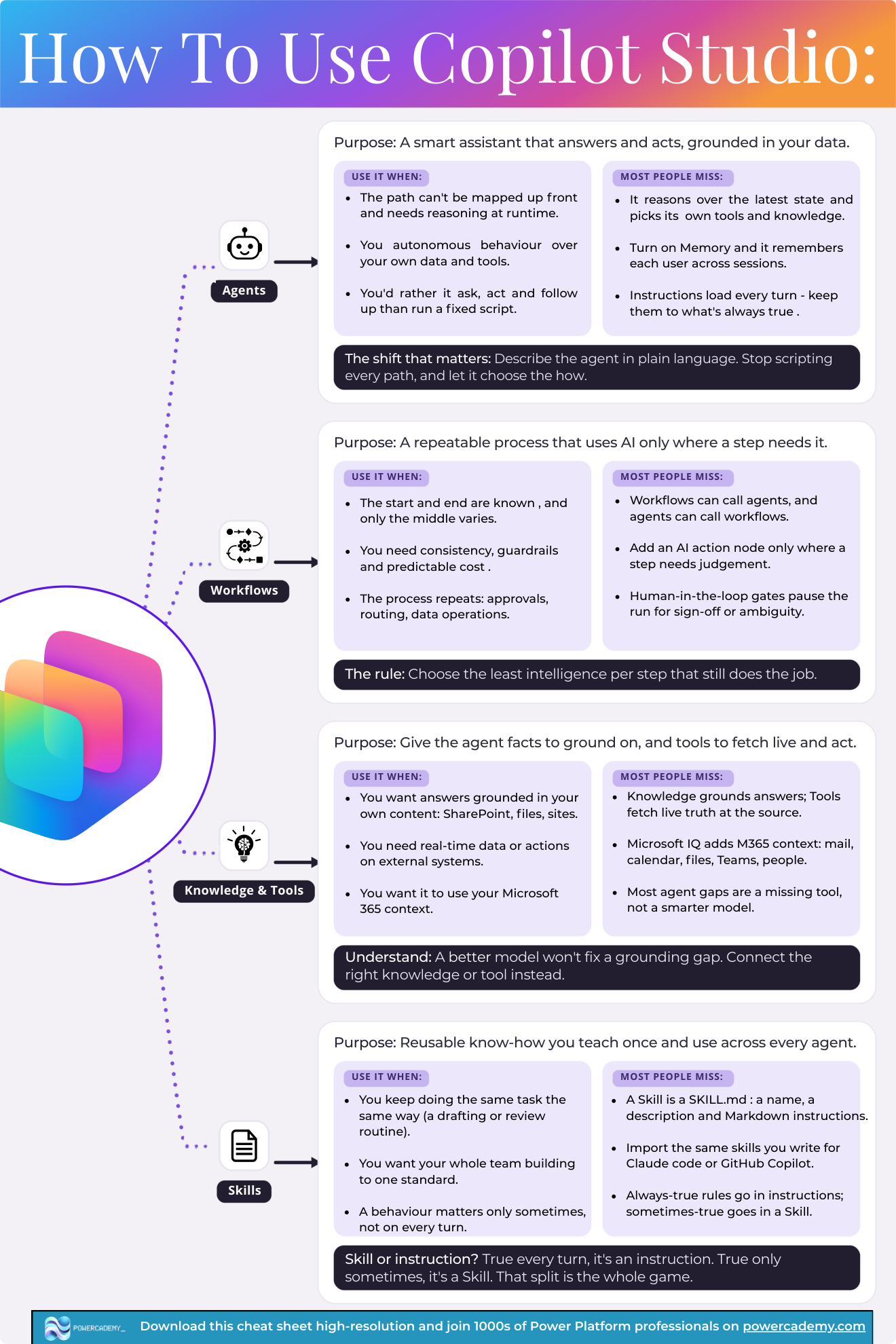
An agent is a smart assistant that answers and acts, grounded in your data. Use one when the path can't be mapped up front and needs reasoning at runtime, when you want autonomous behaviour over your own data and tools, or when you'd rather it ask, act, and follow up than run a fixed script. The shift that matters: describe the agent in plain language, stop scripting every path, and let it choose the how - it reasons over the latest state and picks its own tools and knowledge, and with Memory on it remembers each user across sessions.
Most people miss: instructions load on every turn - keep them to what's always true.
When should it be a workflow?
A workflow is a repeatable process that uses AI only where a step needs it. Use one when the start and end are known and only the middle varies, when you need consistency, guardrails, and predictable cost, or when the process repeats - approvals, routing, data operations. Add an AI action node only where a step needs judgement, and use human-in-the-loop gates to pause for sign-off or ambiguity.
Most people miss: workflows can call agents, and agents can call workflows - composition is the point, not a choice between them.
What's the difference between knowledge and tools?
Knowledge gives the agent facts to ground on; tools fetch live truth at the source and act on external systems. Use knowledge when you want answers grounded in your own content - SharePoint, files, sites - and tools when you need real-time data or actions. Microsoft IQ adds your M365 context on top: mail, calendar, files, Teams, and people.
Most people miss: a better model won't fix a grounding gap. Most agent failures are a missing tool or knowledge source, not a model problem - connect the right one instead.
What are Skills for?
Skills are reusable know-how you teach once and use across every agent - a SKILL.md with a name, a description, and markdown instructions. Use one when you keep doing the same task the same way (a drafting or review routine), when a behaviour matters only sometimes rather than every turn, or when you want the whole team building to one standard. You can even import the same skills you write for Claude Code or GitHub Copilot.
Most people miss: the instruction-or-Skill split. True every turn? Instruction. True only sometimes? Skill. That split is the whole game.
FAQ
Why "least intelligence per step"? Isn't more AI better?
Intelligence costs money, latency, and predictability. A deterministic workflow step is free, instant, and testable; an LLM step is none of those. Spend reasoning only where a step genuinely needs judgement and everything gets cheaper and more reliable.
My agent gives wrong answers - should I switch models?
Check grounding first. Nine times out of ten the agent lacks the right knowledge source or a tool to fetch live data - a better model reasons more eloquently over the same missing facts. Fix the grounding gap, then judge the model.
Can a workflow exist without any agent?
Absolutely - plenty of processes are pure workflows with an AI action node or two for classification or drafting. Not everything needs a conversation; that's the least-intelligence rule working as intended.
How many Skills should an agent have?
As many as it has distinct, sometimes-true tasks - they load on demand, so unused Skills cost nothing per turn. The discipline is in each Skill's description: that's what the orchestrator reads when deciding to load it.
The hi-res version of this cheat sheet is in the Powercademy Success Kit - free, along with hundreds of other cheat sheets, roadmaps, and guides for Microsoft professionals.