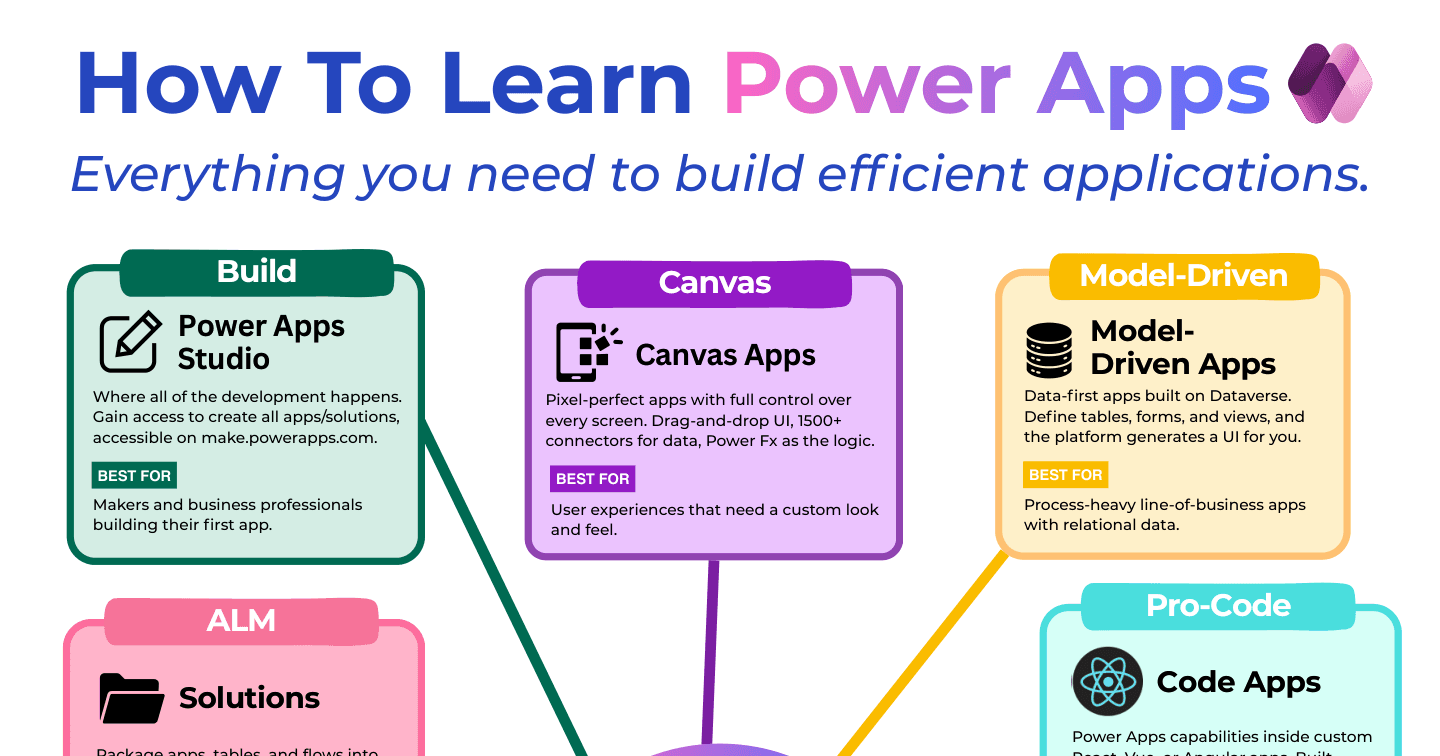
How to Learn Power Apps: The 10 Building Blocks

Howdang Rashid
Saturday, 22 August 2026 · 2 min read
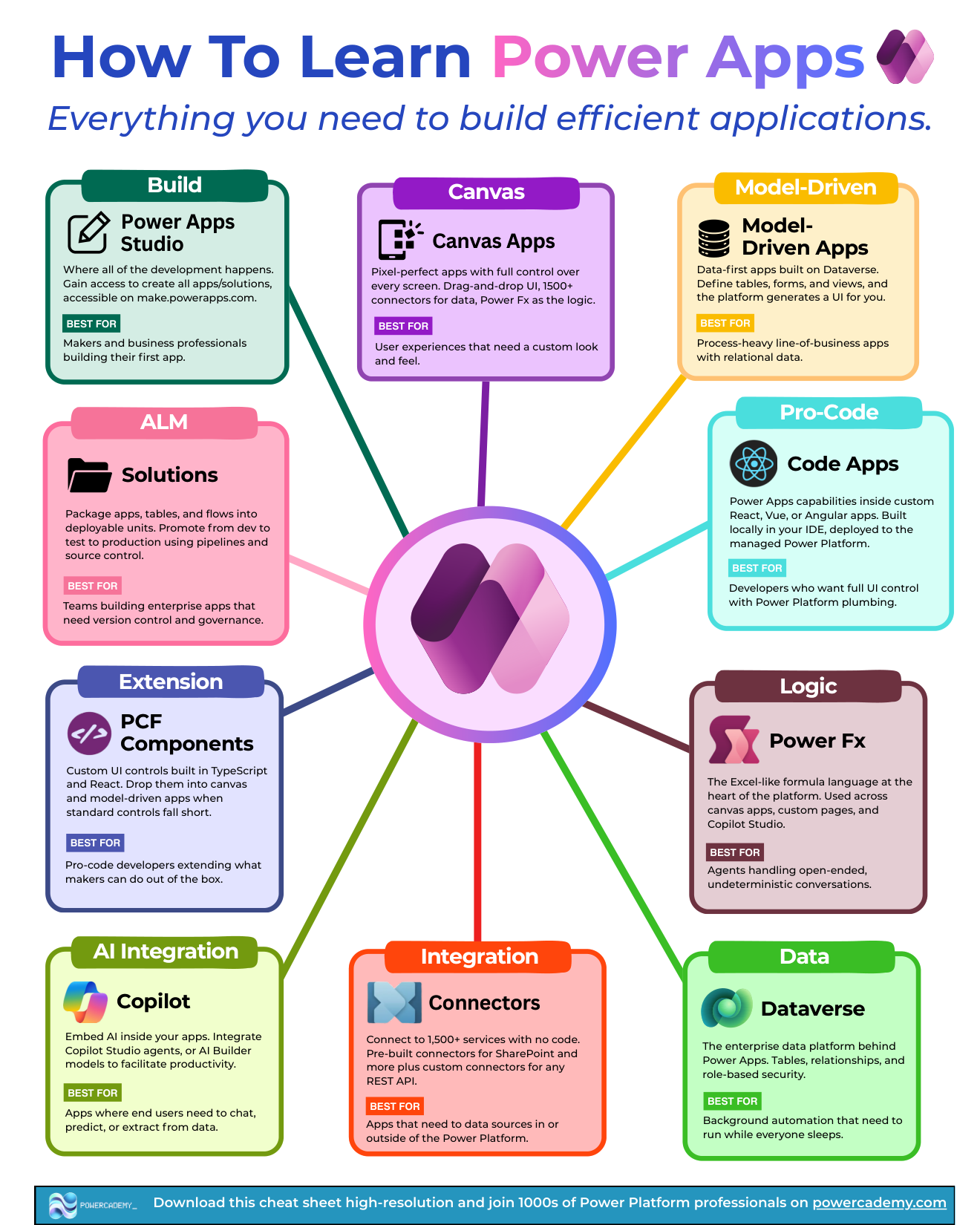
Power Apps is easiest to learn as ten building blocks: where you build, the three app types, the logic and data layers, the integration surface, and the pro-level extension points. Here's the map - what each block is, and who it's best for.
Want the hi-res version? It's free in the Powercademy Success Kit.
Where does building happen?
Power Apps Studio (make.powerapps.com) is where all development happens - access to every app type and solution, and the natural home for makers building their first app.
What are the three app types?
Canvas apps - pixel-perfect apps with full control over every screen: drag-and-drop UI, 1,500+ connectors, Power Fx logic. Best for user experiences needing a custom look and feel.
Model-driven apps - data-first apps on Dataverse: define tables, forms, and views and the platform generates the UI. Best for process-heavy, relational line-of-business apps.
Code apps - Power Apps capabilities inside custom React, Vue, or Angular apps, built locally in your IDE and deployed to the managed platform. Best for developers wanting full UI control with Power Platform plumbing.
What powers logic, data, and integration?
Power Fx - the Excel-like formula language at the heart of the platform, used across canvas apps, custom pages, and Copilot Studio.
Dataverse - the enterprise data platform behind Power Apps: tables, relationships, and role-based security.
Connectors - 1,500+ services with no code, from prebuilt SharePoint connections to custom connectors for any REST API.
AI integration - embed Copilot Studio agents or AI Builder models inside your apps, so users can chat, predict, and extract without leaving them.
What are the pro-level blocks?
PCF components - custom UI controls built in TypeScript and React that drop into any app, for when standard controls run out.
Solutions and ALM - how apps move between environments with versioning and governance, turning maker projects into managed products.
FAQ
How long does it take to learn Power Apps?
First working canvas app: a weekend. Genuinely competent across canvas + Dataverse + model-driven: three to six months of consistent building. The blocks above are the syllabus; real projects are the teacher.
Do I need Power Fx if I'm going model-driven?
Less than canvas builders do - model-driven logic leans on business rules and configuration - but Power Fx still appears in custom pages, calculated behaviour, and Copilot Studio. It's the platform's lingua franca; learn it.
When do PCF components become worth it?
When a UI requirement repeats across apps and standard controls can't deliver it - signature pads, custom grids, visualisations. One developer building a PCF beats ten makers fighting workarounds.
Which certification matches this map?
PL-900 covers the foundations; the Applied Skills credentials then validate canvas and model-driven building specifically. Pair the blocks with a real project and the certs follow naturally.
The hi-res version of this cheat sheet is in the Powercademy Success Kit - free, along with hundreds of other cheat sheets, roadmaps, and guides for Microsoft professionals.