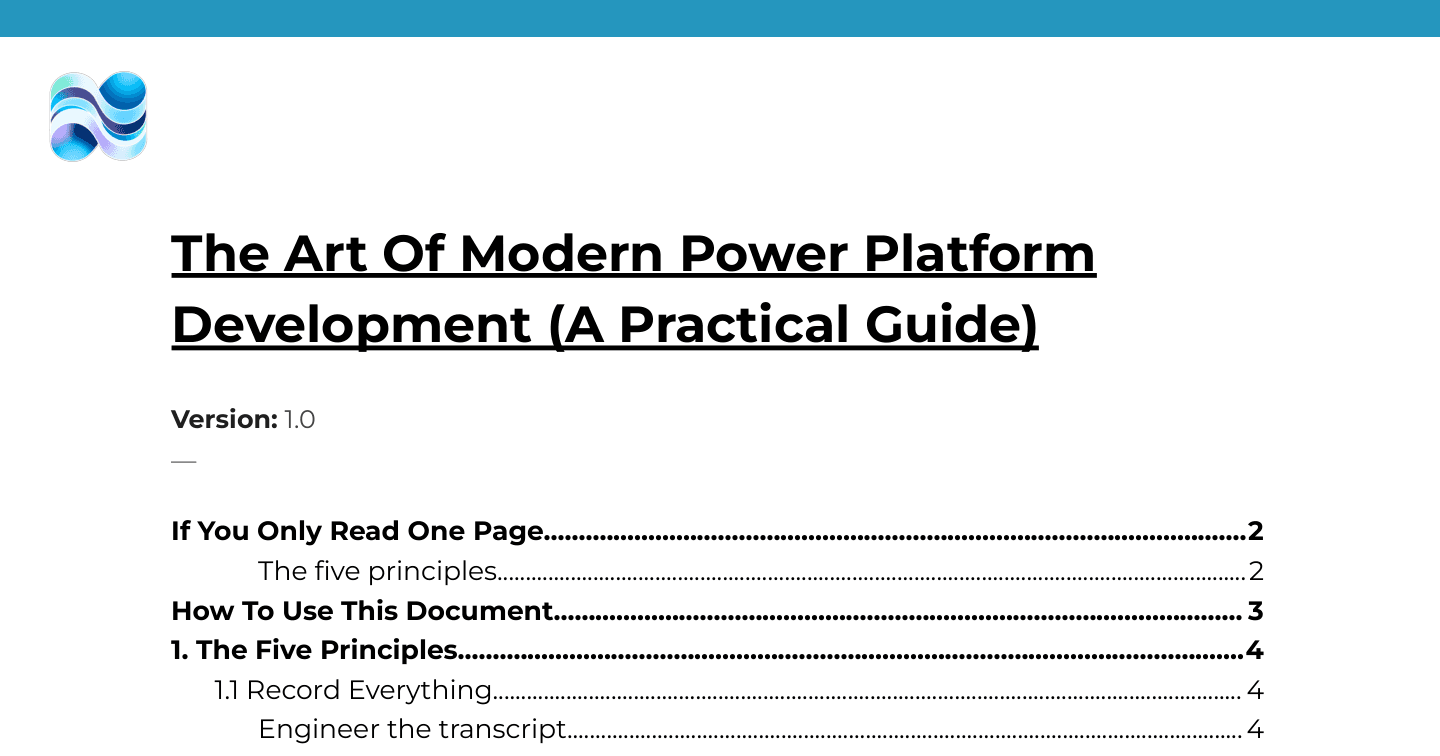
The Art of Modern Power Platform Development: A Practical Guide

Howdang Rashid
Saturday, 22 August 2026 · 4 min read
Power Platform development changed in 2026. Microsoft released the power-platform-skills - plugins that let GitHub Copilot and Claude Code operate the Power Platform directly. The maker portal is still a valuable asset, but it's no longer where you start. That shifts the job: away from "what does every button in the portal do" and towards "have I gathered the right context, made the right architectural calls, and properly checked what came back". This guide is the working method for that shift, built on five principles.
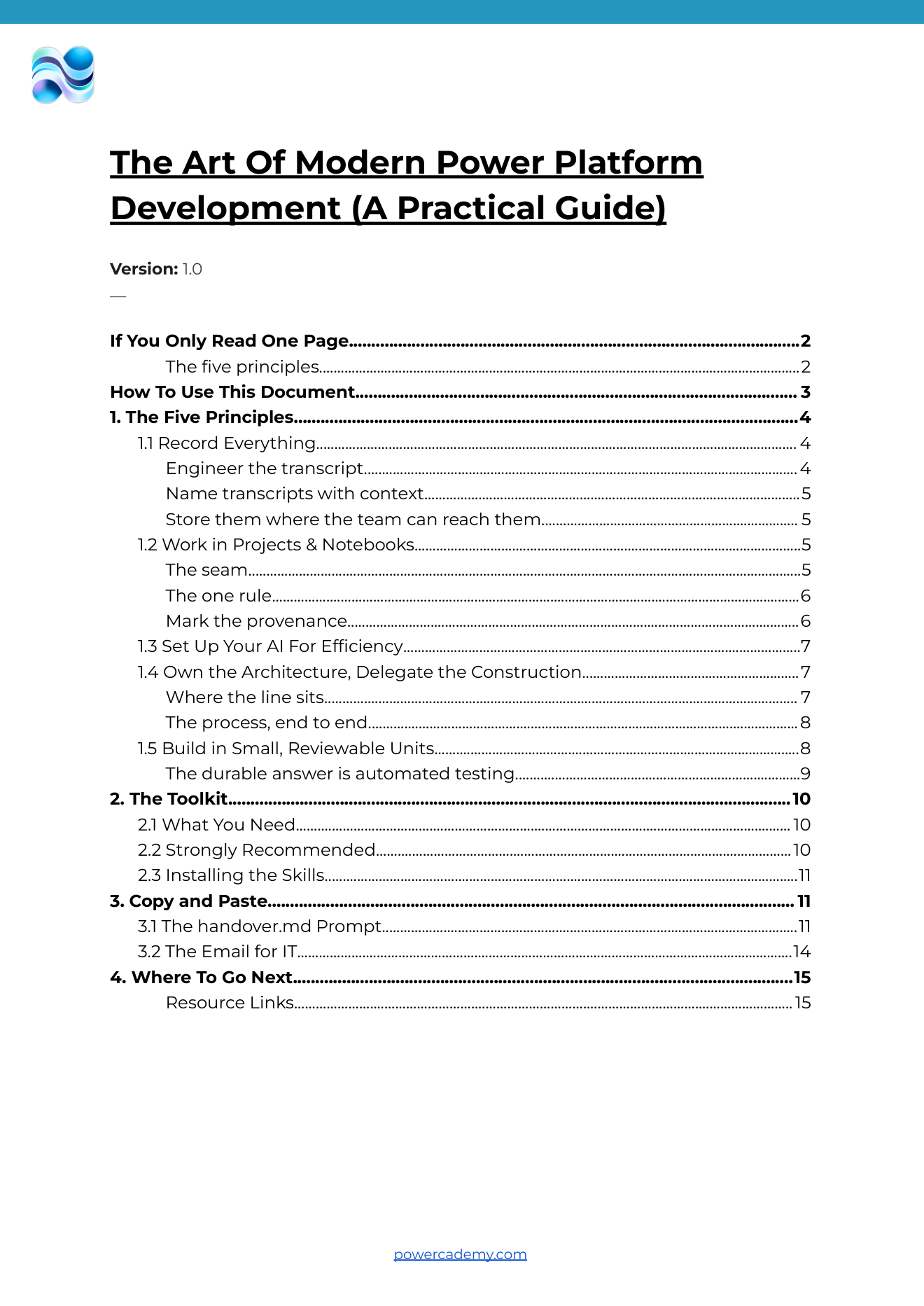
The full guide - including the complete handover.md prompt, the toolkit with install commands, and a copy-paste email for IT - is free in the Powercademy Success Kit.
Principle 1: Record everything
Transcripts used to be archives; in the age of AI they're context machines. Feed one into an AI and it catches the constraint you never wrote down and the thing the client said in passing. You're already doing the expensive bit - being on the calls - so the habit to build is treating the recording as a specification. During calls, write to the transcript: repeat the solution back in full, verbalise the why behind decisions, name entities and relationships explicitly ("an artist has many albums"), and state constraints and exclusions out loud - an agent cannot infer what nobody said. Name transcripts with context ("Discovery Call - Client - Copilot Studio Project"), store them where the team can reach them, and always record with the client's explicit consent.
Principle 2: Work in projects and notebooks
One container per client - transcripts, research, architecture, and decisions - so every new chat starts with context instead of a blank window. The interesting part is the seam between your chat AI and your coding agent: M365 Copilot holds the client's words and your reasoning; the coding agent holds live platform knowledge but has never met your client. handover.md is the seam, and it has one rule: capture intent and decisions, never implementation. The coding agent knows more about Power Fx than your chat AI does - specify the how and you constrain a more capable agent to a weaker, out-of-date guess. Describe the destination; let it choose the route. Then mark provenance on every statement: [STATED] the client said it, [DECIDED] you chose it deliberately with reasoning, [INFERRED] nobody actually said it - and anything inferred that the build depends on goes under Open Questions.
Principle 3: Set up your AI for efficiency
Do the setup once, properly: Node, .NET, PAC CLI, Azure CLI, Git, and the GitHub Copilot desktop app, then add the power-platform-skills marketplace and install the plugins you need. And ask IT before you start, not after you're blocked - the full guide includes a copy-paste email with the exact licence asks.
Principle 4: Own the architecture, delegate the construction
Think of how an architect's practice works: clients come for the mind - the judgement - not the drawing. Others hold the pencil; the architect has the final say. That's the model. You own the data model, trust boundaries, licensing, whether to build at all, and the review of what comes back. The agent owns Power Fx, connector and action choices, schema names, and form layout. The process end to end: gather context, make the architectural decisions, write handover.md, hand it to the coding agent with the relevant skill, get a plan you can argue with, approve or iterate, then build. On a greenfield PoC there's nothing to lose in making the jump - but never let an agent run autonomously in a live client solution; that's a different risk class.
Principle 5: Build in small, reviewable units
When you built in the UI, review was free - you saw every field as you created it. Delegate the doing and the emphasis moves to reviewing: small units, one thing at a time, knowing what the agent will do before it does it - not because it can't handle more, but because you can only review so much. The durable answer is automated testing: the Power Platform Playwright samples give you TypeScript end-to-end tests with page objects for canvas apps, model-driven apps, custom pages, and Gen UX - plus a bundled Playwright MCP server so your Copilot can write and fix the tests itself.
FAQ
What exactly are the power-platform-skills?
First-party Microsoft plugins (github.com/microsoft/power-platform-skills) that give GitHub Copilot and Claude Code the knowledge to operate the Power Platform: model-driven apps, Power Automate, Power Pages, canvas apps, code apps, and more. Add the marketplace once, install what you need.
Why not do everything in the coding agent and skip the chat AI?
Because the chat AI is better at the work surrounding the build - decks, research, fact-checking your reasoning - and it's where your transcripts already live. Two tools, two kinds of knowledge, one deliberate seam between them.
What goes in the IT request?
A GitHub Copilot Business seat plus standard developer tooling: the Copilot app and CLI, Node 22 LTS, .NET 10 SDK, PAC CLI 2.7+, Azure CLI, Git, and PowerShell 6+. The guide includes the email written and ready to send.
Does this replace learning the maker portal?
No - the portal remains valuable, especially for review and for understanding what the agent built. What changes is the starting point: context and architecture first, portal clicks second.
The full guide - with the complete handover.md prompt, toolkit versions, install commands, and the IT email - is in the Powercademy Success Kit - free, along with hundreds of other resources for Microsoft professionals.