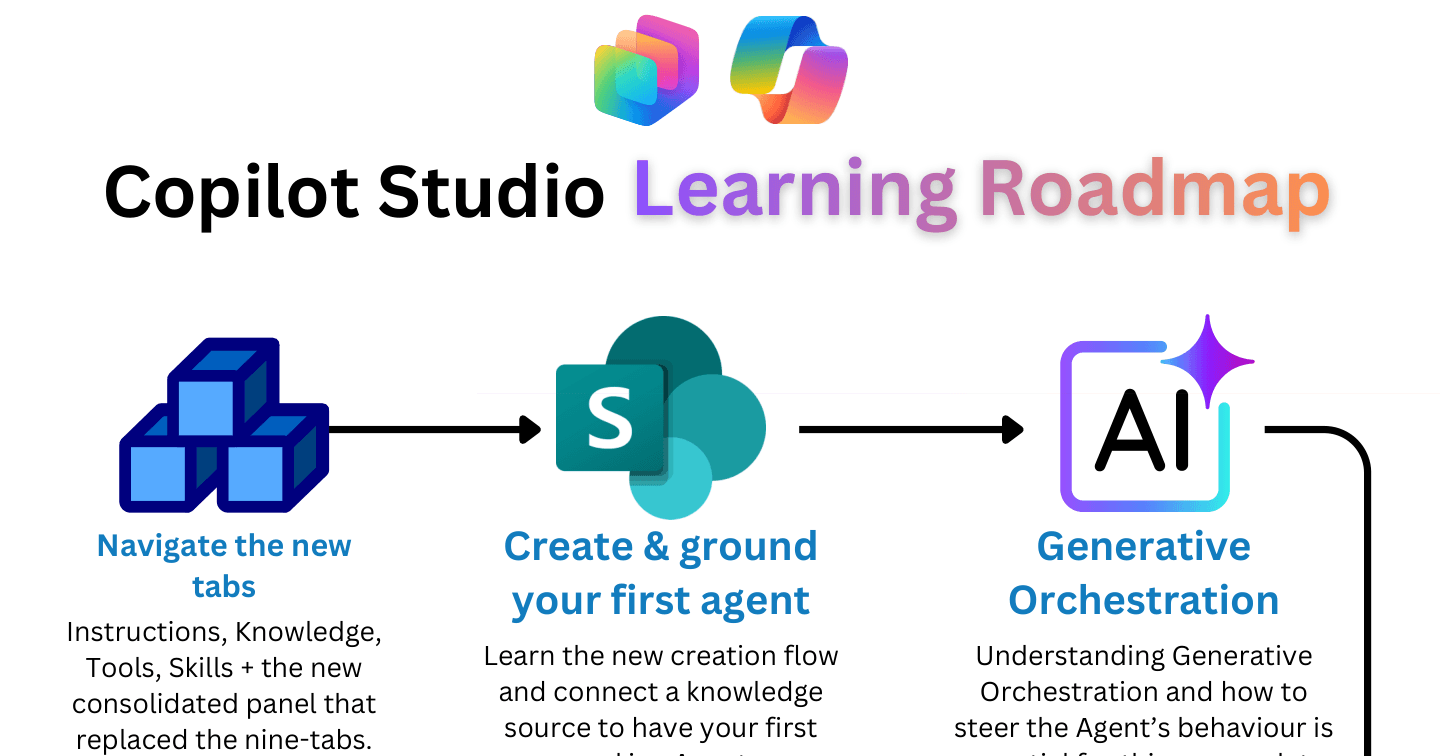
The Copilot Studio Learning Roadmap: 9 Steps for the New Experience

Howdang Rashid
Saturday, 22 August 2026 · 2 min read
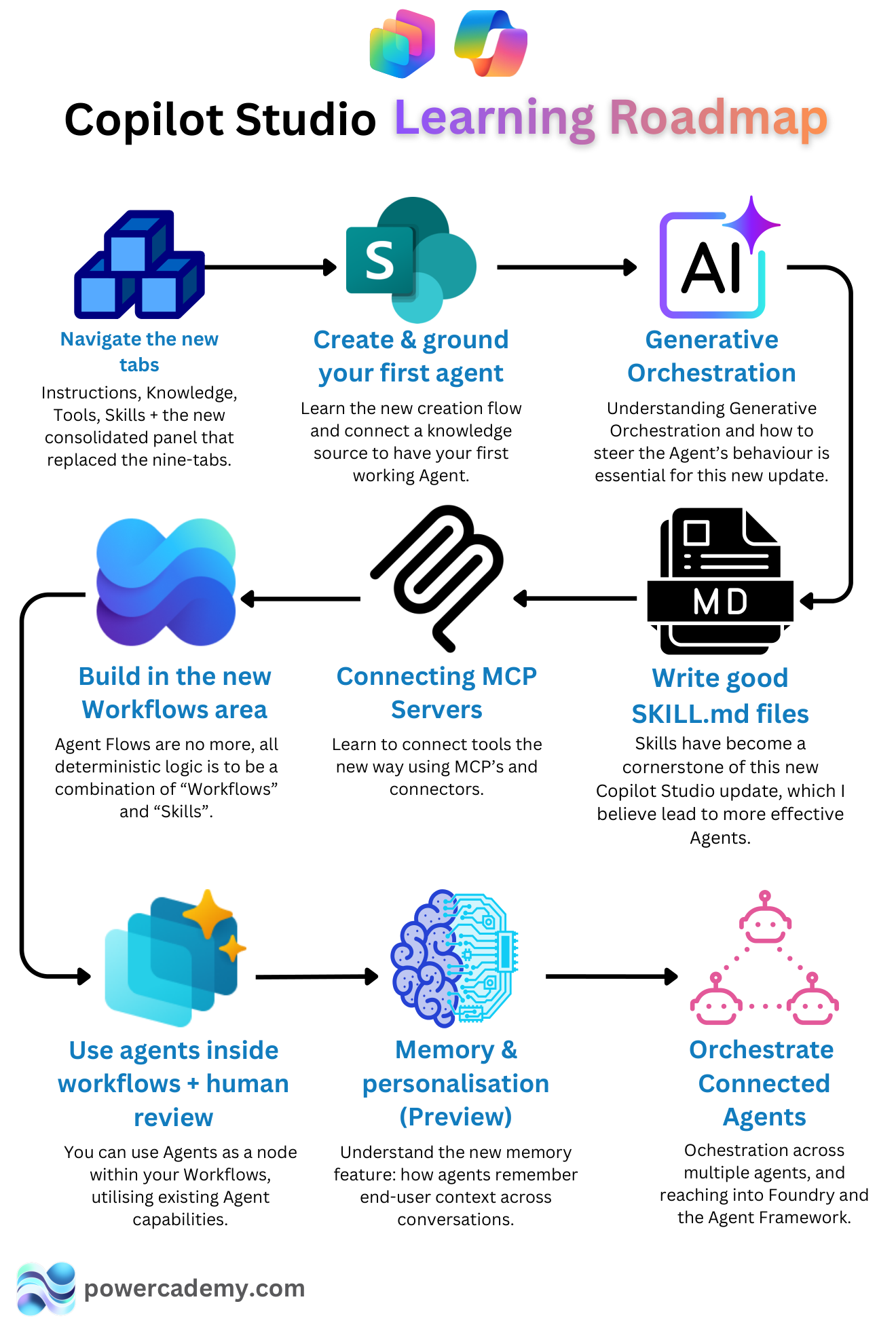
The new Copilot Studio changed what "learning Copilot Studio" means - workflows replaced agent flows, Skills became first-class, and orchestration took over from topics. This roadmap sequences the nine things worth learning now, in the order that makes each one easier than the last.
Want the hi-res version with clickable resources? It's free in the Powercademy Success Kit.
Where do you start?
Create and ground your first agent. Learn the new creation flow and connect a knowledge source - you'll have a working agent in an afternoon, and everything after builds on it.
Navigate the new tabs. Instructions, Knowledge, Tools, and Skills - the consolidated panel that replaced the old nine-tab layout. Knowing where everything lives makes every later step faster.
Understand generative orchestration. How the agent picks tools, knowledge, and behaviour at runtime - and how to steer it. This is the mental model the whole new experience runs on.
How do you add structure and capability?
Build in the new Workflows area. Agent flows are no more - deterministic logic is now a combination of workflows and Skills.
Use agents inside workflows with human review. Drop agents in as workflow nodes to reuse their reasoning inside structured processes, with approval steps where stakes are high.
Connect MCP servers. Learn to wire up tools the new way, using MCP servers alongside classic connectors.
Write good SKILL.md files. Skills are the cornerstone of the new Copilot Studio - reusable know-how that makes agents markedly more effective.
What are the advanced steps?
Memory and personalisation (preview). How agents remember end-user context across conversations, so people stop re-explaining themselves.
Orchestrate connected agents. Multi-agent orchestration, including reaching into Microsoft Foundry and the Agent Framework when an agent needs pro-code muscle behind it.
FAQ
I learned the old Copilot Studio - do I start over?
No - knowledge sources, connectors, and channel publishing all carry over. What changes is the authoring model: topics give way to orchestration, agent flows give way to workflows, and Skills become your reuse unit. Steps 2-4 are your fast-track.
How long does the roadmap take?
With an hour a day: the first three steps inside a week, structure and capability in two to three more, and the advanced steps as your project demands them. A month of consistency covers the lot.
Do I need licences to learn this?
A free Power Platform developer environment plus Copilot Studio trial covers every step here. Licensing only matters when you publish for real users.
Is memory safe to rely on while it's in preview?
Learn it, design for it, but don't make production behaviour depend on it yet - preview features can change. Treat it as progressive enhancement: the agent should still work well for a user it remembers nothing about.
The hi-res version of this roadmap is in the Powercademy Success Kit - free, along with hundreds of other cheat sheets, roadmaps, and guides for Microsoft professionals.