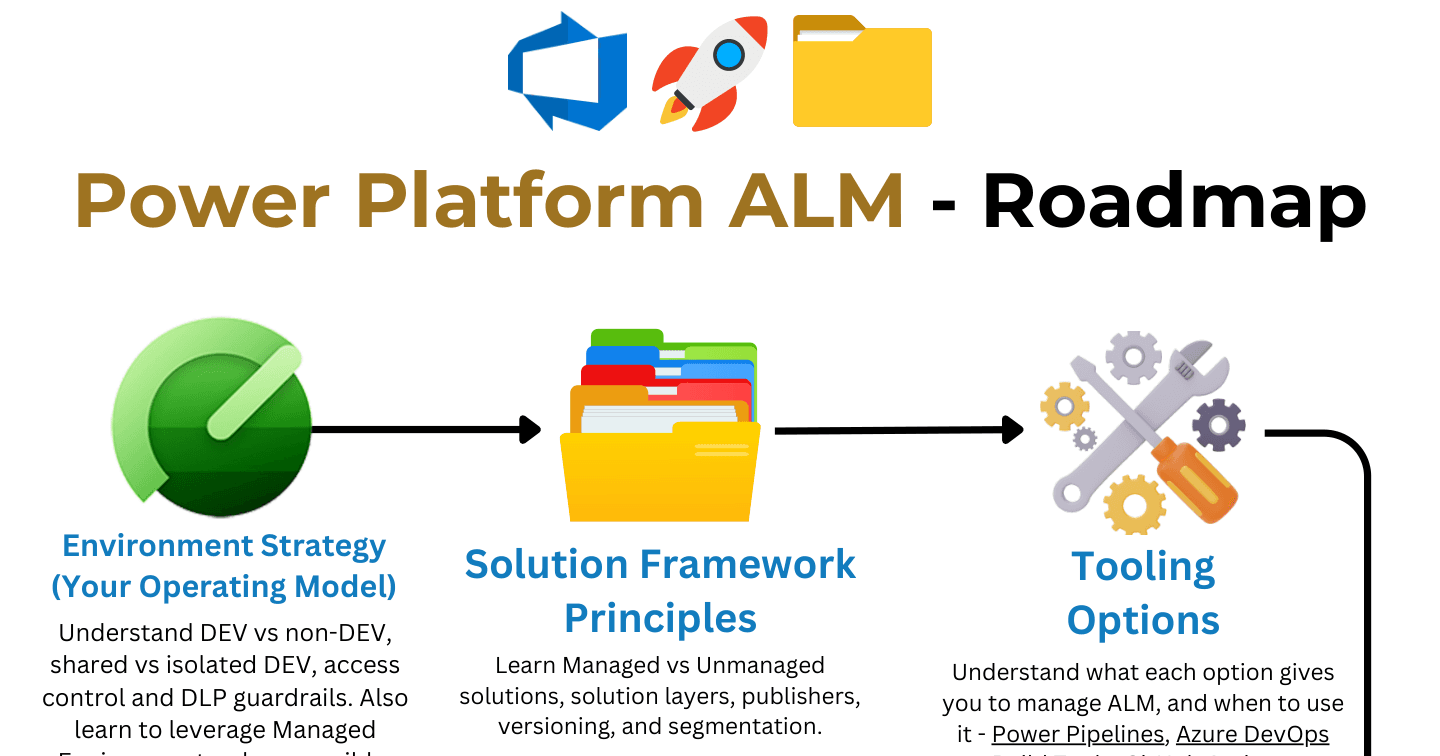
The Power Platform ALM Learning Roadmap

Howdang Rashid
Saturday, 22 August 2026 · 3 min read
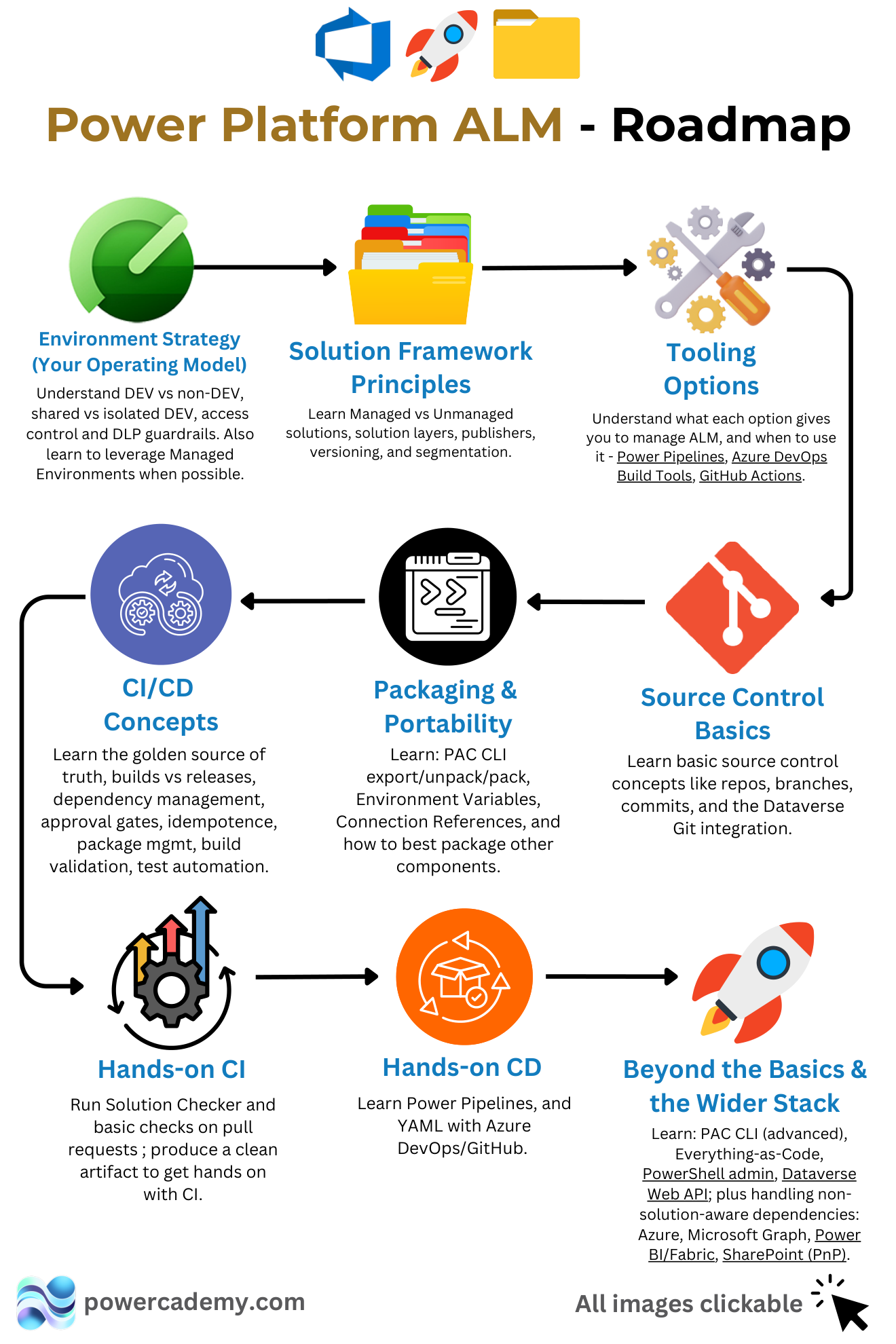
ALM is the skill that turns Power Platform makers into professionals, and it is best learned in a specific order: solution principles first, environment strategy second, source control third, then packaging, tooling, CI, CD, and finally the wider stack. This roadmap lays out all eight stages so each one builds on the last instead of leaving gaps you rediscover in production.
Want the hi-res version? It's free in the Powercademy Success Kit.
What are the eight stages of the ALM roadmap?
Solution framework principles - Managed vs unmanaged solutions, solution layers, publishers, versioning, and segmentation. The vocabulary everything else is written in.
Environment strategy - Your operating model: DEV vs non-DEV, shared vs isolated DEV, access control and DLP guardrails, and leveraging Managed Environments where possible.
Source control basics - Repos, branches, commits, and the Dataverse Git integration. The golden source of truth starts here.
Packaging and portability - PAC CLI export/unpack/pack, environment variables, connection references, and how to package components that are not solution-aware.
CI/CD concepts - Builds vs releases, dependency management, approval gates, idempotence, package management, build validation, and test automation - the theory before the tooling.
Tooling options - What Power Pipelines, Azure DevOps Build Tools, and GitHub Actions each give you, and when to use which.
Hands-on CI, then CD - Run Solution Checker and basic checks on pull requests to produce a clean artifact, then learn Power Pipelines and YAML pipelines in Azure DevOps or GitHub for releases.
Beyond the basics - Advanced PAC CLI, everything-as-code, PowerShell admin, the Dataverse Web API, and handling non-solution-aware dependencies: Azure, Microsoft Graph, Power BI and Fabric, SharePoint.
Why learn ALM in this order?
Because each stage is the prerequisite of the next. Pipelines that deploy unsegmented solutions ship mess faster. Git integration without an environment strategy versions chaos. Teams that jump straight to YAML pipelines - the shiny part - end up automating problems that stage one and two would have designed away. The first four stages cost nothing but attention and fix most real-world deployment pain on their own.
FAQ
How long does the roadmap take?
Stages one to four are days of focused learning each. CI/CD concepts and hands-on pipelines take longer - weeks of practice to become fluent. Most people can be genuinely useful on a team's ALM within a couple of months of consistent effort.
Do I need to be a developer to learn ALM?
No. Stages one through six are process and configuration, not code. YAML pipelines and PowerShell introduce code-adjacent skills, but they are learnable by any maker comfortable with structured thinking - and ALM knowledge is rarer and better paid than another app-building skill.
Power Pipelines or Azure DevOps for my first hands-on CD?
Power Pipelines if your organisation has Managed Environments - lowest setup, teaches the promotion-and-approval model cleanly. Azure DevOps or GitHub Actions if you want the transferable, fully customisable skill set. Learning both is the roadmap's actual recommendation.
What are non-solution-aware dependencies?
Everything your solution needs that does not travel inside a solution file: Azure resources, Graph permissions, Power BI and Fabric artifacts, SharePoint structures. Stage eight exists because real deployments break on these, not on the solution import itself.
The hi-res version is in the Powercademy Success Kit - free, along with hundreds of other cheat sheets, roadmaps, and guides for Microsoft professionals.