Power BI vs Model-Driven App Dashboards: Which Do You Need?

Howdang Rashid
Saturday, 22 August 2026 · 2 min read
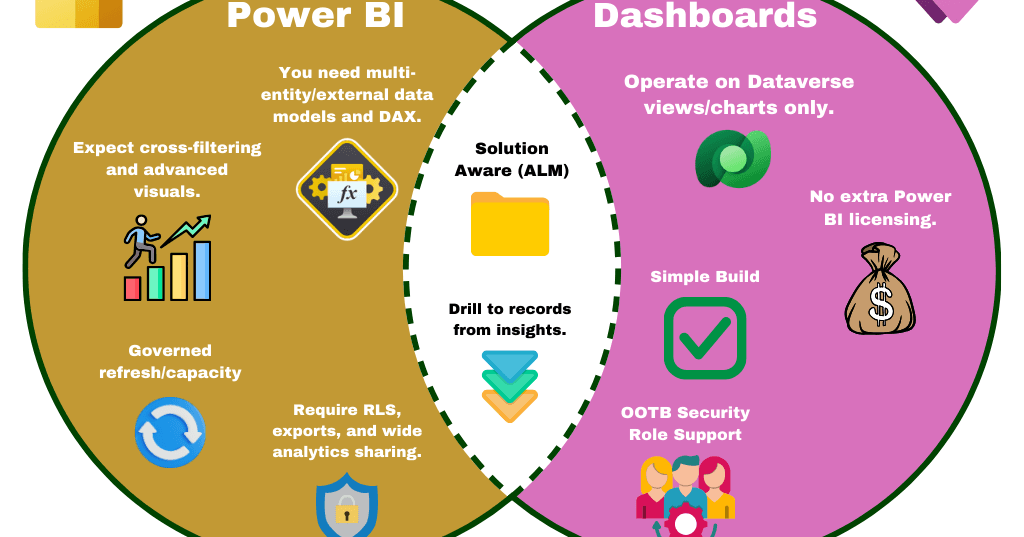
"Should this be a Power BI report or a dashboard in the app?" comes up on every model-driven project, and the answer fits in a Venn diagram. Power BI earns its licence when the analysis is genuinely analytical; MDA dashboards win when users just need to see their Dataverse world at a glance - and the overlap is bigger than most people think.
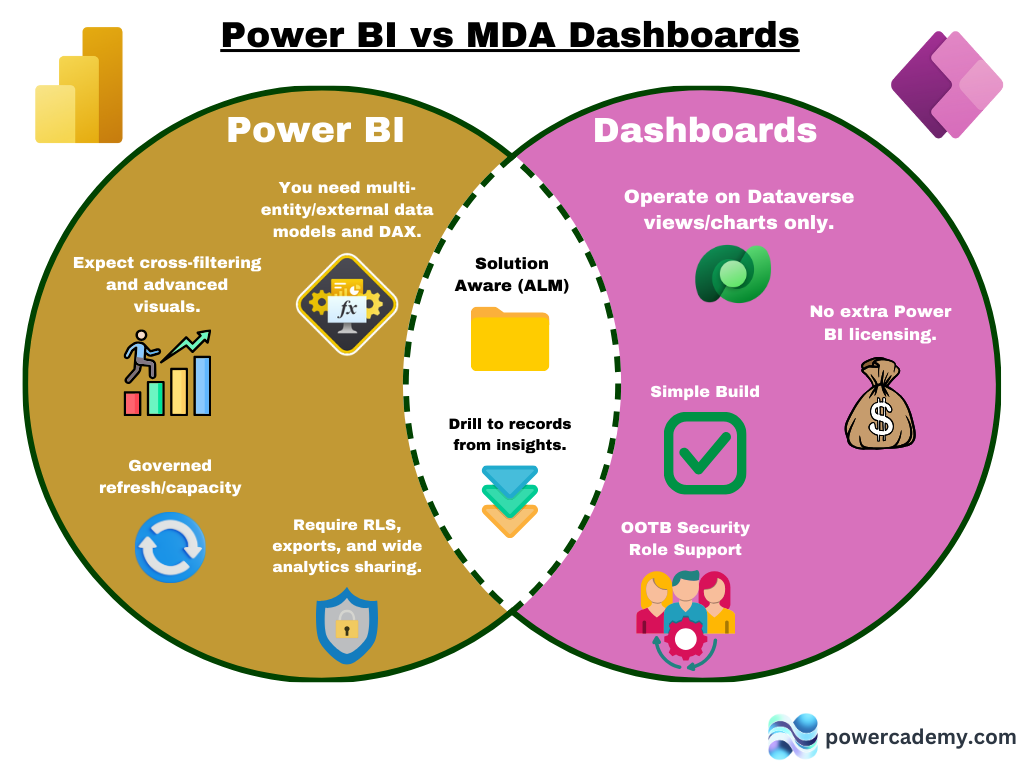
Want the hi-res version? It's free in the Powercademy Success Kit.
When is it Power BI?
Reach for Power BI when you need multi-entity or external data models and DAX, when users expect cross-filtering and advanced visuals, when refresh and capacity need proper governance, or when requirements include row-level security, exports, and wide analytics sharing beyond the app's users. In short: when the job is analytics, not app awareness.
When do MDA dashboards win?
Model-driven dashboards operate on Dataverse views and charts only - and that constraint buys three big wins: no extra Power BI licensing, a simple build (assemble views and charts, done), and out-of-the-box security role support - every user automatically sees only what their role allows, with zero extra configuration. For "my open cases, my team's pipeline, this queue" - this is the answer.
What do both give you?
The shared middle: both are solution-aware (they travel through your ALM pipeline like any component), and both support drilling from insight to record - click a segment, land on the rows behind it. Whichever you pick, deployment discipline and click-through UX come along.
FAQ
Can I embed Power BI inside a model-driven app?
Yes - Power BI reports and tiles embed in MDA dashboards and forms, giving analytical depth inside the app experience. Users still need appropriate Power BI licensing for what they view.
Do MDA dashboards handle security automatically?
Yes - they run on Dataverse views, so security roles filter data per user automatically. In Power BI you rebuild that with row-level security by hand; in the app you get it for free.
What can't MDA dashboards do?
Cross-entity data models, DAX measures, advanced visual types, and sharing insights beyond app users. The moment someone says "compare across systems" or "trend with a calculated measure", you've crossed into Power BI territory.
Can I start with dashboards and add Power BI later?
That's the recommended path - ship the free, role-aware dashboards on day one, learn what users actually ask of the data, then commission Power BI for the questions dashboards can't answer.
The hi-res version is in the Powercademy Success Kit - free, along with hundreds of other cheat sheets, roadmaps, and guides for Microsoft professionals.