KingswaySoft for Power Platform Pros: When Flows Aren't Enough

Howdang Rashid
Saturday, 22 August 2026 · 3 min read
Not all data belongs in Power Automate. For migrations, millions of rows, deduping, and complex joins, an ETL tool is faster, cheaper, and safer - and in the Dataverse world, that tool is KingswaySoft. This guide covers what it is, where it fits, the core use cases, and just as importantly, when not to reach for it.
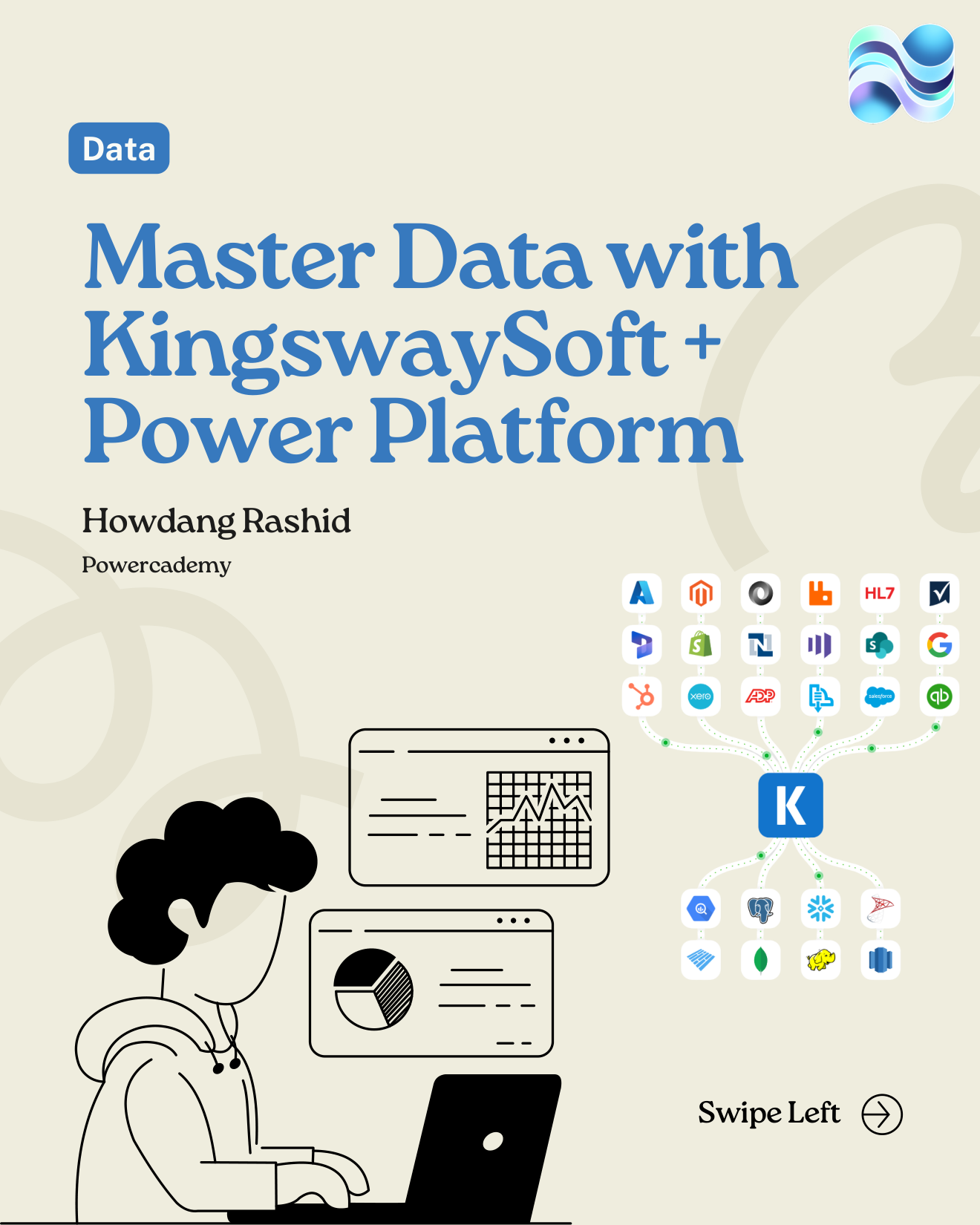
The full guide carousel is free in the Powercademy Success Kit.
What is KingswaySoft?
KingswaySoft is a premium SSIS (SQL Server Integration Services) toolkit that adds high-performance connectors for Dataverse, Dynamics 365, SharePoint, Salesforce, SQL, CSVs, and more - all inside Visual Studio and SSIS. Think of it as the engine in the middle of your data estate: it pulls data from legacy systems, SQL, or files; cleans and transforms it in SSIS; and loads it into Dataverse - or pushes Dataverse data back out.
What are the core use cases?
CRM/ERP migrations - for example, moving an ERP's data into Dataverse.
Bulk updates and data enrichment - like converting free-text strings into option sets across millions of rows.
Nightly syncs - moving ERP data into Dataverse on a schedule, reliably.
Data cleanup - deduping, normalising, and mapping data with complex requirements.
For Dataverse specifically, it shines at upserts via alternate keys (define duplicate criteria and only create non-duplicates), lookup mapping across tables, option-set mapping, and bulk owner or team assignment based on complex criteria - the jobs that turn into flow-run nightmares in Power Automate.
When should you NOT use KingswaySoft?
Event-driven automation - "when X happens, do Y" belongs in Power Automate.
Low-volume jobs - the XrmToolbox has free tools for these.
Citizen-led one-off tasks - Power Query or the Excel uploader is quicker.
Small ad-hoc imports - dataflows or the data import wizard get it done without SSIS.
How do you run it with proper governance?
Four habits keep large migrations safe: source-control your SSIS packages; run integrations under an application user, never your personal account; schedule via SQL Agent or Azure for large migrations; and make sure logging and auditing are switched on before any big load starts. Boring, and exactly what separates a clean migration from a war story.
FAQ
Is KingswaySoft free?
There's a free developer experience inside Visual Studio for building and testing; production/scheduled execution requires a licence. For migration-scale work, the licence typically costs far less than the maker time it saves.
Do I need to be a developer to use it?
You need to be comfortable with Visual Studio and SSIS concepts - sources, transformations, destinations. That's a learnable step up for a Power Platform pro, not a career change, and it's exactly the skill covered in the data architect roadmap.
Why not just use dataflows for everything?
Dataflows are great for small, repeatable imports. They struggle with complex transformation logic, cross-table lookup mapping, and migration-scale volumes with retry and rollback needs - which is precisely where SSIS + KingswaySoft earns its keep.
How do I get started?
Install Visual Studio with SSIS, add the KingswaySoft toolkit, and build your first package against a dev environment: one source, one transformation, one Dataverse destination. Their website's documentation and setup videos cover the tricky first-time configuration.
The full guide is in the Powercademy Success Kit - free, along with hundreds of other cheat sheets, roadmaps, and guides for Microsoft professionals.