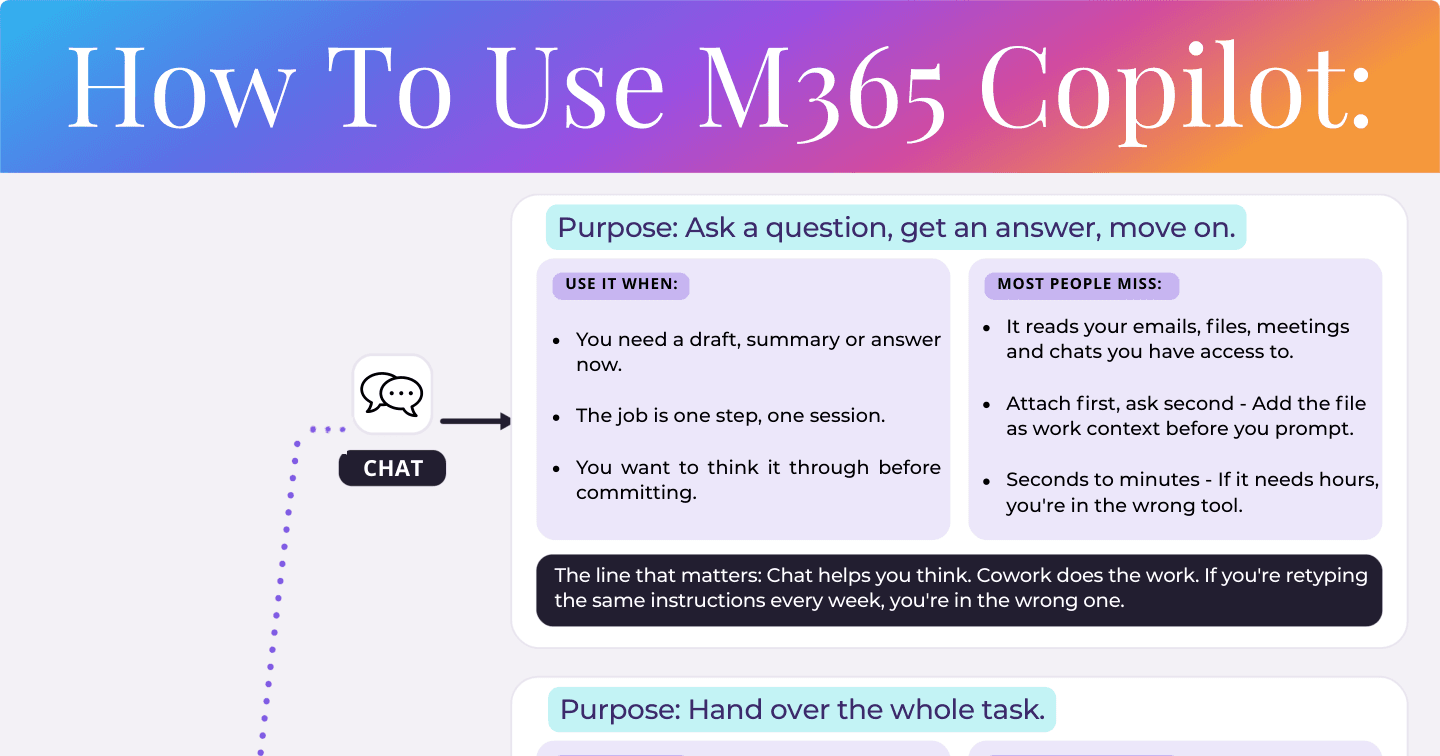
How to Use M365 Copilot: Chat vs Cowork vs Agents vs Skills

Howdang Rashid
Saturday, 22 August 2026 · 3 min read
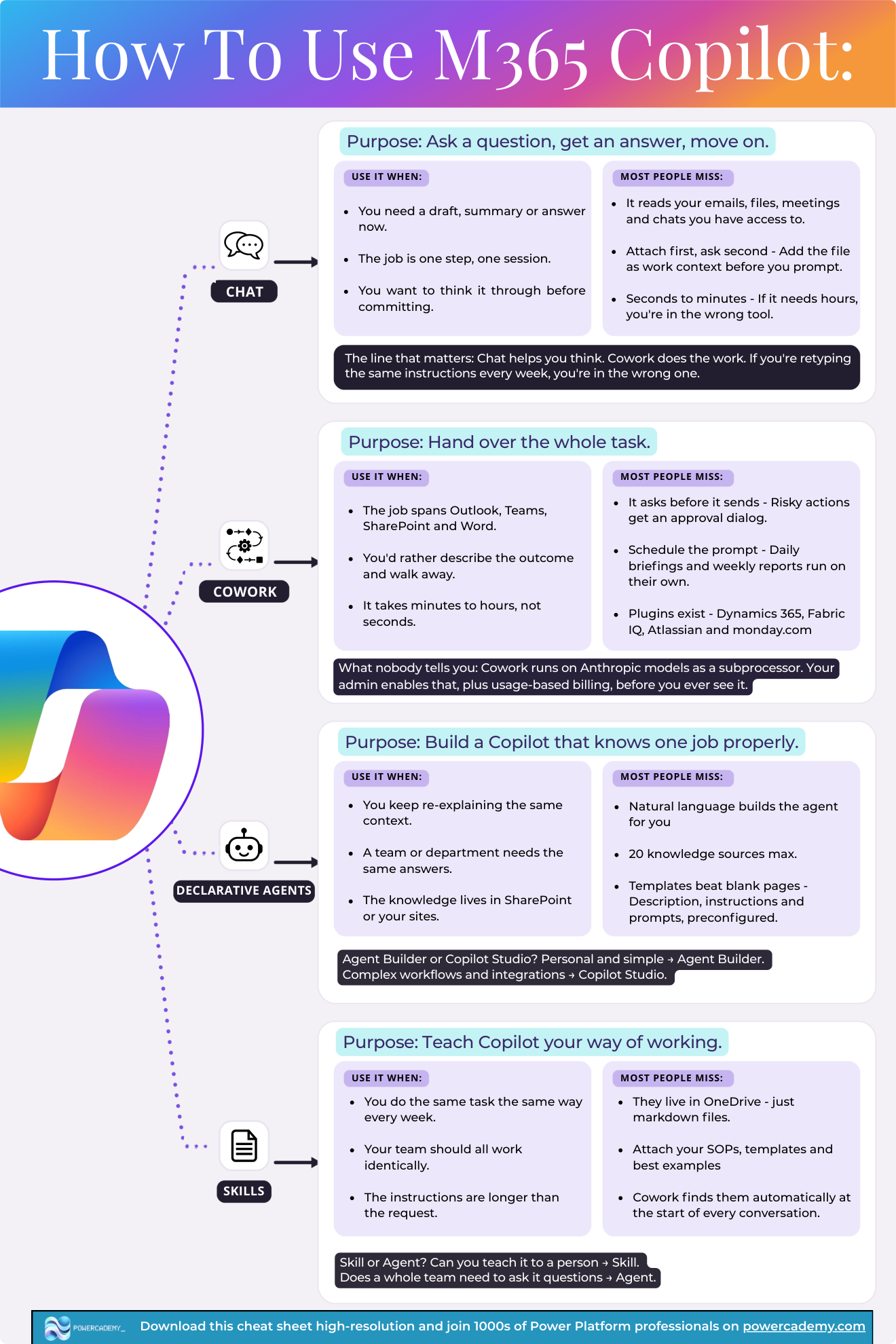
M365 Copilot is really four different tools wearing one badge, and most frustration comes from using the wrong one. The line that matters: Chat helps you think. Cowork does the work. Add declarative agents for team knowledge and Skills for your repeatable routines, and every task has an obvious home.
Want the hi-res version? It's free in the Powercademy Success Kit.
When is Chat the right mode?
Chat's purpose: ask a question, get an answer, move on. Use it when you need a draft, summary, or answer now; when the job is one step, one session; or when you want to think something through before committing. It reads the emails, files, meetings, and chats you have access to - and the timescale is seconds to minutes. If it needs hours, you're in the wrong tool.
Most people miss: attach first, ask second. Add the file as work context before you prompt, not after the answer disappoints.
When do you hand it to Cowork?
Cowork's purpose: hand over the whole task. Use it when the job spans Outlook, Teams, SharePoint, and Word; when you'd rather describe the outcome and walk away; and when the work takes minutes to hours, not seconds. It asks before it sends - risky actions get an approval dialog - and you can schedule prompts so daily briefings and weekly reports run on their own.
Most people miss: plugins exist (Dynamics 365, Fabric IQ, Atlassian, monday.com) - and what nobody tells you: Cowork runs on Anthropic models as a subprocessor, which your admin enables along with usage-based billing before you ever see it.
When do you build a declarative agent?
Purpose: a Copilot that knows one job properly. Build one when you keep re-explaining the same context, when a team or department needs the same answers, or when the knowledge lives in SharePoint or your sites. Natural language builds the agent for you, with up to 20 knowledge sources.
Most people miss: templates beat blank pages - description, instructions, and prompts come preconfigured. And the tooling split: personal and simple → Agent Builder; complex workflows and integrations → Copilot Studio.
When is it a Skill?
Purpose: teach Copilot your way of working. Write a Skill when you do the same task the same way every week, when your team should all work identically, or when your instructions are getting longer than the request itself. Skills live in OneDrive as plain markdown files - attach your SOPs, templates, and best examples, and Cowork finds them automatically at the start of every conversation.
The split that matters: can you teach it to a person? It's a Skill. Does a whole team need to ask it questions? It's an agent.
FAQ
What's the quickest test for Chat vs Cowork?
Time and involvement: seconds-to-minutes with you in the loop is Chat; minutes-to-hours where you'd rather walk away is Cowork. If you're retyping the same instructions every week, you're in the wrong one either way - that's a Skill.
Agent Builder or Copilot Studio for my first agent?
Personal and simple - Agent Builder, right inside Copilot with templates. Complex workflows, integrations, external publishing, or governance needs - Copilot Studio. Start in Agent Builder; graduate when you hit its walls.
Can a Skill and an agent work together?
Yes - they solve different halves: the agent holds the team's knowledge; your Skill holds your personal process for using it. A consultant might query the policy agent inside a client-report Skill that formats everything their way.
Why can't I see Cowork in my tenant?
Admin gates: usage-based billing and the Anthropic subprocessor both need enabling before Cowork appears - and the subprocessor is off by default in some regions. Point your admin at the M365 admin centre's Copilot settings.
The hi-res version of this cheat sheet is in the Powercademy Success Kit - free, along with hundreds of other cheat sheets, roadmaps, and guides for Microsoft professionals.