How to Study for Microsoft Exams: The 6-Step System That Works

Howdang Rashid
Saturday, 22 August 2026 · 3 min read
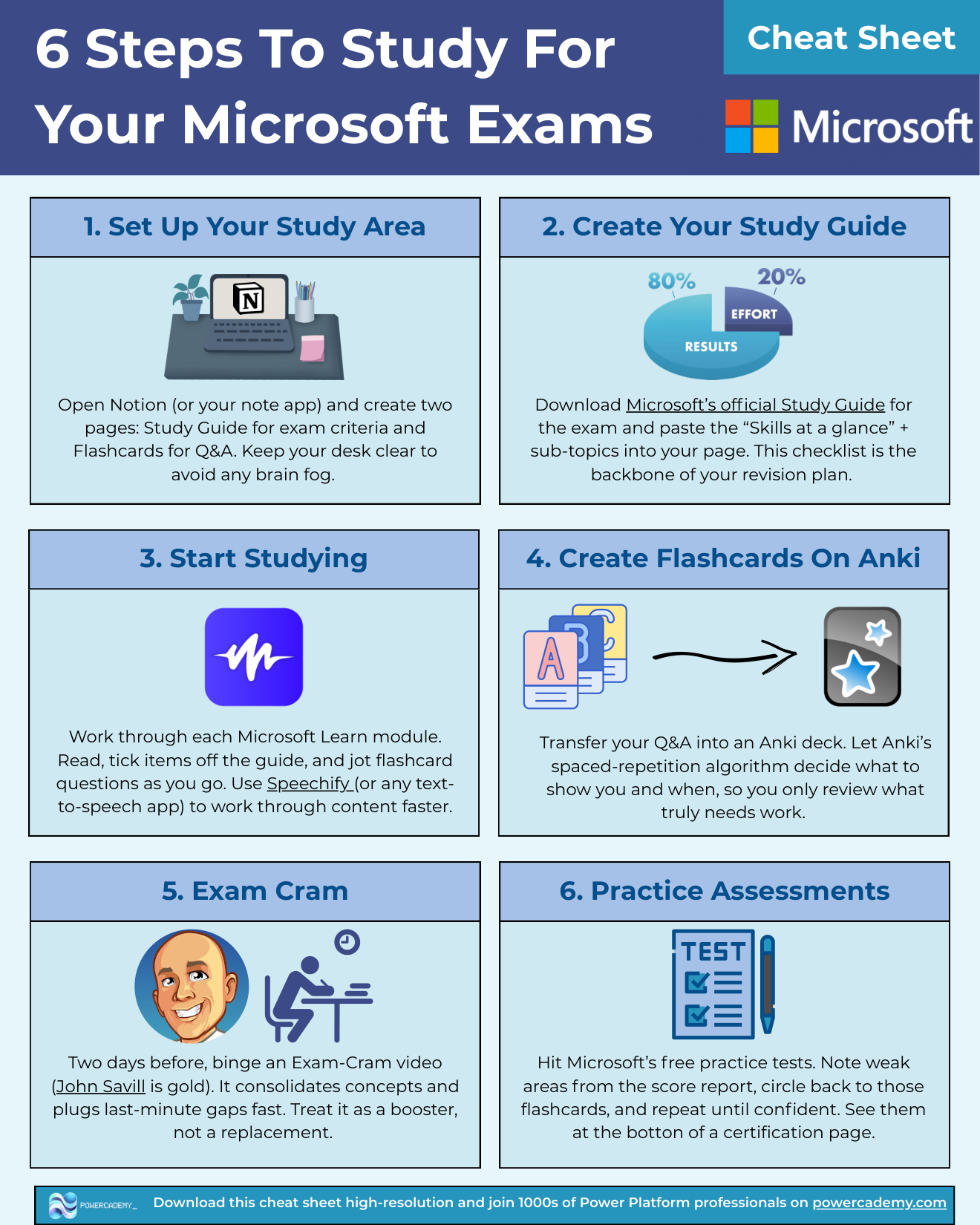
Passing a Microsoft exam isn't about studying harder - it's about studying with a system. This is the 6-step process I've used across my Power Platform and AI certifications: build a study guide from Microsoft's own skills outline, work through Microsoft Learn, drill flashcards with spaced repetition, cram strategically, then hammer the free practice assessments until the score report goes green.
Want the hi-res version? It's free in the Powercademy Success Kit.
What are the 6 steps?
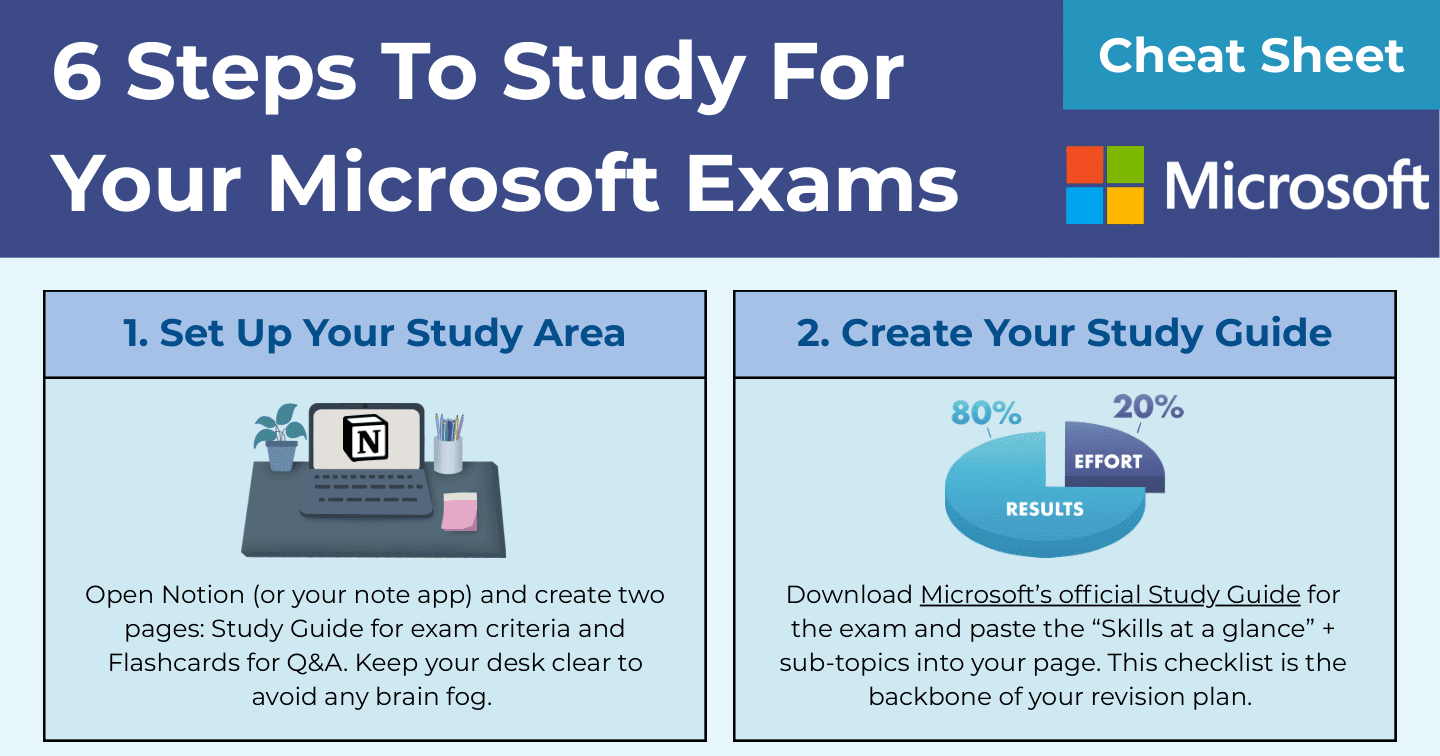
Set up your study area - two pages in Notion (or your note app): a Study Guide and a Flashcards page. Clear desk, clear head.
Create your study guide - download Microsoft's official study guide for the exam and paste the "Skills at a glance" outline with every sub-topic into your page. This checklist is the backbone of your whole revision plan.
Start studying - work through each Microsoft Learn module, tick topics off the guide as you go, and jot flashcard questions the moment you learn something testable. A text-to-speech app like Speechify helps you move through content faster.
Create flashcards in Anki - transfer your questions into an Anki deck and let its spaced-repetition algorithm decide what to show you and when. You only review what genuinely needs work.
Exam cram - two days before the exam, binge an exam-cram video (John Savill's are gold). It consolidates concepts and plugs last-minute gaps fast. Treat it as a booster, never a replacement.
Practice assessments - take Microsoft's free practice tests (linked at the bottom of every certification page). Note weak areas from the score report, circle back to those flashcards, and repeat until you're passing comfortably.
Why does this system beat just reading Microsoft Learn?
Reading feels productive but doesn't survive exam pressure. The system works because each step forces retrieval: the study guide makes coverage measurable, flashcards force recall instead of recognition, spaced repetition concentrates effort where you're weakest, and practice assessments train the actual skill being tested - answering Microsoft-style questions under time pressure.
It also scales down: for a fundamentals exam like PL-900 the whole cycle fits in a week or two, while role-based exams just need more laps of steps 3, 4, and 6.
FAQ
How long should I study for a Microsoft exam?
Fundamentals exams (PL-900, AI-900 level): one to two weeks of consistent evenings. Role-based exams: four to six weeks. The system stays the same - only the number of Learn modules and flashcards changes.
Are Microsoft's free practice assessments enough, or do I need paid ones?
Start with the free ones - they're written by Microsoft and mirror the real question style. Consider paid banks only if you've exhausted the free assessments and still feel shaky in specific areas.
Why Anki instead of Quizlet or plain notes?
Spaced repetition. Anki schedules each card just before you'd forget it, so revision time goes where it's needed instead of re-reading what you already know. It's free on desktop and the algorithm is the best in class.
What if I fail the exam?
The score report tells you exactly which skill areas let you down - feed those straight back into steps 4 and 6, and rebook. Microsoft's retake policy allows a resit after 24 hours for the first retry. A fail with a score report is a study plan, not a verdict.
The hi-res version of this cheat sheet is in the Powercademy Success Kit - free, along with hundreds of other cheat sheets, roadmaps, and guides for Microsoft professionals.