5 Forgotten Dataverse Features That Still Save Time and Money

Howdang Rashid
Saturday, 22 August 2026 · 3 min read
Dataverse has been evolving for over twenty years - from the Dynamics data layer (2002), through Common Data Service (2016), to Dataverse (2020). That history left behind some genuinely powerful features that live outside the Maker portal, which means most makers have never seen them. Here are five that still save time, money, and flow runs today - from a piece I wrote with the brilliant Nick Doelman.
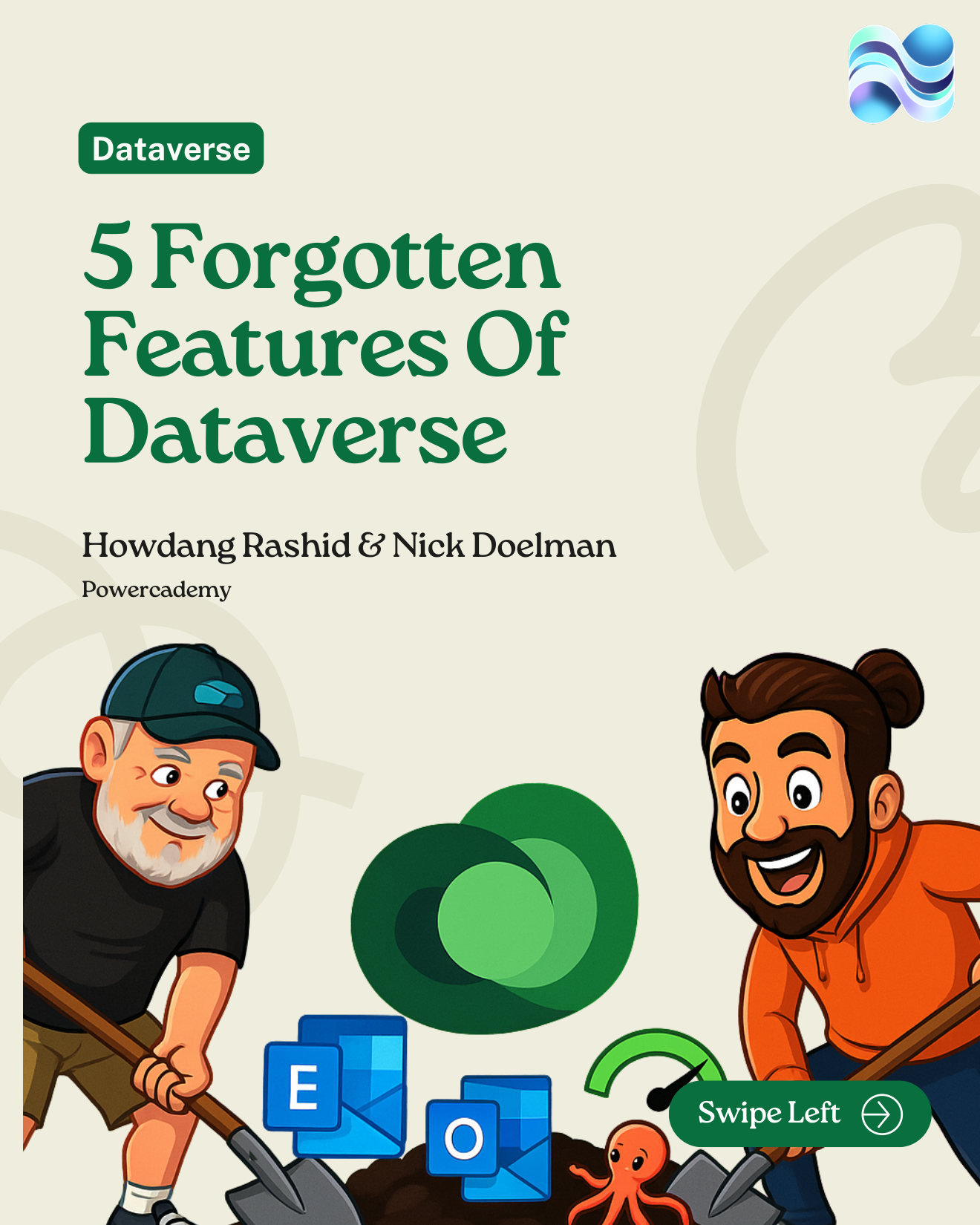
The full carousel is free in the Powercademy Success Kit.
1. The Outlook client
If you're still forwarding emails into Dataverse by hand, you're leaving value on the table. The Outlook client lets you track messages and appointments straight to the right records, and even link Outlook contacts back to Dataverse - no copy-paste, no custom flow.
2. Exchange Online integration
Beyond the add-in, Dataverse can talk to Exchange directly. That means sending and receiving email from within your app without burning flow runs or juggling shared service accounts - server-side sync doing quietly what teams often rebuild expensively in Power Automate.
3. The hidden speed test
"My app is slow" isn't helpful; numbers are. Every environment has a diagnostics page that measures latency and throughput - just visit https://<yourorg>.crm.dynamics.com/tools/diagnostics/diag.aspx (your crm value depends on your environment's geo). Nick's tip: run it regularly to baseline performance, so when things drift you can prove it and troubleshoot with data.
4. Field mappings
When you create a related record - say, a Contact from an Account subgrid - Dataverse can prefill fields like address automatically. No flow required. You configure it in the classic solution explorer, with a few rules: types must match, target lengths must be at least the source length, and it applies on create only (no downstream sync).
5. Multi-table lookups
You know the built-in Customer field that can point to either an Account or a Contact? You can create your own versions of that polymorphic lookup. It cleans up forms (one lookup instead of three) and opens up elegant modelling options. The catch: there's still no maker UI for building them - you'll need the SDK, Web API, or an XrmToolBox utility.
FAQ
Are these features still supported, or am I building on borrowed time?
All five are supported today. Some (like field mappings) are configured through classic interfaces, but they're production features used by thousands of Dynamics organisations - not deprecated leftovers.
Why aren't these in the Maker portal?
They predate it. Dataverse's twenty-year evolution means some capabilities still live in the classic solution explorer or admin surfaces the modern portal hasn't absorbed yet. Knowing where to look is the skill.
Do field mappings replace Power Automate for prefilling data?
For the create-from-related-record scenario, yes - instantly and for free. For updates after creation or cross-system sync, you still want flows. Use mappings for the create moment, flows for ongoing logic.
Where can I learn more from Nick Doelman?
This piece is based on an article and video by Nick Doelman - Microsoft MVP and one of the best Power Platform educators around. Find him on LinkedIn and give him some love; the original article goes deeper on every feature here.
The hi-res version of this carousel is in the Powercademy Success Kit - free, along with hundreds of other cheat sheets, roadmaps, and guides for Microsoft professionals.