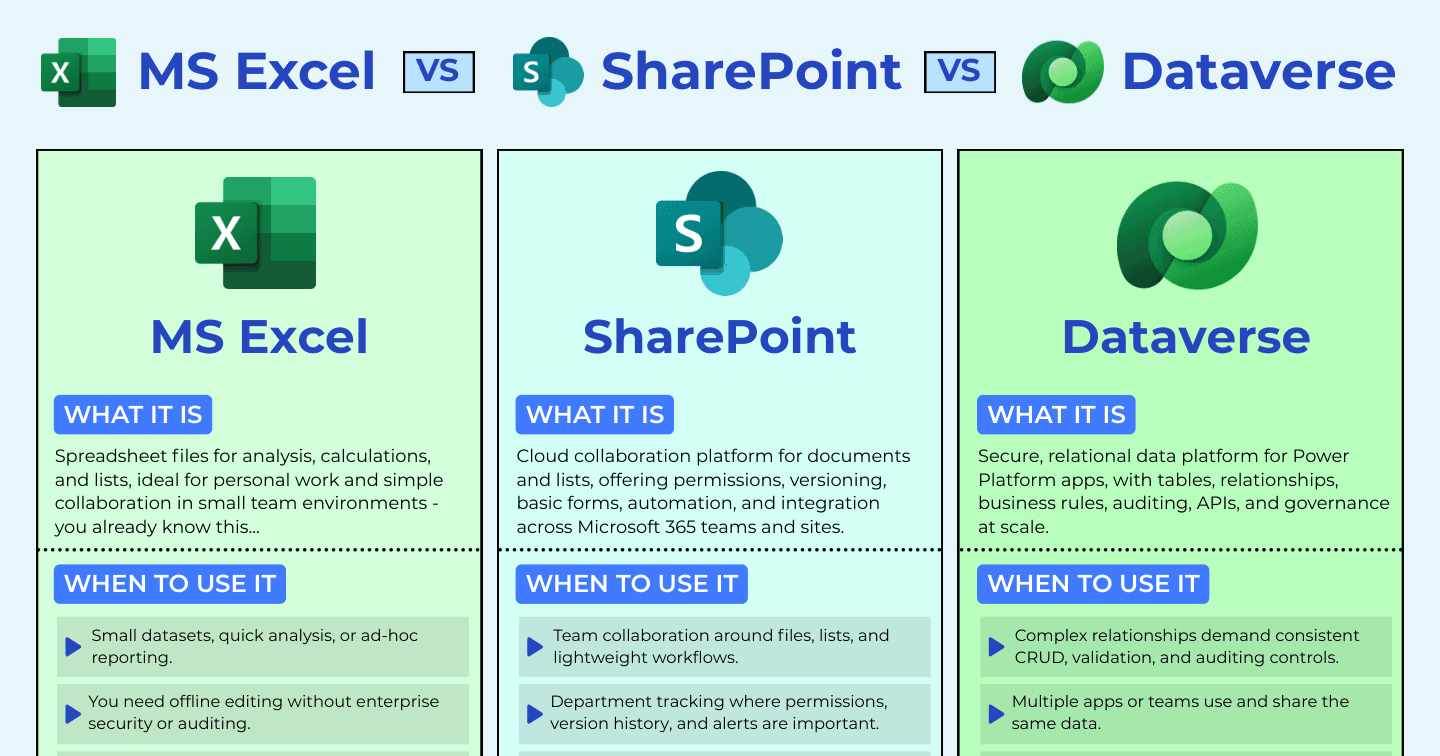
Excel vs SharePoint vs Dataverse: Where Should Your Data Live?

Howdang Rashid
Saturday, 22 August 2026 · 3 min read
Every Power Platform project starts with the same quiet decision: where does the data live? Excel, SharePoint, and Dataverse can all hold a table of rows - which is exactly why teams pick the wrong one. The real differences are security, relationships, and what happens at scale. Here's how to make the call deliberately, before a growing app makes it for you.
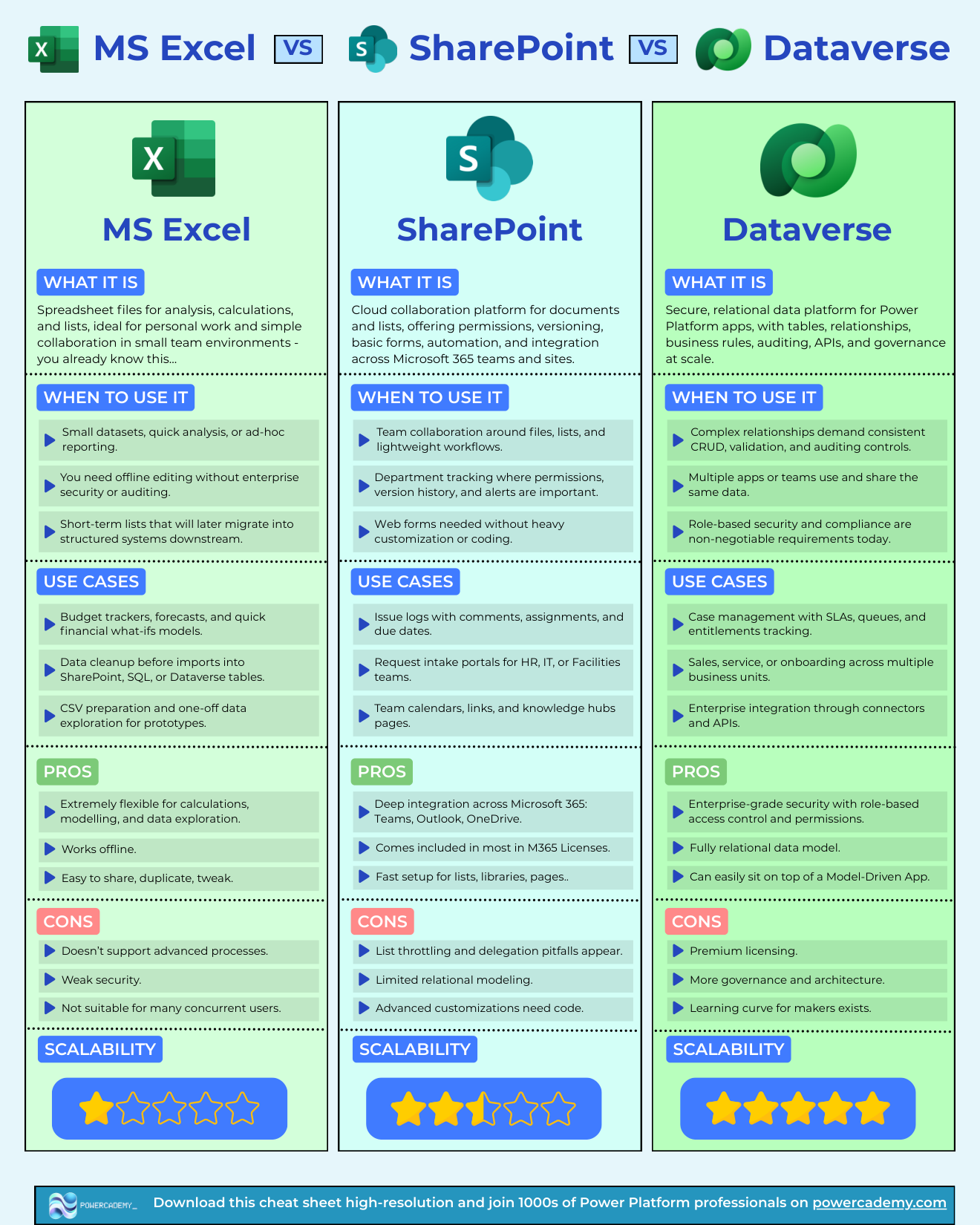
Want the hi-res version? It's free in the Powercademy Success Kit.
What's the difference at a glance?
Excel | SharePoint | Dataverse | |
|---|---|---|---|
Best for | Analysis, modelling, ad-hoc reporting | Team collaboration, lists, lightweight workflows | Business-critical, relational, multi-team apps |
Security | Weak - file-level at best | Site/list/item permissions | Role-based to row and column level |
Relationships | None (VLOOKUP doesn't count) | Basic lookups, limited modelling | Fully relational data model |
Watch out for | Concurrency, no auditing | List throttling, delegation pitfalls | Premium licensing, governance needed |
When is Excel the right answer?
Excel wins for small datasets, quick analysis, and ad-hoc reporting: budget trackers, forecasts, what-if models, data cleanup before imports, CSV prep, and one-off exploration for prototypes. It's extremely flexible for calculations, works offline, and everyone already knows it.
Its limits are structural: weak security, no real processes, and it falls over with many concurrent users. Treat Excel as an analysis tool and a staging area - not a system of record.
When is SharePoint the right answer?
SharePoint shines for team collaboration around files, lists, and lightweight workflows: issue logs with comments and assignments, request intake for HR or IT, department tracking where permissions, version history, and alerts matter, and team knowledge hubs. It's deeply integrated with Microsoft 365, included in most licences, and fast to set up.
The ceilings arrive with scale and complexity: list throttling and delegation pitfalls in Power Apps, limited relational modelling, and advanced customisation that ends up needing code anyway.
When do you need Dataverse?
Dataverse is the answer when complex relationships need consistent CRUD, validation, and auditing; when multiple apps or teams share the same data; when role-based security and compliance are non-negotiable; and for scenarios like case management with SLAs and queues, or sales and onboarding processes spanning business units.
You get enterprise-grade security, a fully relational model, and a straight path to model-driven apps. The honest costs: premium licensing, more governance and architecture, and a learning curve for makers. When the requirements above are real, those costs are cheaper than the rework of outgrowing SharePoint mid-project.
FAQ
Can I start in SharePoint and move to Dataverse later?
You can, and sometimes it's right - but budget for the migration honestly: schema redesign, app rebuild against new delegation rules, and security setup. If you can already see the Dataverse-shaped requirements coming, starting there is cheaper.
Do SharePoint lists work fine with Power Apps?
For small, flat lists - yes. The pain arrives with delegation limits (queries that silently return partial data past 500-2000 rows), complex filters, and relational needs. If your app is a form over one list, SharePoint is fine; if it joins data, be careful.
Where do documents go if my data is in Dataverse?
SharePoint - via the native integration, so documents sit in libraries linked to Dataverse records. Structured data in Dataverse, files in SharePoint is the pattern mature teams converge on.
Does Excel have any place in a Dataverse solution?
Absolutely - for analysis. Export or connect Dataverse data into Excel and Power BI for modelling and exploration. Excel stops being the database and goes back to being the world's best calculator.
The hi-res version of this comparison is in the Powercademy Success Kit - free, along with hundreds of other cheat sheets, roadmaps, and guides for Microsoft professionals.