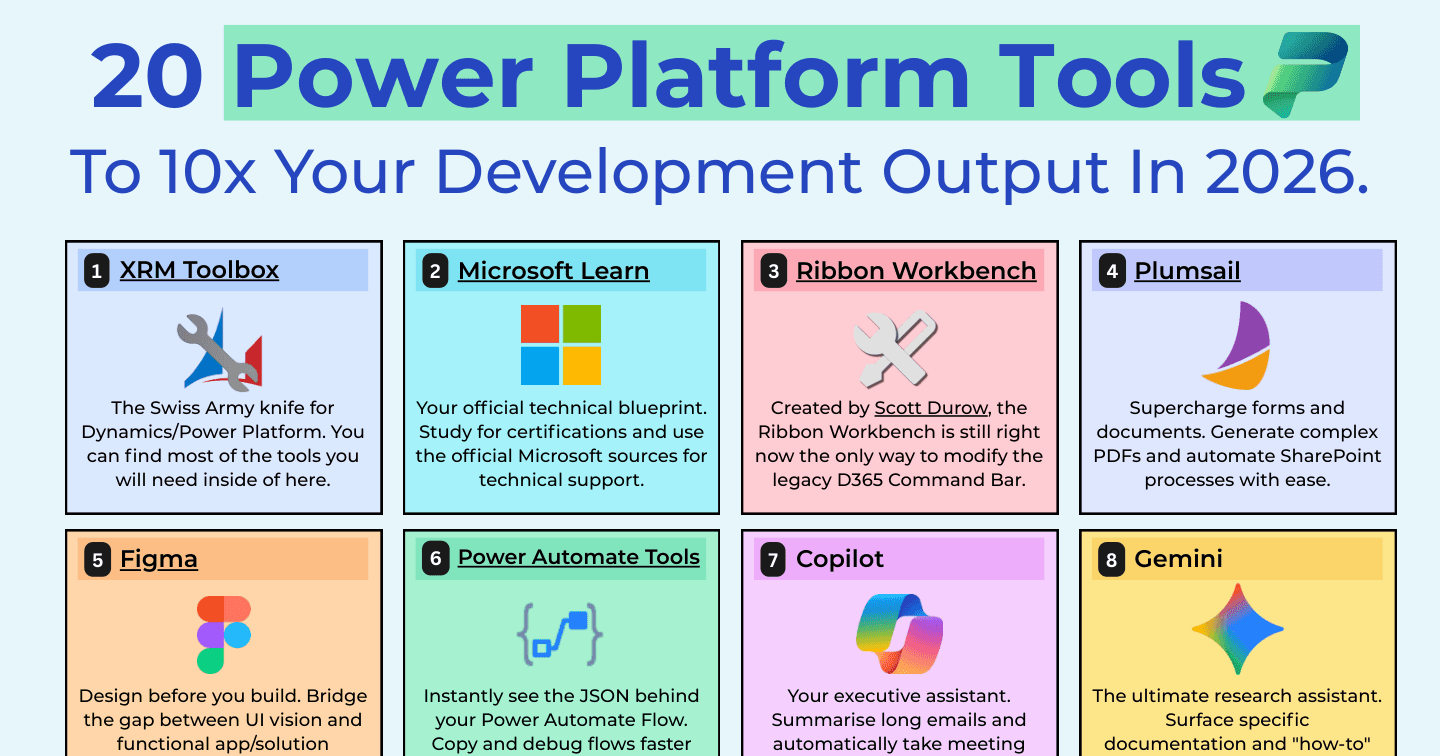
20 Tools to 10x Your Power Platform Development Output in 2026

Howdang Rashid
Saturday, 22 August 2026 · 4 min read
The Power Platform professionals who ship fastest are not smarter - they have a better toolbox. From XrmToolBox and the CoE Starter Kit to AI assistants like Claude and Copilot, this cheat sheet covers the 20 tools that will 10x your development output in 2026: what each one does, and where it fits in your workflow.
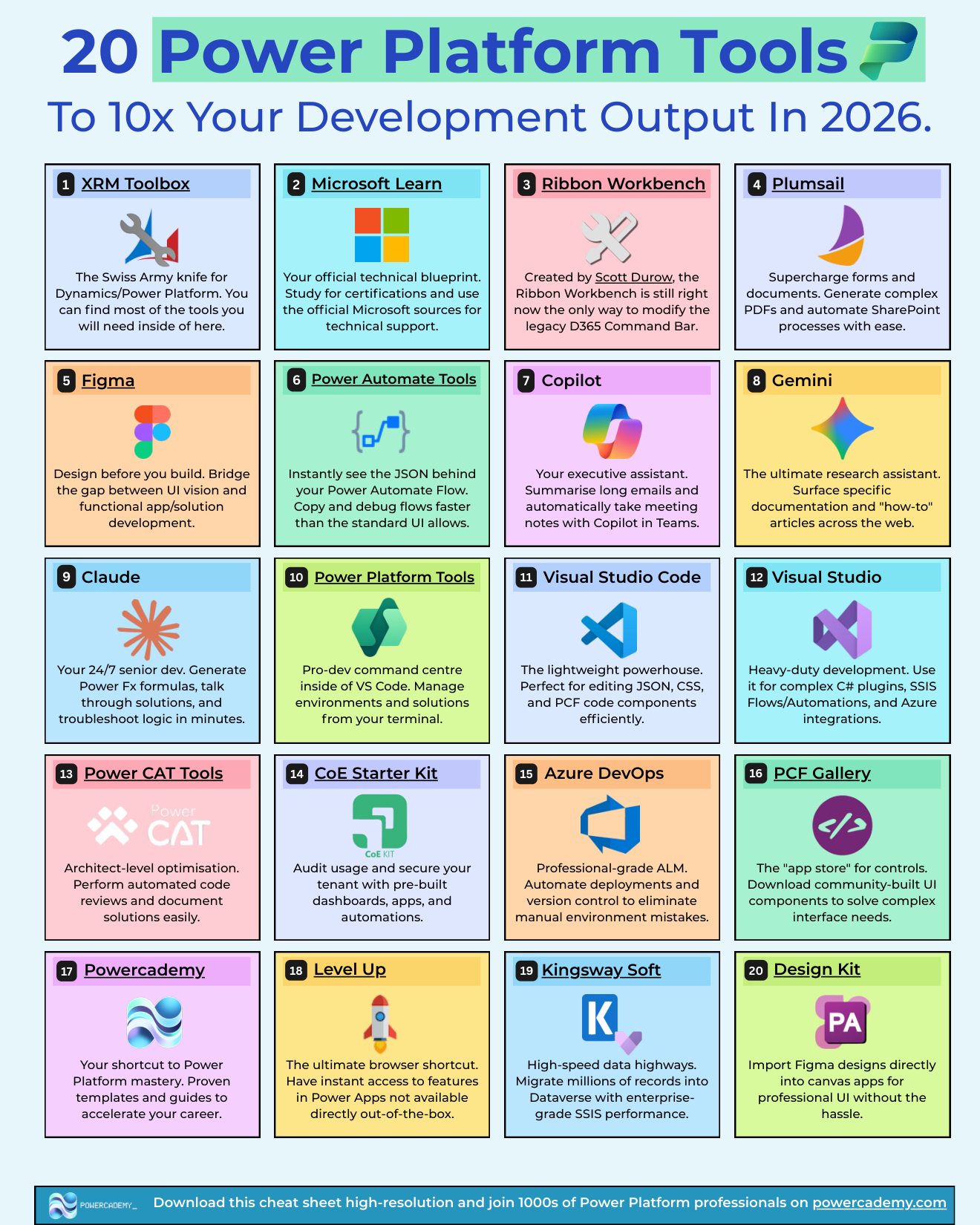
Want the hi-res version? It's free in the Powercademy Success Kit.
What tools do Power Platform professionals actually use?
These 20, or a large subset of them. The list spans community tooling, Microsoft first-party tools, AI assistants, and a few paid third-party products that earn their licence fee many times over.
XrmToolBox - The Swiss Army knife for Dynamics and the Power Platform. Most of the utilities you will ever need live inside it.
Microsoft Learn - Your official technical blueprint. Study for certifications and lean on official sources for technical answers.
Ribbon Workbench - Created by Scott Durow, still the only practical way to modify the legacy Dynamics 365 command bar.
Plumsail - Supercharge forms and documents. Generate complex PDFs and automate SharePoint processes with ease.
Figma - Design before you build. Bridge the gap between UI vision and functional app development.
Power Automate Tools - A browser extension that instantly shows the JSON behind a flow, so you can copy and debug faster than the standard UI allows.
Copilot - Your executive assistant. Summarise long emails and automatically take meeting notes with Copilot in Teams.
Gemini - The research assistant. Surface specific documentation and how-to articles from across the web.
Claude - Your 24/7 senior dev. Generate Power Fx formulas, talk through solution designs, and troubleshoot logic in minutes.
Power Platform Tools for VS Code - The pro-dev command centre. Manage environments and solutions straight from your terminal.
Visual Studio Code - The lightweight powerhouse. Perfect for editing JSON, CSS, and PCF code components efficiently.
Visual Studio - Heavy-duty development. Use it for complex C# plugins, SSIS packages, and Azure integrations.
Power CAT Tools - Architect-level optimisation. Perform automated code reviews and document solutions easily.
CoE Starter Kit - Audit usage and secure your tenant with pre-built dashboards, apps, and automations.
Azure DevOps - Professional-grade ALM. Automate deployments and version control to eliminate manual environment mistakes.
PCF Gallery - The app store for controls. Download community-built UI components to solve complex interface needs.
Powercademy - Your shortcut to Power Platform mastery. Proven templates, courses, and guides to accelerate your career.
Level Up - The ultimate browser shortcut. Instant access to Power Apps features not available out of the box.
KingswaySoft - High-speed data highways. Migrate millions of records reliably when native tools hit their limits.
Design Kit - Ready-made UI patterns and screens so your canvas apps look professionally designed from day one.
Which tools should you set up first?
If you are starting from zero: XrmToolBox for day-to-day admin, VS Code with the Power Platform Tools extension for anything solution-related, the Level Up extension for daily quality-of-life wins, and one AI assistant you actually commit to using. Those four remove the most friction per minute of setup. Add Azure DevOps and the CoE Starter Kit once you are responsible for more than one environment, and Power CAT Tools once you are reviewing other people's solutions.
FAQ
Are these tools free?
Most are. XrmToolBox, Ribbon Workbench, VS Code, PCF Gallery, Level Up, the CoE Starter Kit, and Microsoft Learn cost nothing. Plumsail, KingswaySoft, and Encodian-style extensions are paid, and the AI assistants have free tiers with paid upgrades.
Is XrmToolBox safe to use against production environments?
XrmToolBox itself only does what the signed-in user is permitted to do, but individual plugins can bulk-edit data and metadata. Treat it like admin access: use it against dev first, understand what a plugin writes before running it in production, and prefer read-only tools when investigating.
Which AI assistant is best for Power Platform work?
Use them for different jobs: Copilot lives inside your M365 tenant and meetings, Gemini excels at research across the web, and Claude is strongest for working through solution designs, Power Fx, and code. Many professionals run all three rather than picking one.
Do I need Visual Studio if I only build low-code solutions?
No. Full Visual Studio only enters the picture for C# plugins, custom connectors with complex logic, or Azure integrations. Low-code builders get more value from VS Code, which handles the JSON, CSS, and PCF editing a maker occasionally needs.
The hi-res version is in the Powercademy Success Kit - free, along with hundreds of other cheat sheets, roadmaps, and guides for Microsoft professionals.