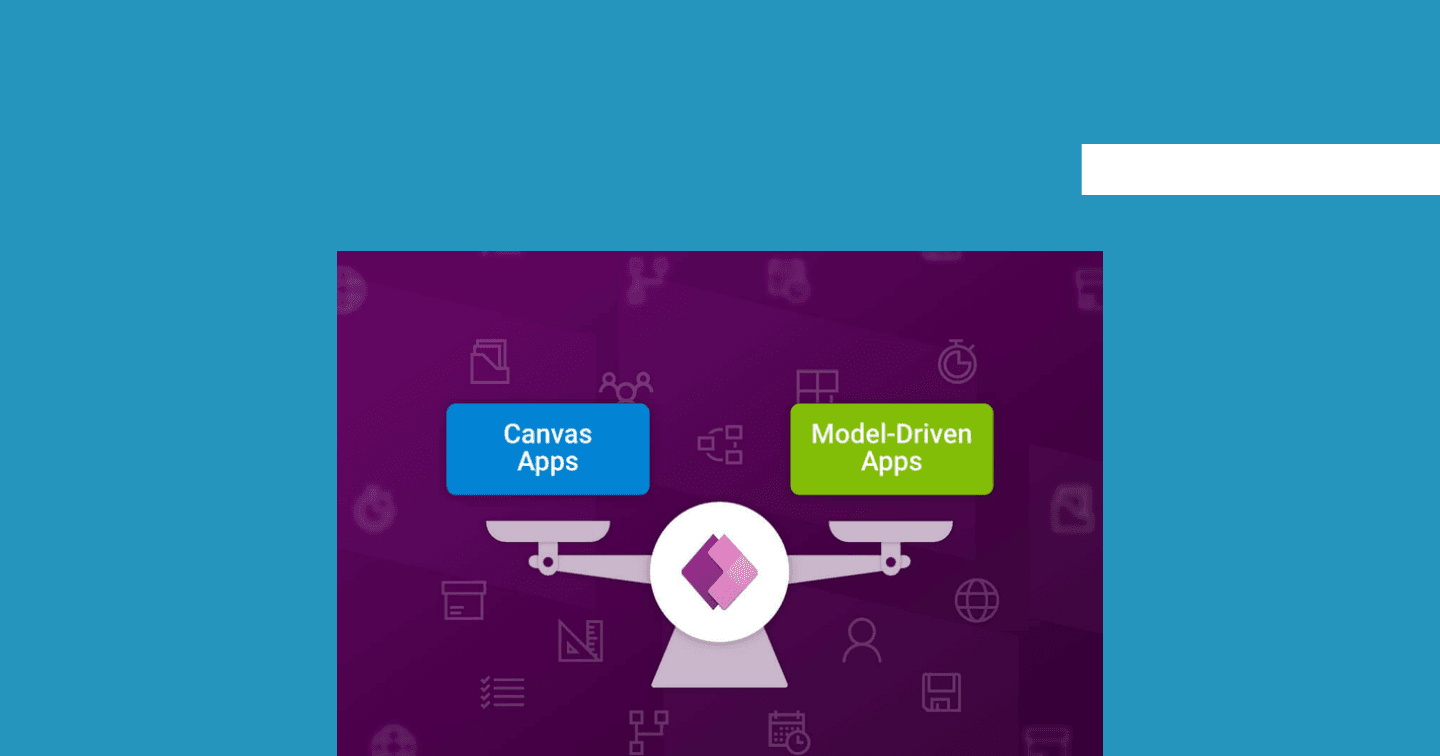
5 Signs to Use Model-Driven Apps Over Canvas Apps

Howdang Rashid
Saturday, 22 August 2026 · 2 min read
The canvas-or-model-driven decision gets made in the first week of a project and paid for over its whole life. Canvas is the popular default - it demos beautifully - but plenty of slow, painful apps are canvas apps that should have been model-driven. Here are the five signs, so you can save yourself a world of pain from slow applications.
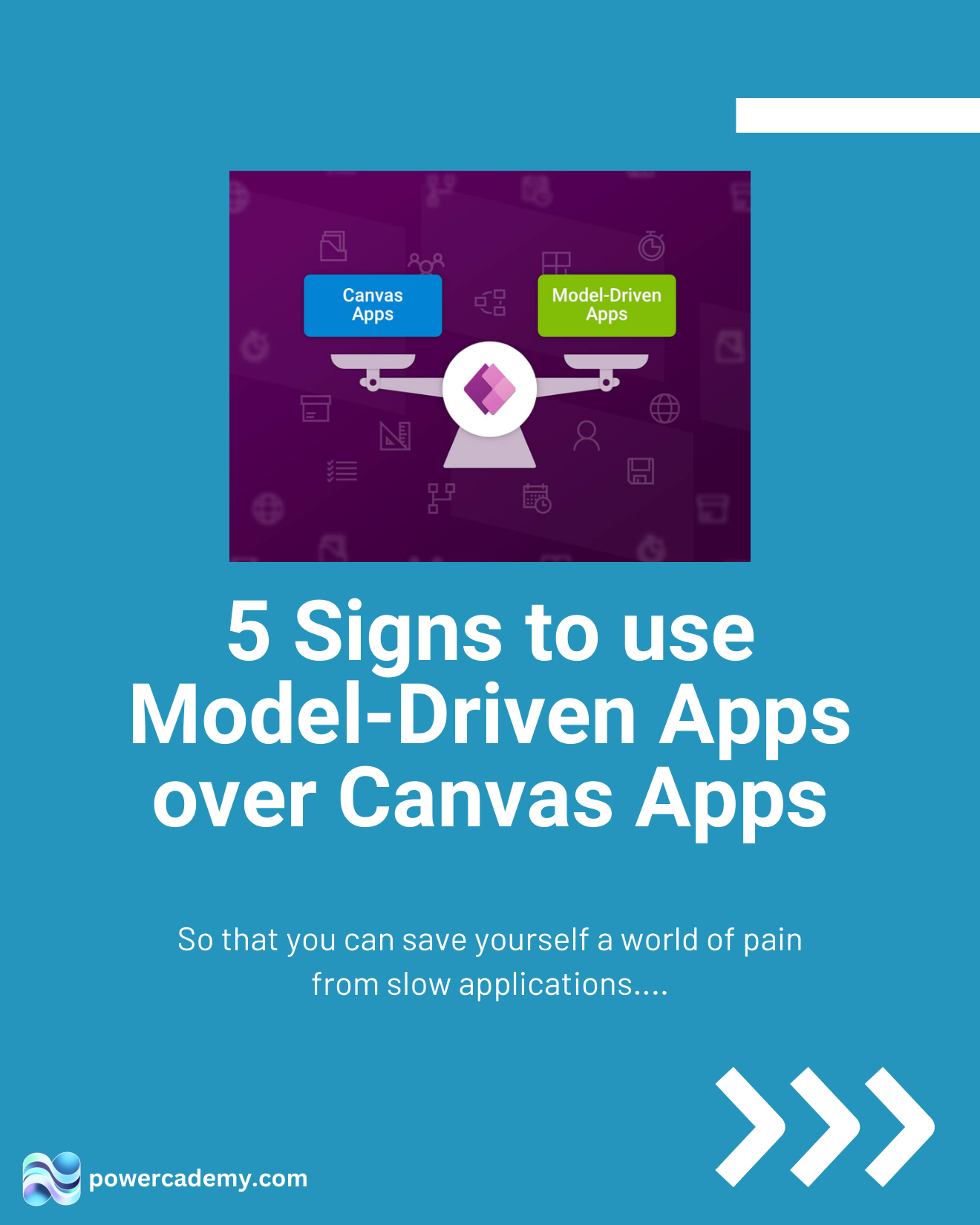
The full carousel is free in the Powercademy Success Kit.
What are the five signs?
1. You want to minimise design effort. Canvas apps demand many design decisions; model-driven apps share a consistent look and feel and are simpler to create - the platform designs, you configure.
2. You're unlikely to need mobile compatibility. Not decisive on its own, but a desktop-first, back-office workload leans model-driven - canvas earns its keep on phones and tablets.
3. Your app relies on a structured data model. Model-driven apps thrive on relational data - tables, relationships, and processes map straight to forms, views, and business process flows. Canvas can handle relational data, but you're hand-building what model-driven gives free.
4. Your app only uses Dataverse. Canvas apps' superpower is many data sources; if your data is all Dataverse, that superpower is unused and model-driven's native experience wins.
5. Your app is very data-heavy. Lots of records, complex queries, and heavy processing hit canvas performance ceilings (and delegation traps); model-driven is built for exactly that workload.
What if only some signs match?
Count them like a scorecard. Four or five signs: go model-driven and don't look back. Two or three: consider the hybrid - a model-driven core with custom pages for the tailored screens. Zero or one: your app probably is a canvas app, and now it's a deliberate choice rather than a default.
FAQ
Can't model-driven apps do mobile too?
They run responsively on mobile and it keeps improving - but a purpose-built canvas experience still wins for field scenarios like offline capture and camera-first workflows. Sign 2 is about where the app lives most.
Doesn't model-driven mean premium licensing?
Model-driven requires Dataverse, so yes - premium licences. But if signs 3-5 apply, your canvas app would need Dataverse anyway, and the licensing difference disappears while the build difference remains.
Can I mix both in one solution?
Yes - the mature pattern: model-driven for the data-heavy back office, canvas (or custom pages inside the model-driven app) for the tailored front-line experiences, one Dataverse underneath.
What's the cost of picking wrong?
Canvas-that-should-be-MDA: months of hand-building forms and fighting performance. MDA-that-should-be-canvas: a clunky UX users route around. Both are rebuilds wearing disguises - the checklist is cheaper.
The hi-res version is in the Powercademy Success Kit - free, along with hundreds of other cheat sheets, roadmaps, and guides for Microsoft professionals.