Learn Power Apps in 14 Days: A Free Day-by-Day Roadmap

Howdang Rashid
Saturday, 22 August 2026 · 2 min read
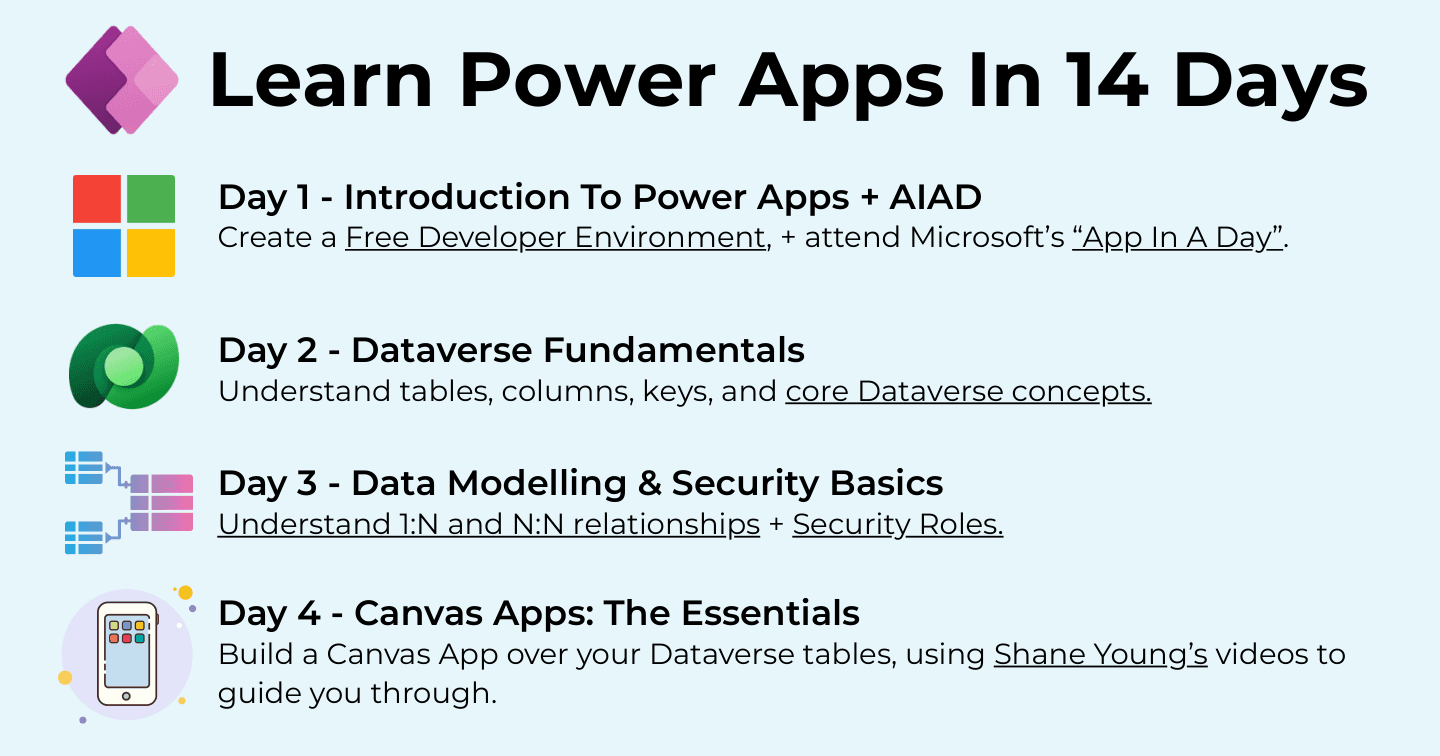
You can go from zero to building real Power Apps in fourteen days - roughly an hour a day, entirely free resources, ending with a project you can talk about. The plan runs foundations → canvas → model-driven → the professional layer (ALM, testing, governance), with one focus per day so you never wonder what's next.
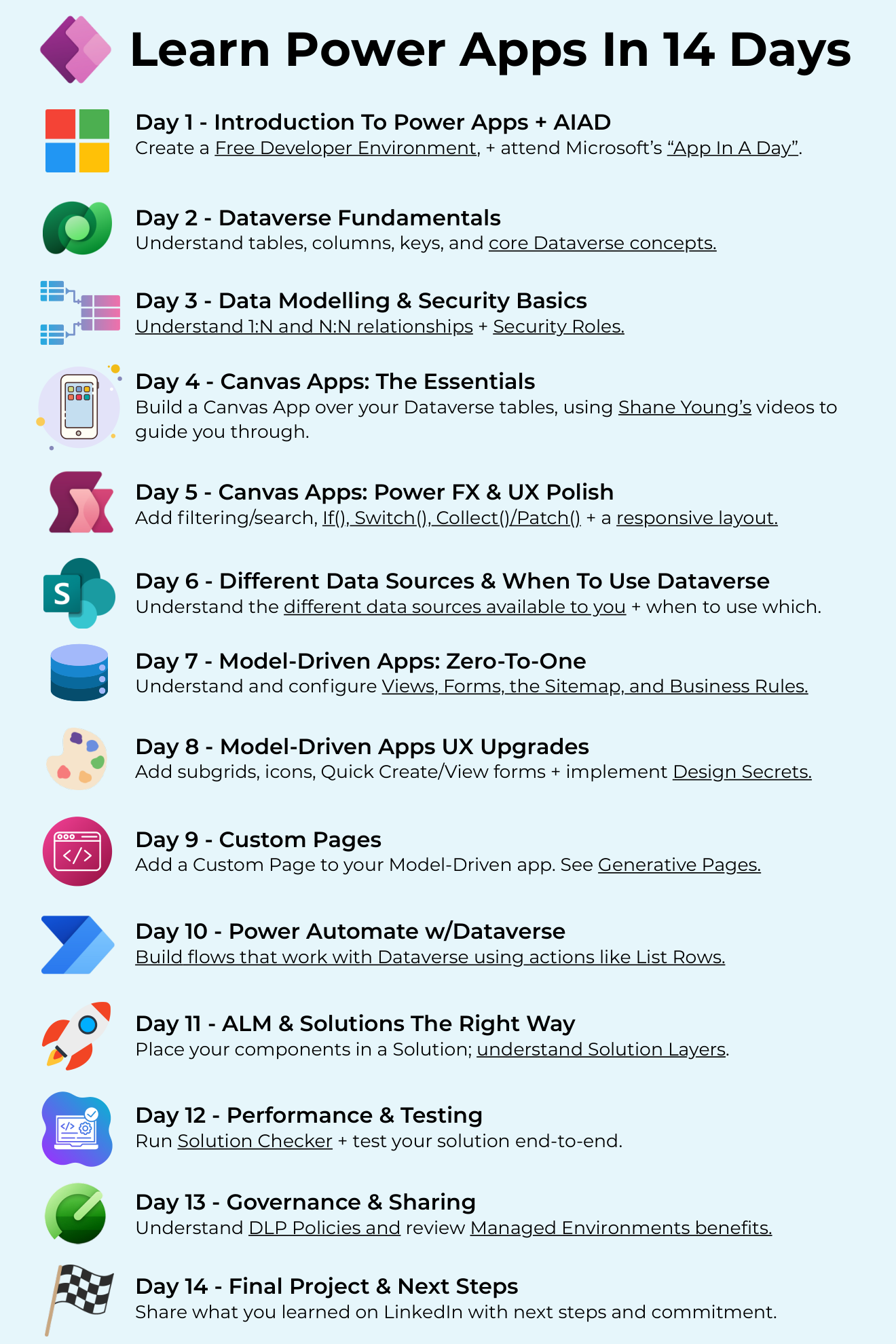
Want the hi-res version with every resource clickable? It's free in the Powercademy Success Kit.
Days 1-3: Foundations
Day 1 - Introduction + App In A Day. Create a free developer environment and attend Microsoft's App In A Day workshop (or run the materials solo). Day 2 - Dataverse fundamentals. Tables, columns, keys, and core concepts. Day 3 - Data modelling and security basics. One-to-many and many-to-many relationships, plus security roles. Three days in, you understand the data layer most self-taught makers skip.
Days 4-6: Canvas apps
Day 4 - Canvas essentials. Build a canvas app over your Dataverse tables (Shane Young's videos are the guide here). Day 5 - Power Fx and UX polish. Filtering and search, If(), Switch(), Collect() and Patch(), and a responsive layout. Day 6 - Data sources and when to use Dataverse. Understand your options and when each is the right call.
Days 7-9: Model-driven apps
Day 7 - Zero to one. Views, forms, the sitemap, and business rules. Day 8 - UX upgrades. Subgrids, icons, Quick Create and Quick View forms, and the design secrets that make MDAs feel polished. Day 9 - Custom pages. Add a custom page to your model-driven app, and take a look at generative pages while you're there.
Days 10-14: The professional layer
Day 10 - Power Automate with Dataverse. Flows using actions like List Rows. Day 11 - ALM and solutions done right. Components in a solution; understand solution layers. Day 12 - Performance and testing. Run Solution Checker and test end-to-end. Day 13 - Governance and sharing. DLP policies and Managed Environments. Day 14 - Final project and next steps. Finish your build and share what you learned on LinkedIn with a commitment to what's next.
FAQ
Does this cost anything?
No - the developer plan is free and includes Dataverse, and every linked resource is free. Licensing only matters when you deploy for real users.
Why Dataverse before canvas apps?
Because apps are data with a face. Two days of tables and relationships make every later day easier - and it's exactly the foundation self-taught makers usually lack when their apps stop scaling.
What if I miss days?
Sequence beats schedule - fourteen sessions over a month works exactly as well. Just don't reorder: each phase assumes the one before.
What comes after day 14?
Ship your project to real users, then choose a depth: PL-900 for certification, the code apps roadmap if you lean pro-code, or agents if AI is calling. The habit you built is worth more than the content.
The hi-res version of this roadmap is in the Powercademy Success Kit - free, along with hundreds of other cheat sheets, roadmaps, and guides for Microsoft professionals.