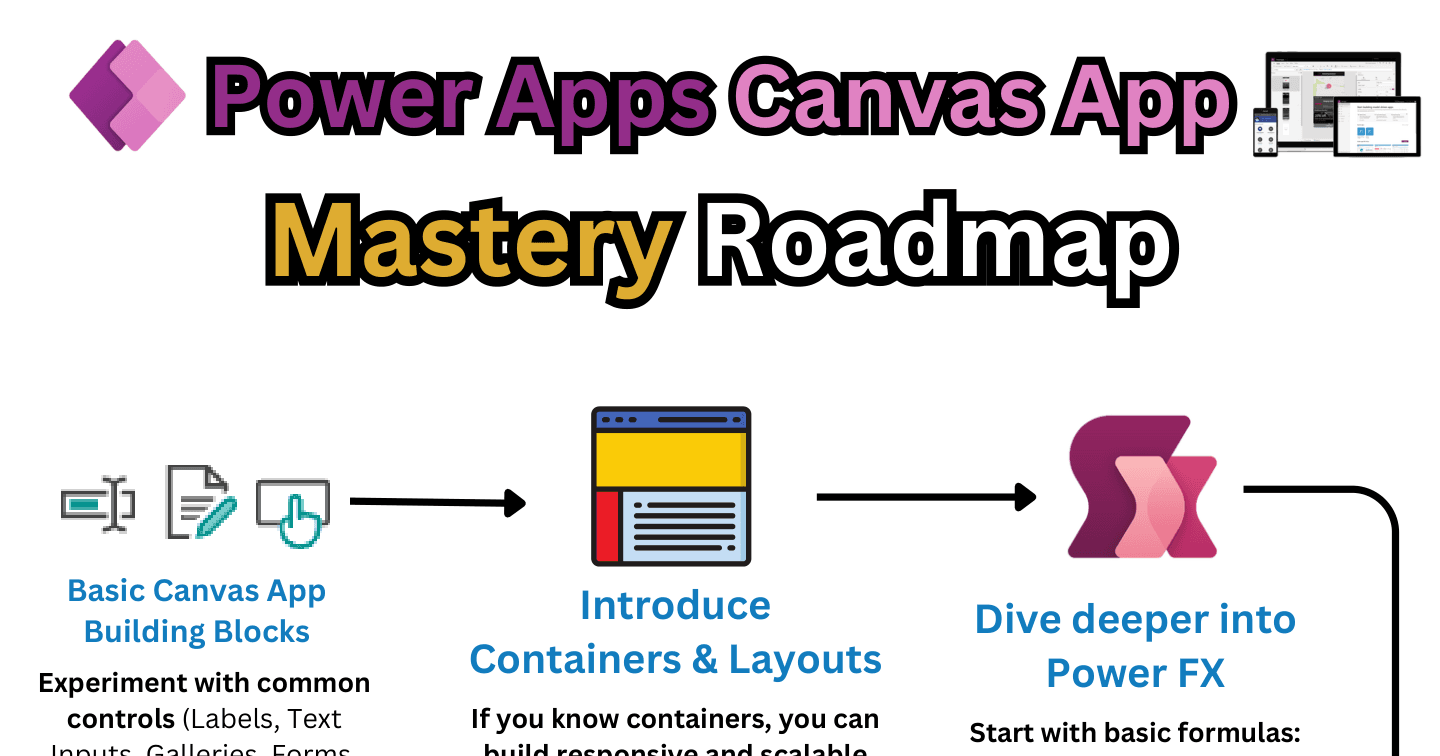
The Canvas Apps Mastery Roadmap: 9 Stages from Controls to PCF

Howdang Rashid
Saturday, 22 August 2026 · 2 min read
Canvas apps are easy to start and hard to master - the gap between "I made an app" and "my apps are fast, responsive, and maintainable" is real. This roadmap closes it in nine stages, each with the community's best free resources (Shane Young, Reza Dorrani, Matthew Devaney, April Dunnam, and more) linked in the hi-res version.
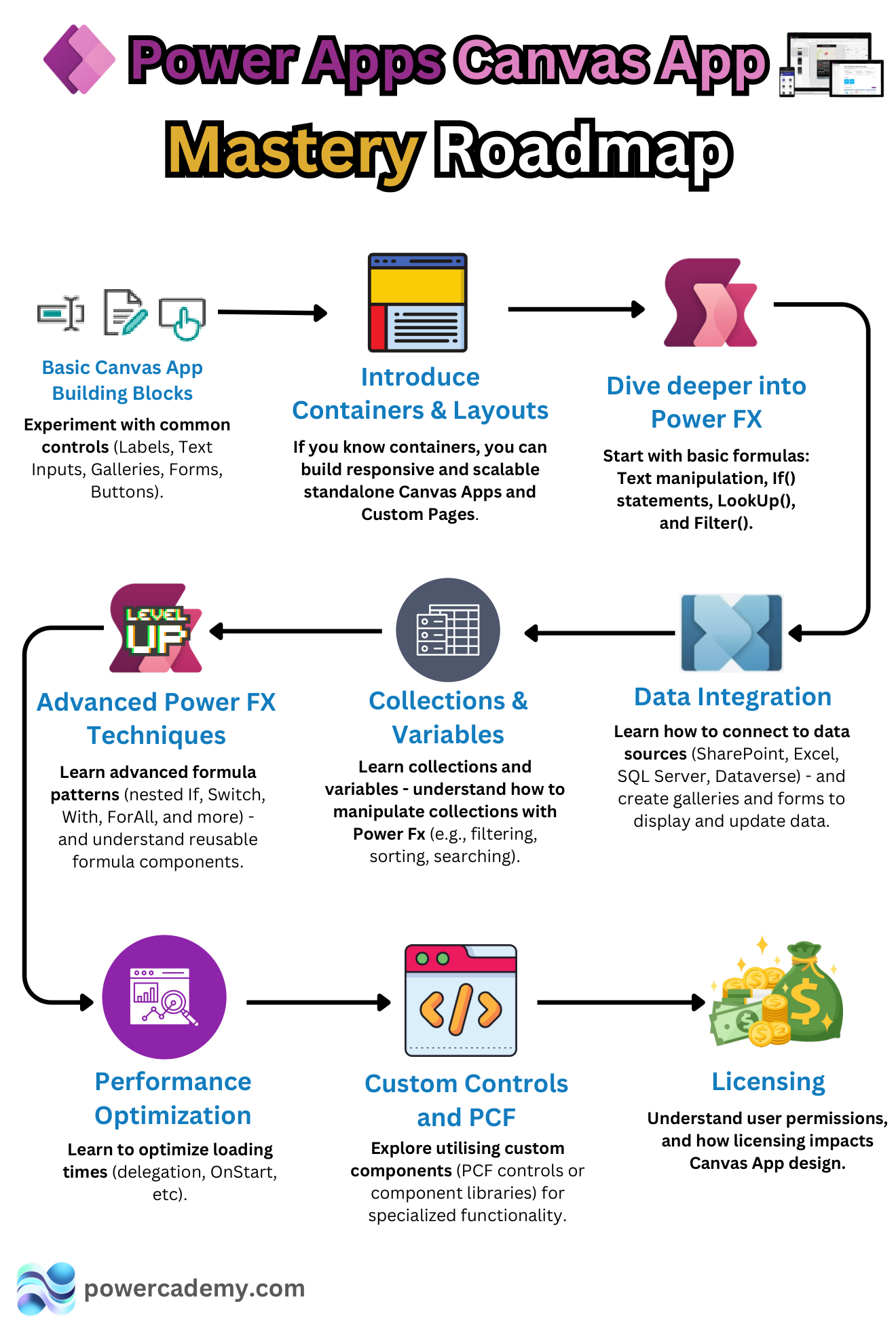
Want the hi-res version with every resource link clickable? It's free in the Powercademy Success Kit.
What are the foundation stages?
1. Basic building blocks - labels, text inputs, galleries, forms, and buttons: the vocabulary of every app you'll ever make.
2. Containers and layouts - once you know containers, you can build responsive, scalable apps and custom pages instead of pixel-pushing.
3. Power Fx fundamentals - text manipulation, If(), LookUp(), Filter(), and the formula reference bookmarked.
What turns builders into developers?
4. Data integration - connect SharePoint, Excel, SQL, and Dataverse, and know which to pick when.
5. Collections and variables - local data handling: filtering, sorting, searching, and the five variable types used deliberately.
6. Advanced Power Fx - Patch(), Switch(), ForAll(), With(), named formulas, and reusable formula patterns.
What makes it professional?
7. Performance optimisation - delegation (the concept that silently breaks more apps than any other), OnStart discipline, and load-time engineering.
8. Custom controls and PCF - component libraries and PCF controls for specialised functionality, out-of-the-box first.
9. Licensing - user permissions and how licensing shapes design decisions before they're expensive.
FAQ
How long does canvas mastery take?
Stages 1-5 in two to three months of consistent building; 6-9 come with real projects over the following six. The stages are cumulative - skipping ahead to PCF before you've internalised Power Fx just hurts twice.
Which creators should I follow for this path?
The sheet links the canon: Shane Young and Reza Dorrani for fundamentals through advanced Power Fx, Matthew Devaney for containers, April Dunnam for Power Fx and OnStart, Carl de Souza and Diana Birkelbach for PCF.
Do I need stage 8 (PCF) at all?
Not to be a strong canvas builder - but knowing what PCF makes possible changes how you scope requirements, and browsing the PCF Gallery beats telling a stakeholder "impossible".
Why is licensing a mastery stage?
Because design decisions ARE licensing decisions: premium connectors, Dataverse, and per-user versus per-app all change the app's cost. Masters design with the licence model in mind from screen one.
The hi-res version with all resource links is in the Powercademy Success Kit - free, along with hundreds of other cheat sheets, roadmaps, and guides for Microsoft professionals.