Canvas Apps vs Model-Driven Apps: The Venn Diagram That Settles It

Howdang Rashid
Saturday, 22 August 2026 · 2 min read
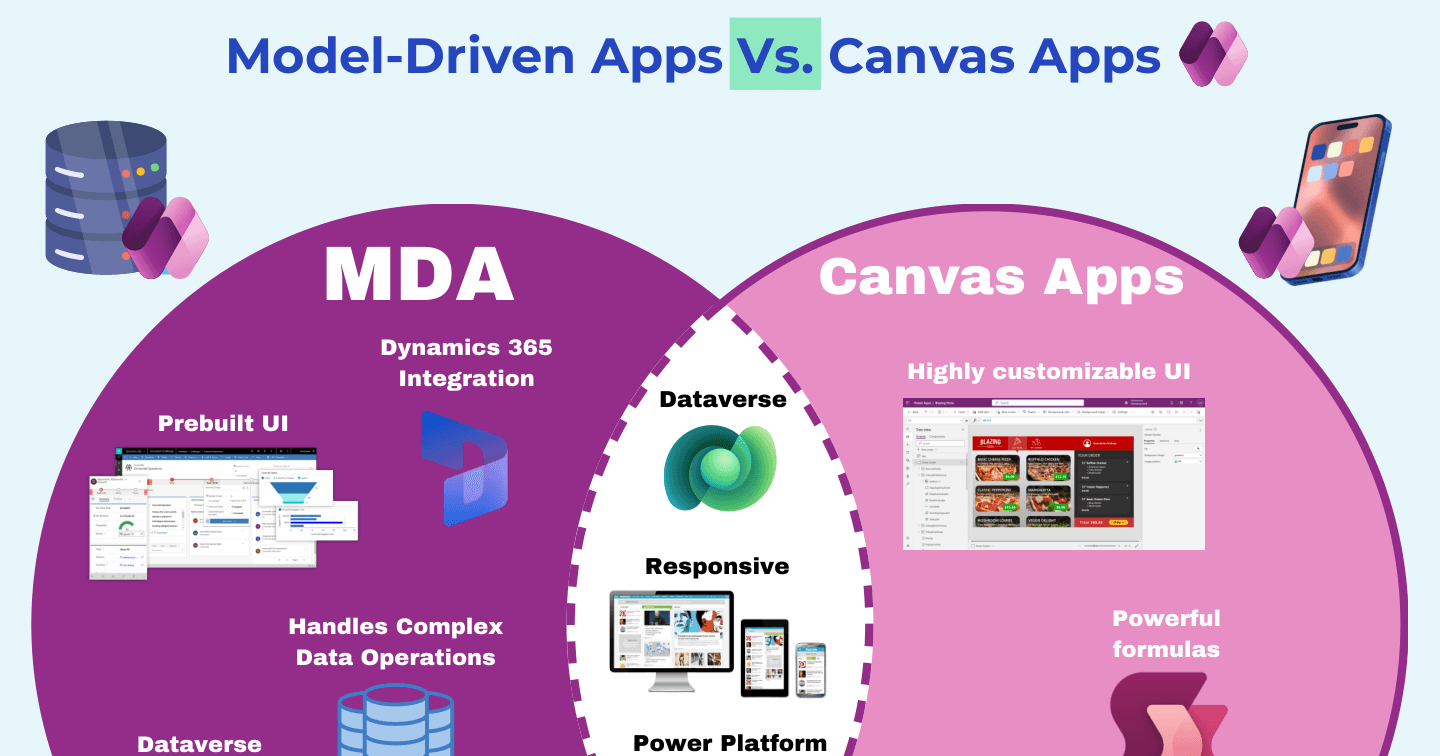
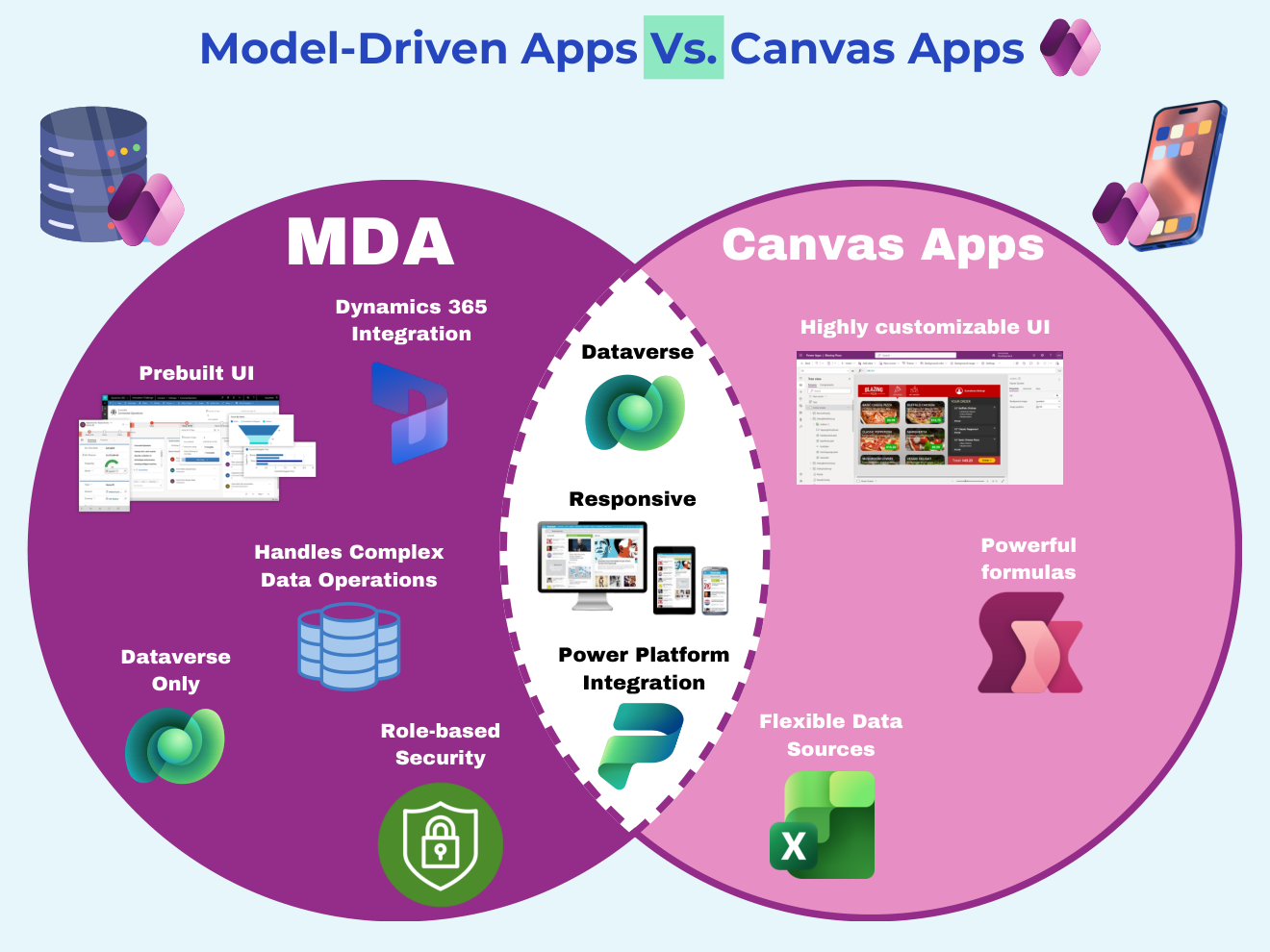
Every canvas-versus-model-driven debate eventually needs this picture: two circles, one shared middle. Canvas apps bring UI freedom and data flexibility; model-driven apps bring generated UI and enterprise structure; and the overlap - responsiveness, Power Platform integration, complex data handling - comes free with either. Here's the whole argument in one diagram.
Want the hi-res version? It's free in the Powercademy Success Kit.
What's unique to canvas apps?
Three things live only in the canvas circle: a highly customisable UI where you control every pixel, flexible data sources (SharePoint, SQL, Excel, and 1,500+ connectors - not just Dataverse), and powerful Power Fx formulas driving behaviour anywhere in the app. If the experience is the product, canvas is your circle.
What's unique to model-driven apps?
The model-driven circle is structure: a prebuilt UI generated from your data model, role-based security down to rows and columns, and native Dynamics 365 integration - because D365 apps ARE model-driven apps. The trade: model-driven runs on Dataverse only. That constraint is exactly what buys the structure.
What do both share?
The overlap is bigger than people expect: both are responsive, both get full Power Platform integration (flows, AI Builder, Copilot Studio agents), and both can handle complex data operations when built well. The decision isn't about capability ceilings - it's about which circle's unique strengths your app actually needs.
FAQ
Which should a beginner learn first?
Canvas - the drag-and-drop feedback loop teaches platform concepts fastest. Then learn Dataverse properly, and model-driven apps will feel like a reward rather than a leap.
Does custom pages break this diagram?
It bridges it: custom pages put canvas-style authoring inside model-driven apps, letting one app take strengths from both circles. The diagram still decides which side hosts the app.
Is one cheaper than the other?
Model-driven always needs premium licences (Dataverse); canvas can run on standard connectors like SharePoint. But if your requirements sit in the shared middle at scale, you'll want Dataverse either way - compare total build cost, not just licences.
Where do code apps fit on this diagram?
A third circle for pro-code: full React control with Power Platform plumbing. It overlaps canvas on UI freedom and model-driven on Dataverse depth - and earns its place when either low-code circle hits its ceiling.
The hi-res version is in the Powercademy Success Kit - free, along with hundreds of other cheat sheets, roadmaps, and guides for Microsoft professionals.